STANDARD · FREE
A starting point you can make your own.
The complete core workflow with the built-in Apex Blue design. Use it as supplied or customize the layouts, fields and scripts.
Get free StandardFILESOFT SALES STARTER · 1.0.0
Connect companies and contacts with opportunities, activities, quotes, invoices and payment records.
Start with free Standard, or choose Premium Spring Garden for a coordinated Filesoft design.
FileMaker Pro required, sold separately. Tested in 19 and 26 on macOS. Also tested on Windows. Read the full requirements.
Both editions include the core Sales Starter workflow. Choose the presentation you want to work with.
Both are unlocked FileMaker files, supplied empty with a Read Me. FileMaker Pro is required separately; check this product’s compatibility.
Already using Standard? Premium is a separate empty file. It does not transfer your records or merge your customizations automatically. Keep your working file; migration is a separately scoped service.
Both editions include: Companies, contacts, opportunities, follow-ups, products, quotes, invoices, payment records and PDF export. Both let you edit FileMaker layouts, fields and scripts.
| Your choice | Standard | Premium |
|---|---|---|
| Price | Free | US$99 one-time |
| Presentation | Built-in Apex Blue | Filesoft Spring Garden |
| Starting file | Empty, editable file | Separate empty, editable file |
| Delivery | Name and email required; private link lasts seven days | Private link emailed after confirmed PayPal payment; lasts 30 days |
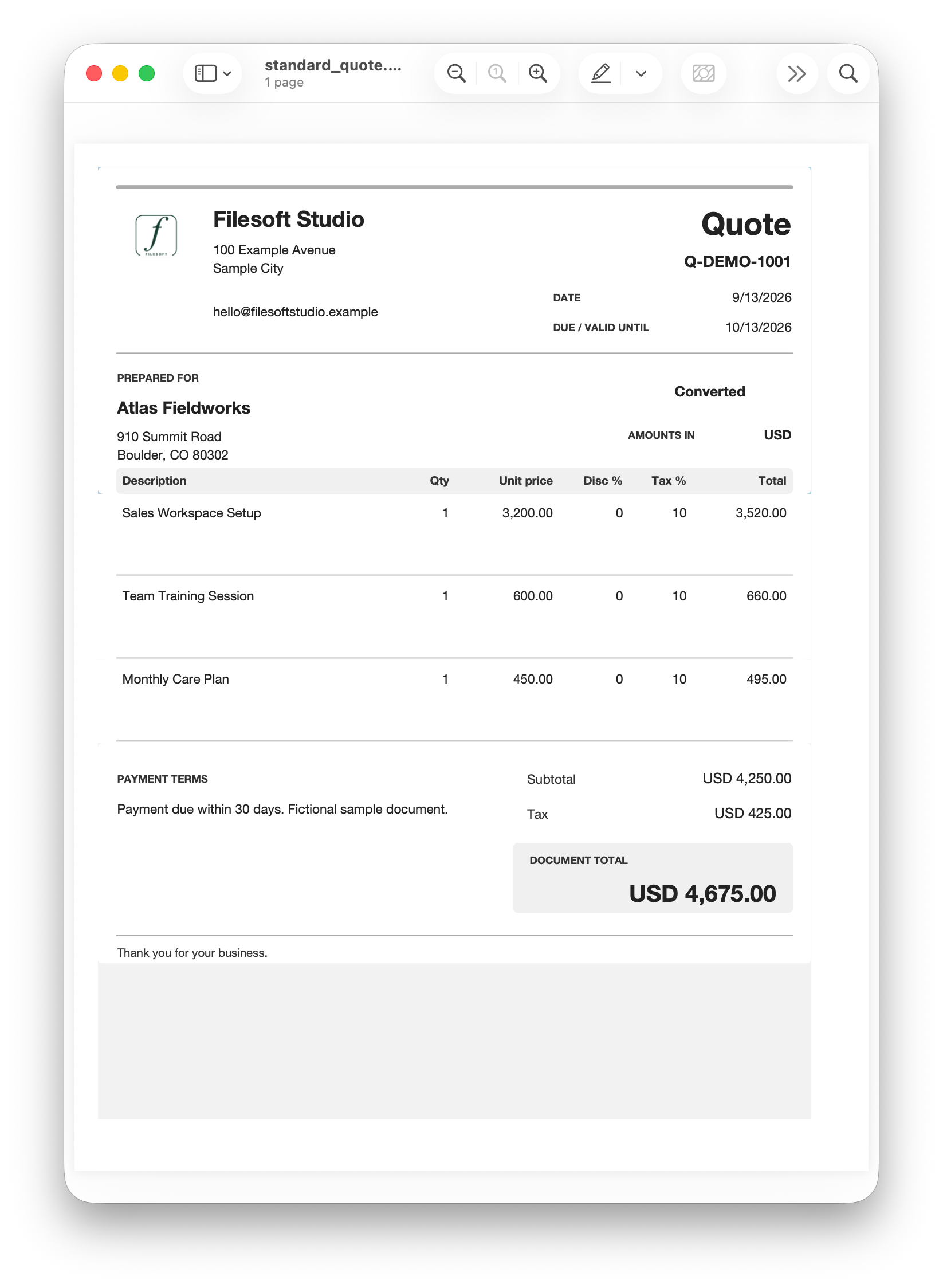
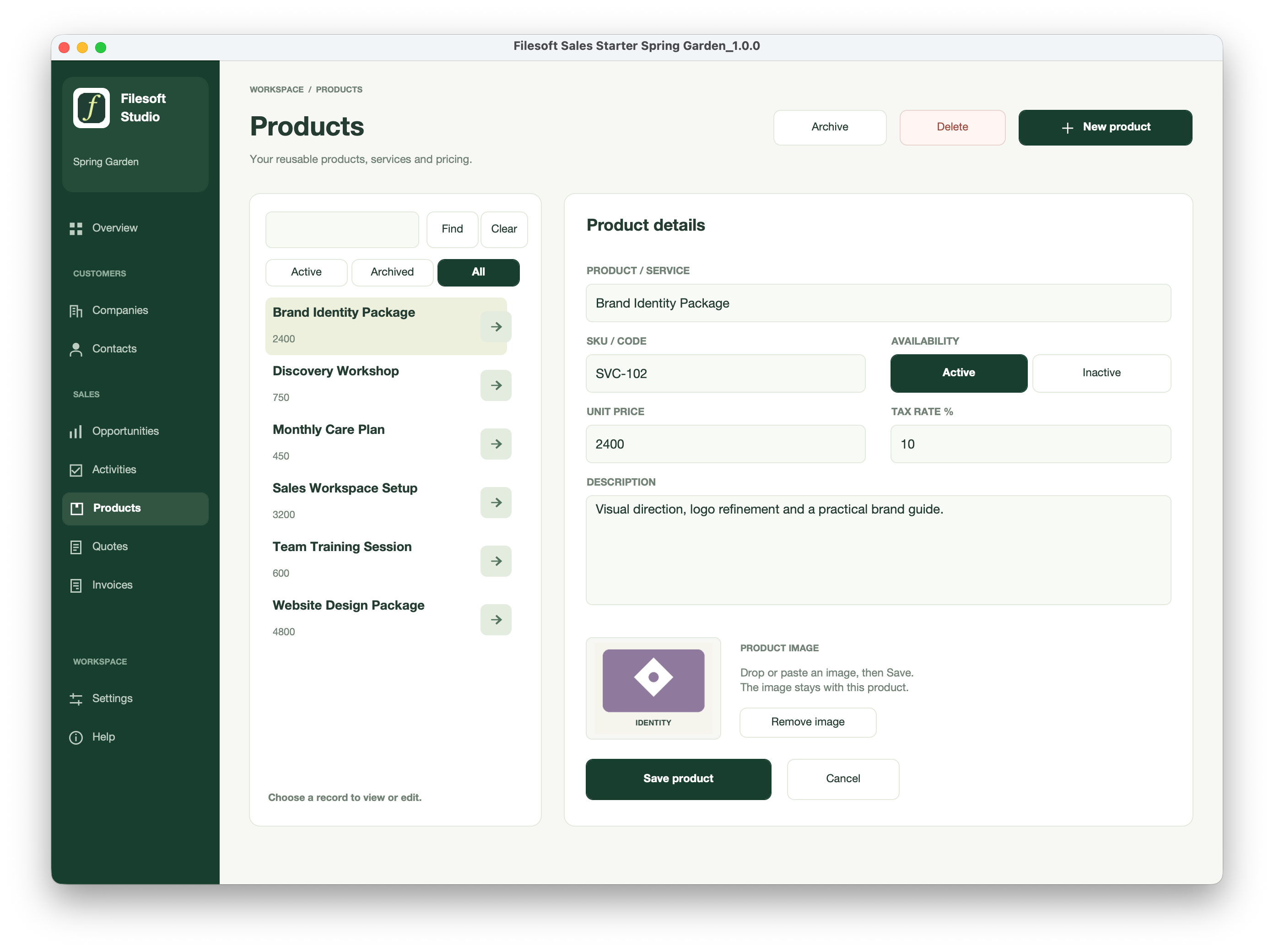
Spring Garden groups the pipeline by stage in a dark green summary, pairs receivables with next actions, and carries its green headings and total panels into quotes and invoices.
Standard — Free
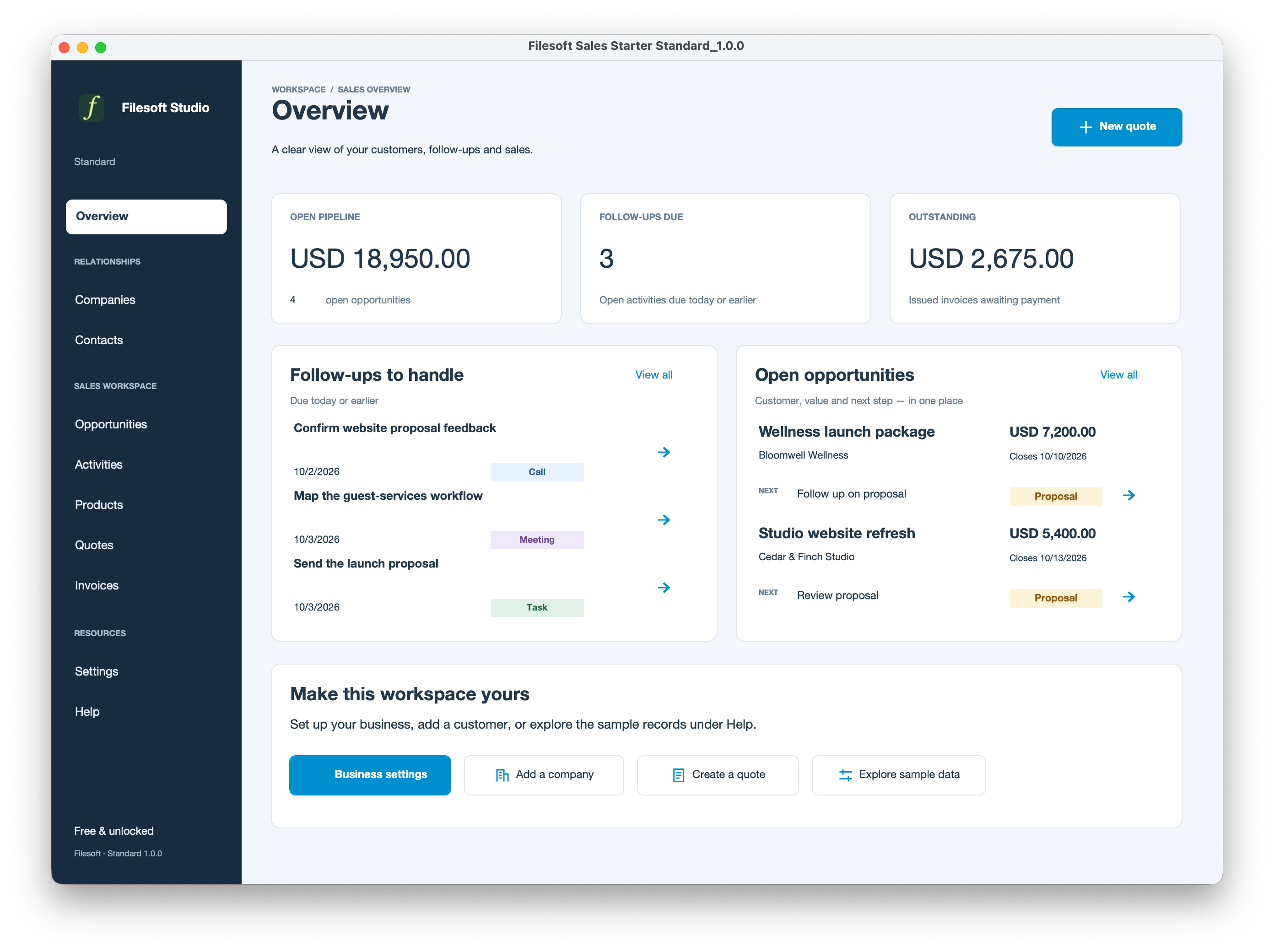
Premium — Spring Garden
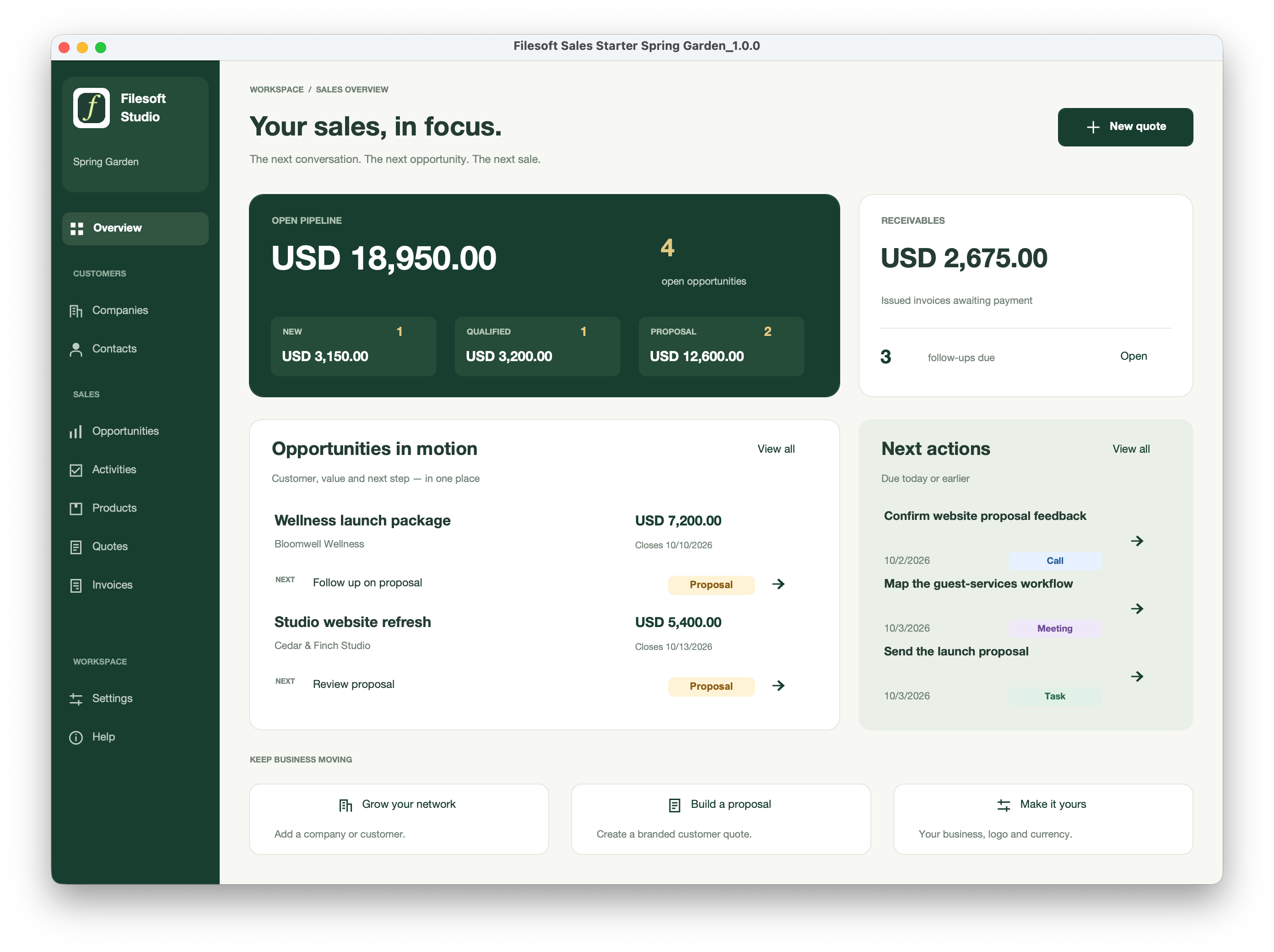
Standard — Free
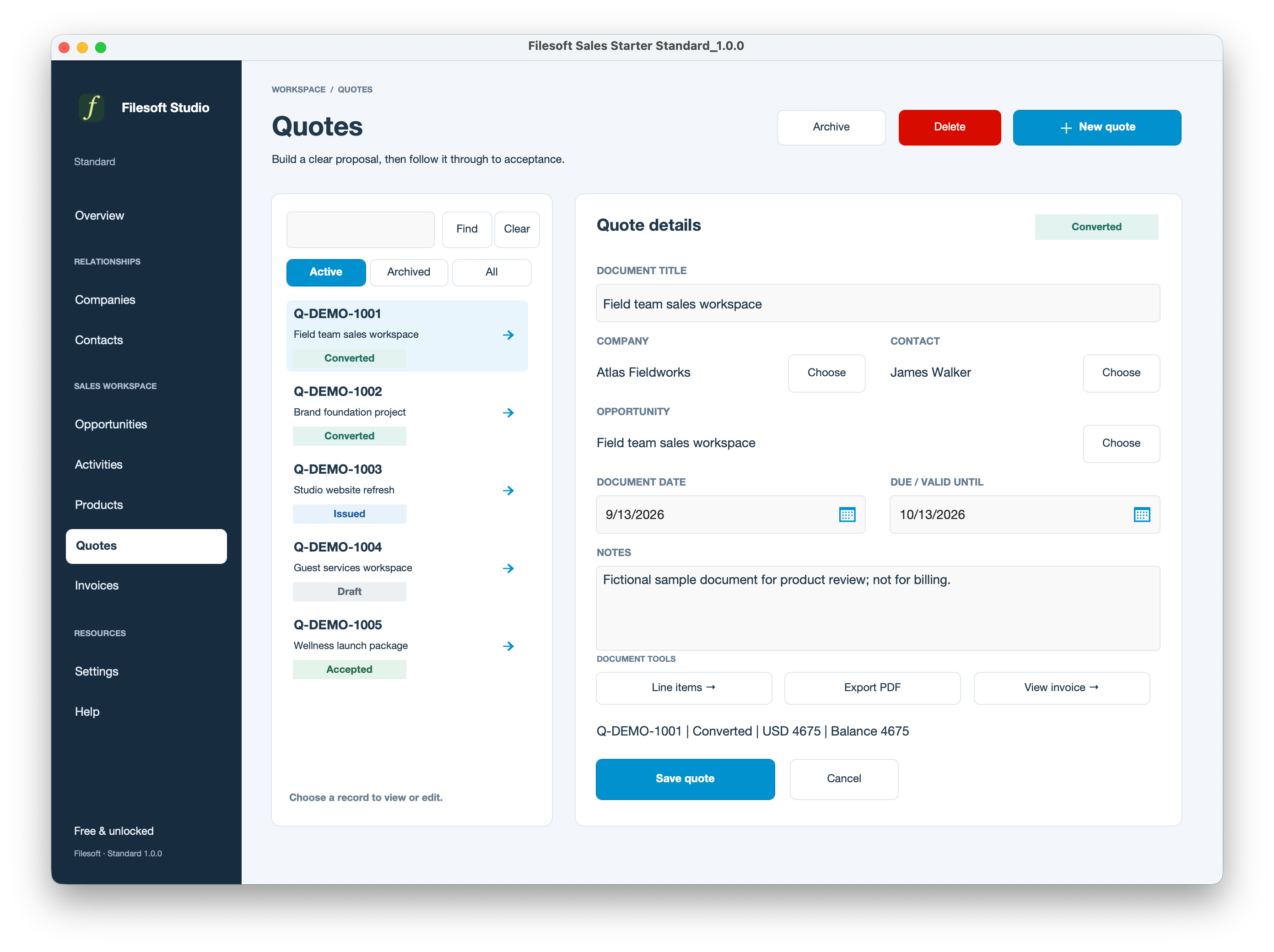
Premium — Spring Garden
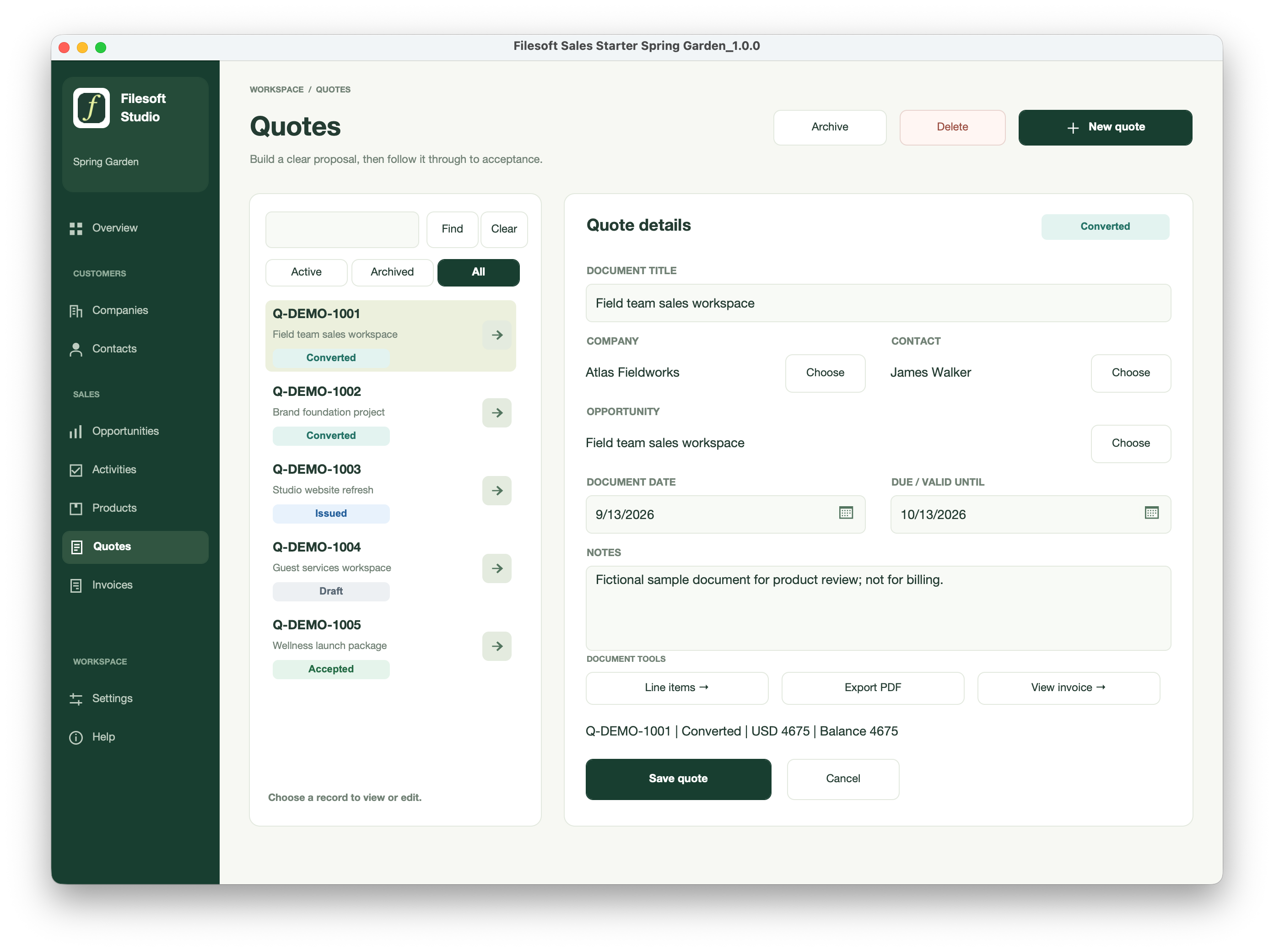
Standard — Free
Premium — Spring Garden
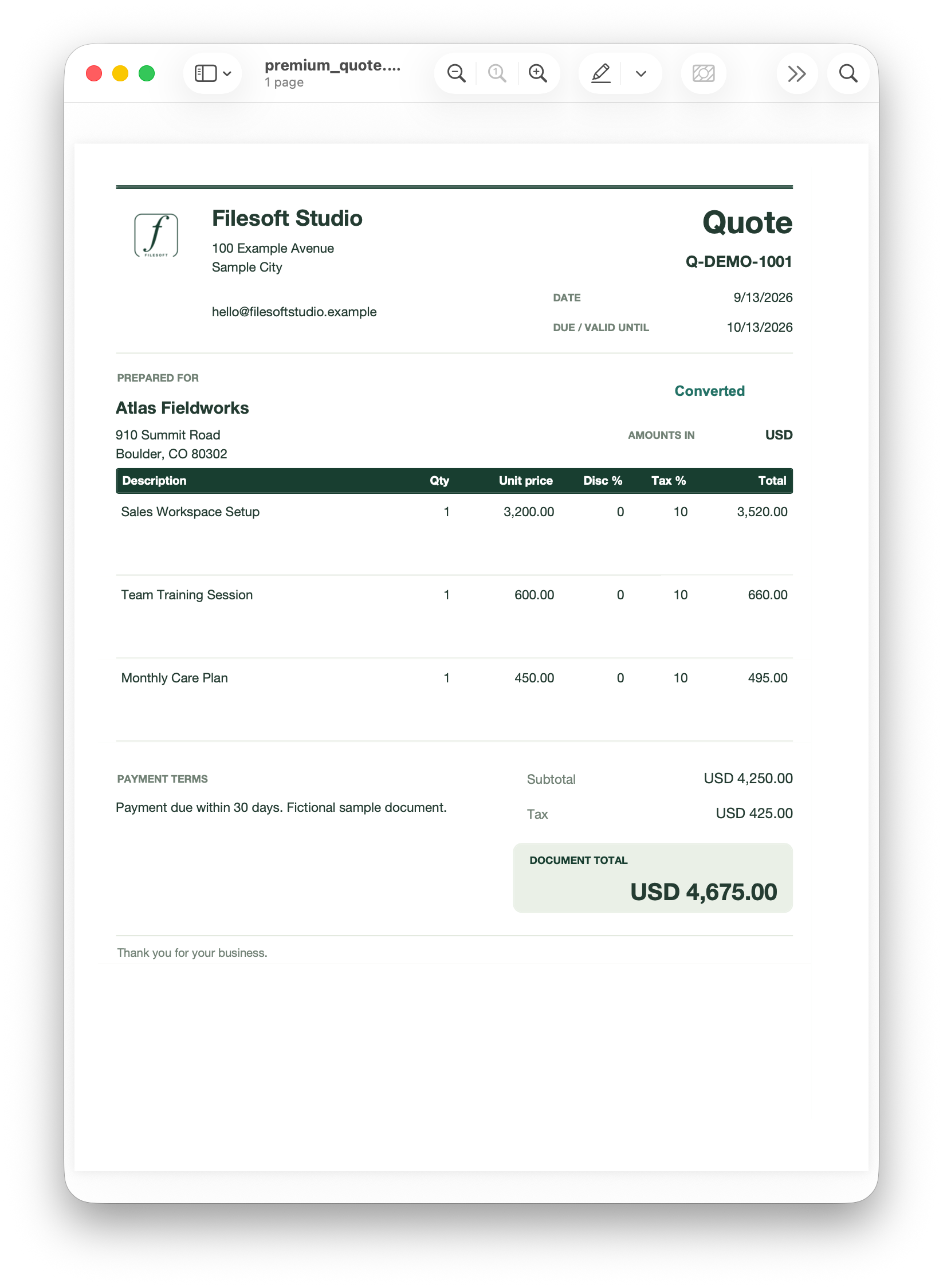
These are original screenshots of PDF output, not downloadable PDF files. PDF export is included in both editions.
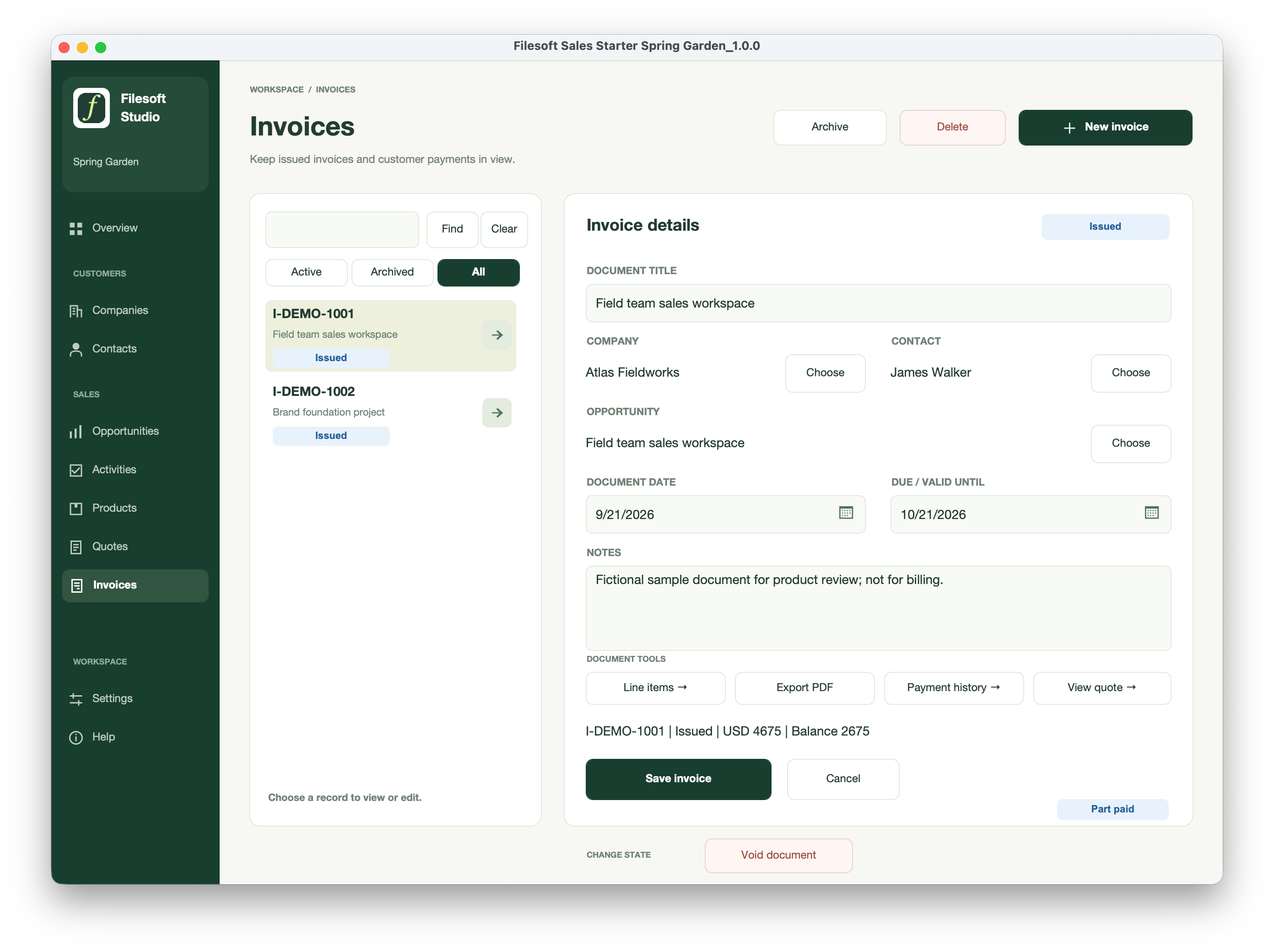
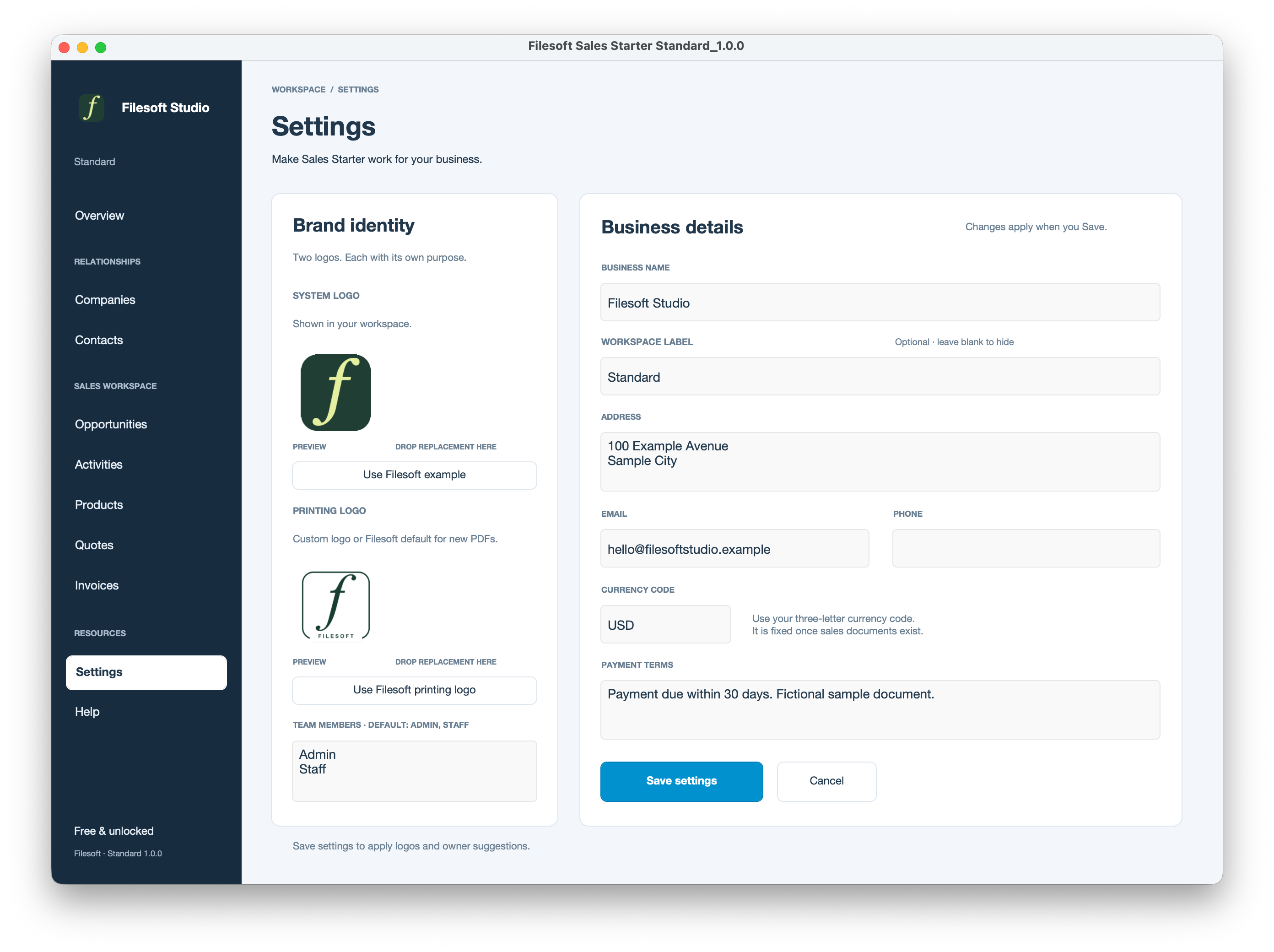
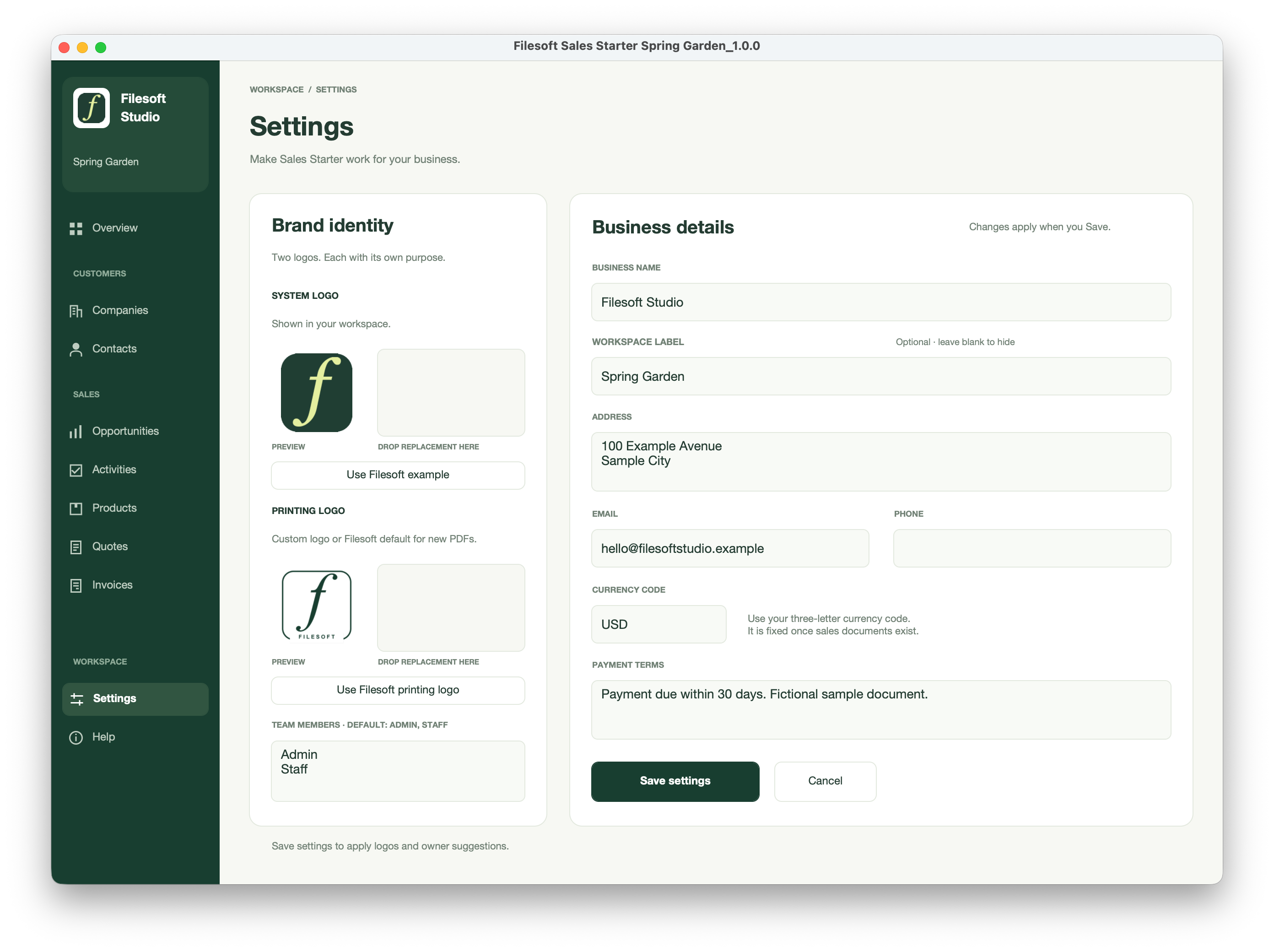
These are version 1.0.0 screenshots with fictional examples. Original framing and presentation are preserved; open full size to inspect the details.
FOLLOW THE WORKFLOW
A three-step tour of the included workflow. Standard and Premium share these capabilities; the screenshots below show free Standard. Downloads start empty, with optional fictional samples available in Help.
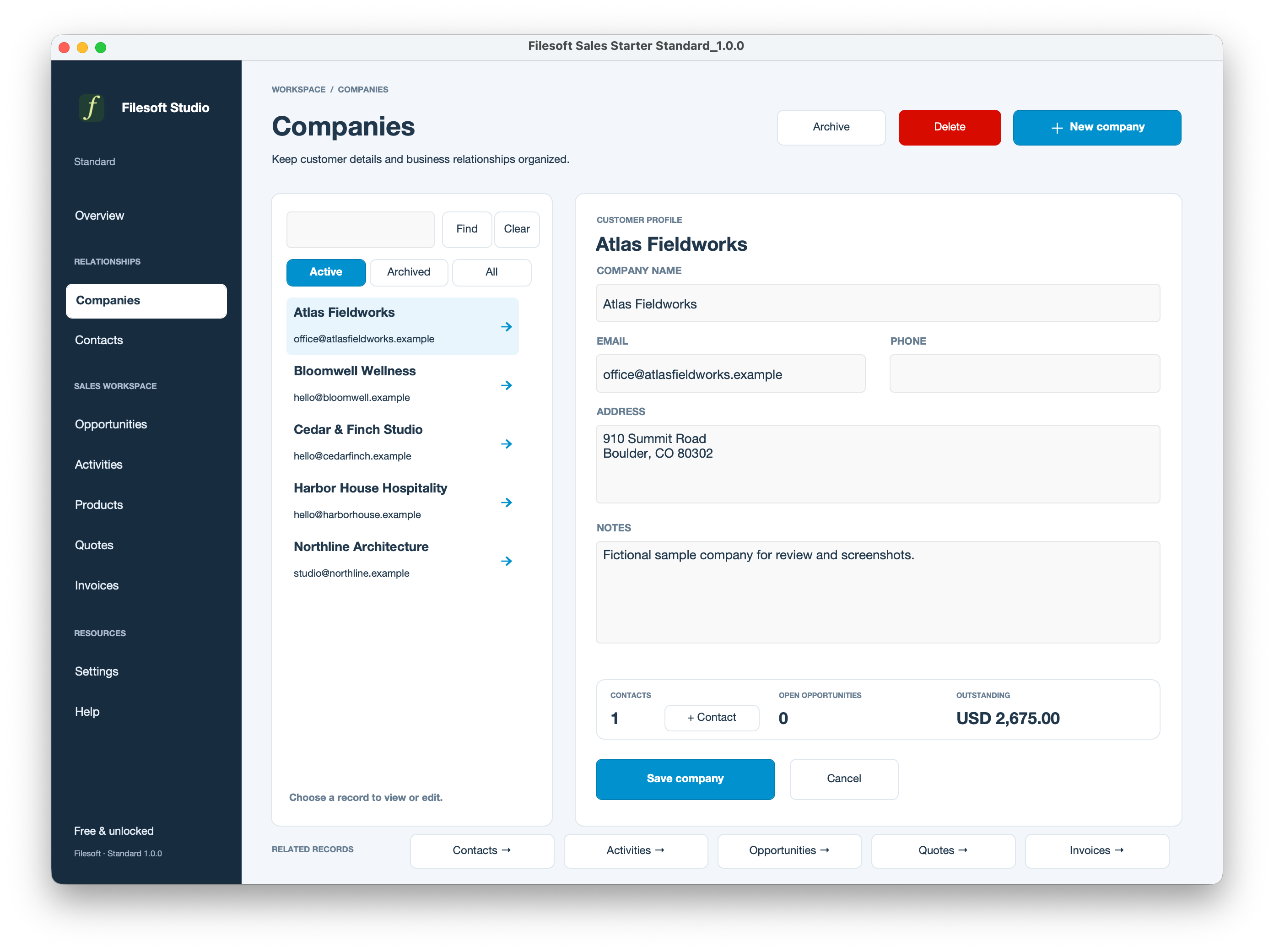
Keep the company’s contact details and related records together. Open the customer record before preparing a quote so the document belongs to the right business.
Add products or services and review the quantities, prices and tax. Export the quote PDF for review; the sample shown has already been converted and includes a link to its invoice.
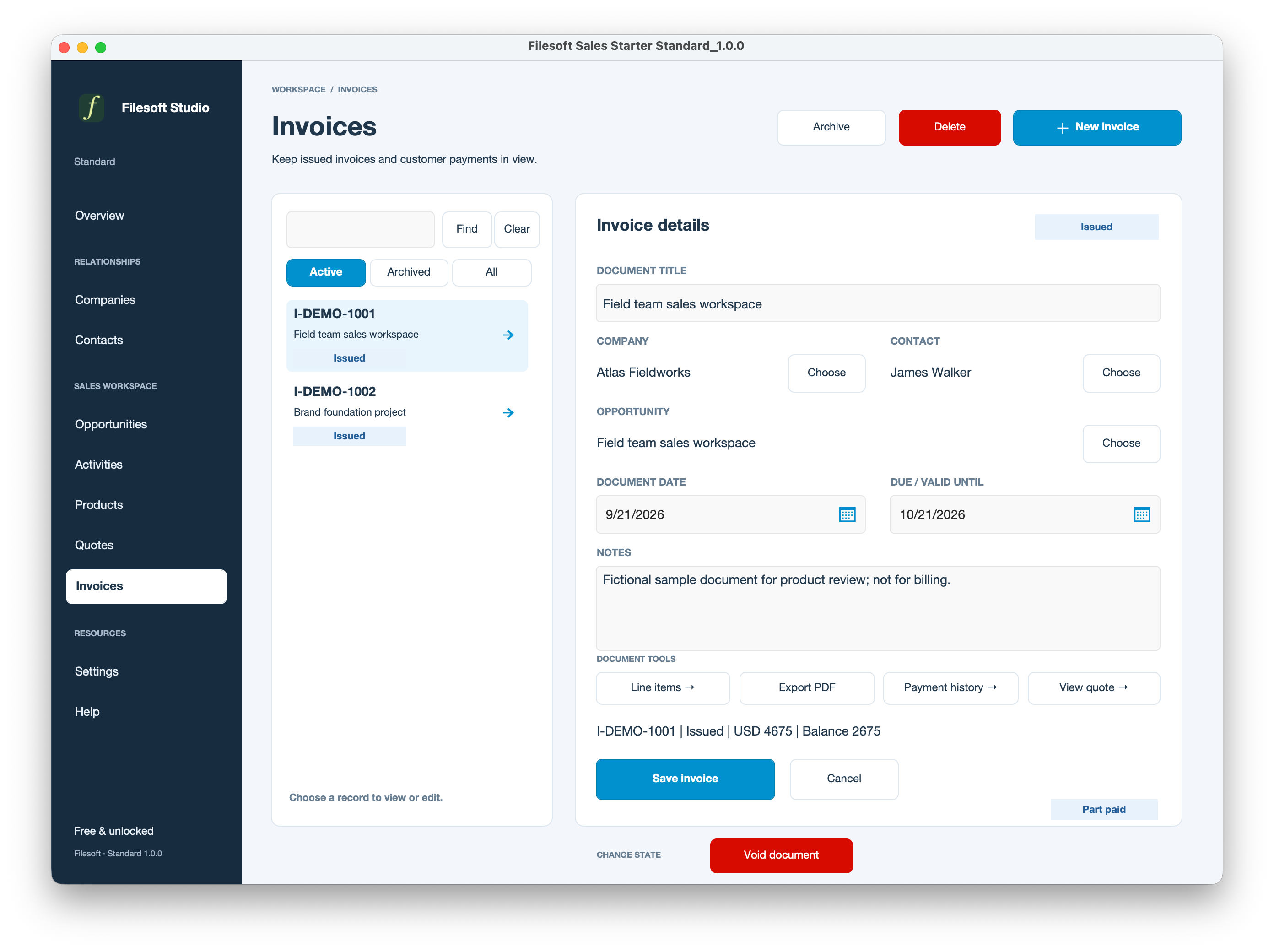
Open the invoice and record payments as they arrive. The sample shows a part-paid invoice and its payment history. Recording a payment here does not charge a card or move money.
A CLOSER LOOK
Original application screenshots with fictional sample records. Open any image to view it at full size.
Standard
Premium Spring Garden
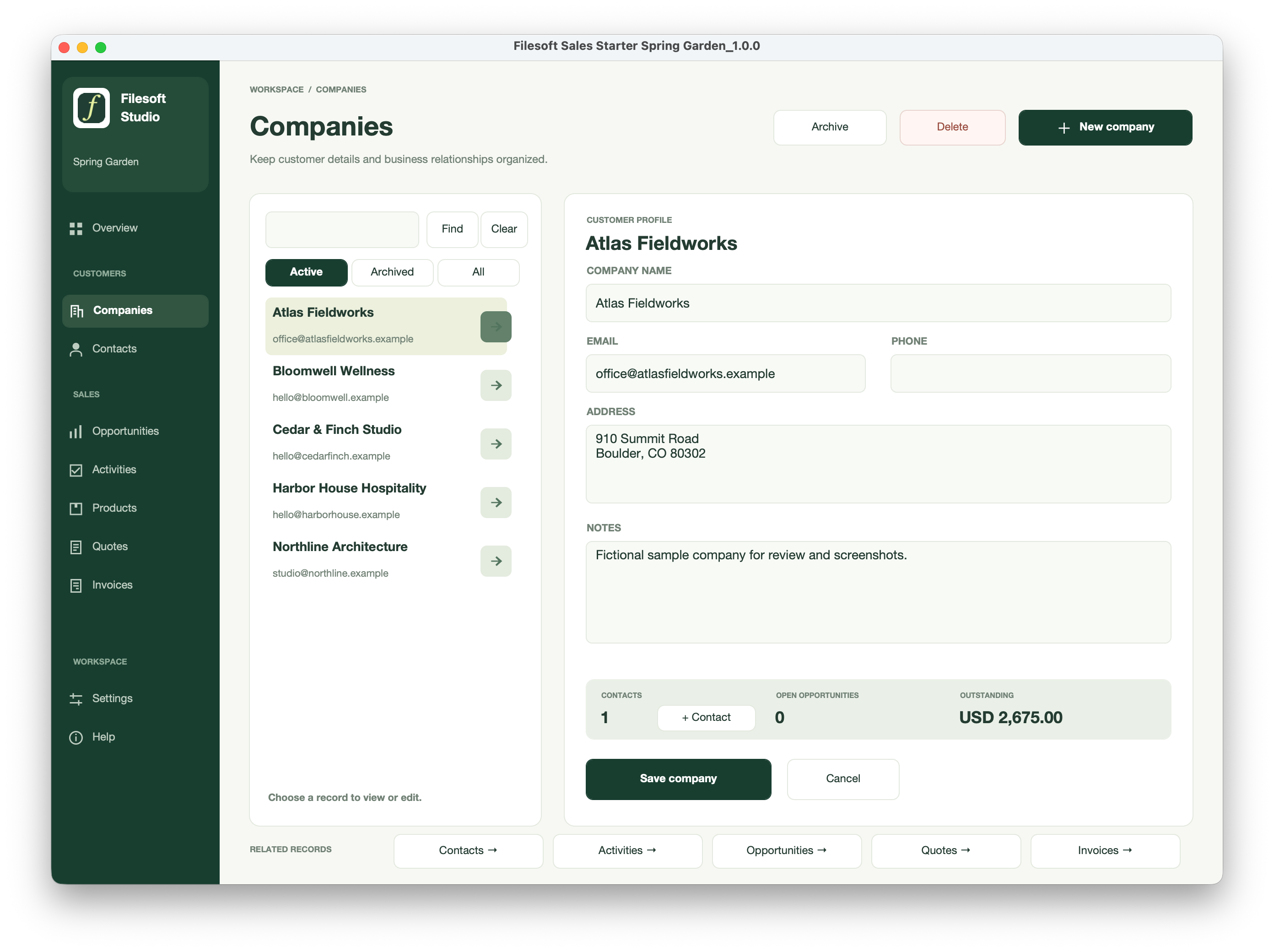
Standard
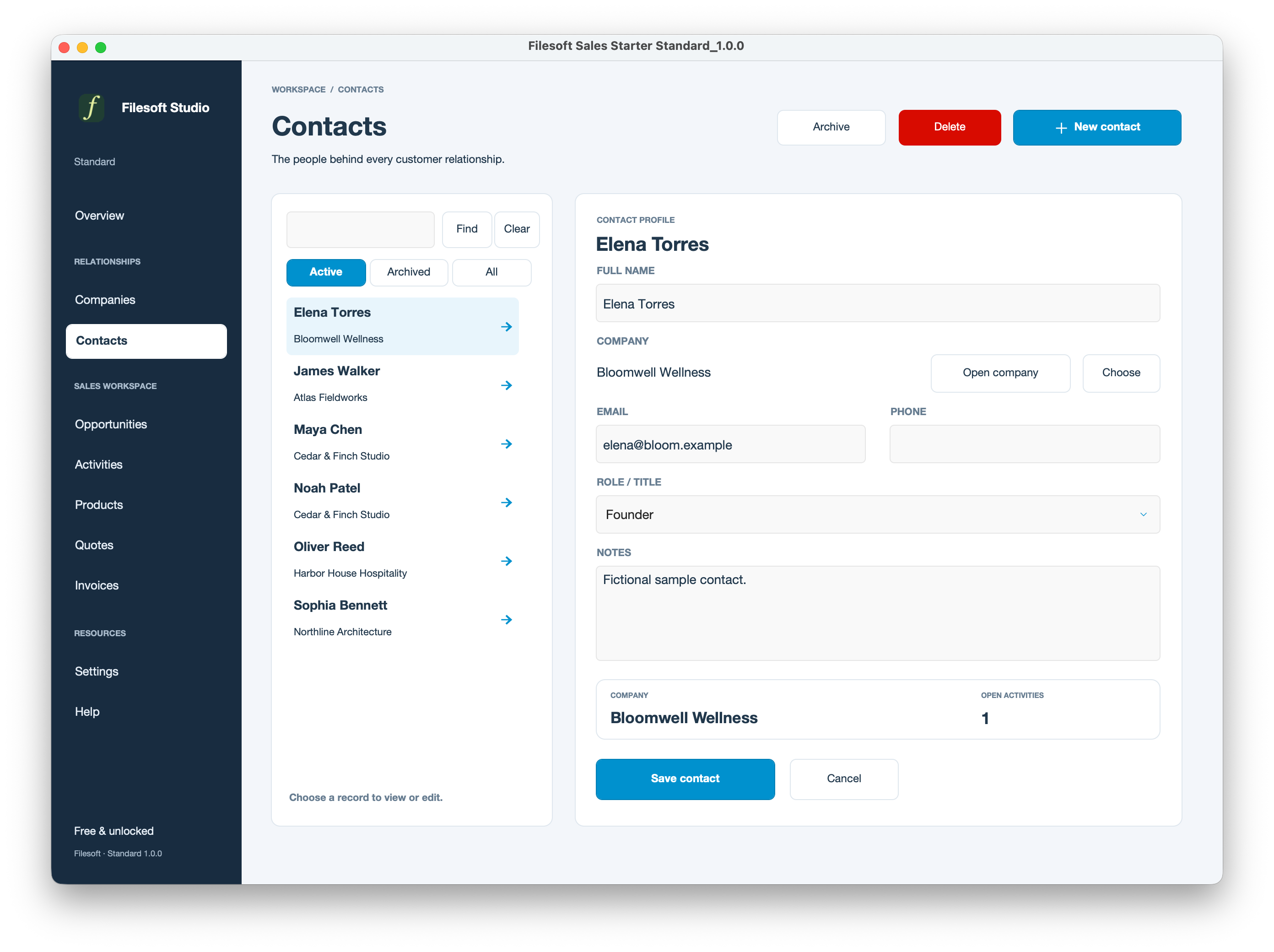
Premium Spring Garden
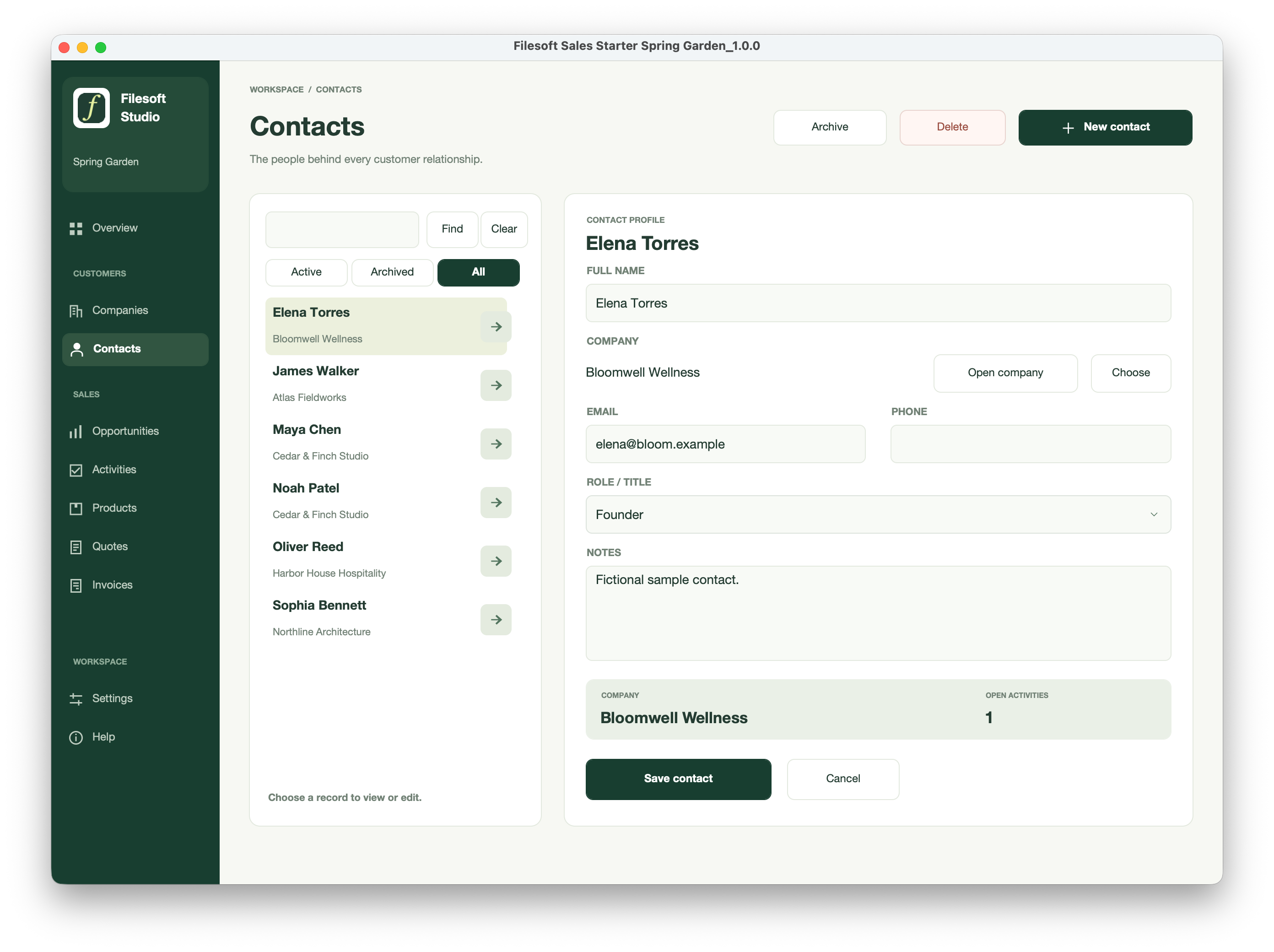
Standard
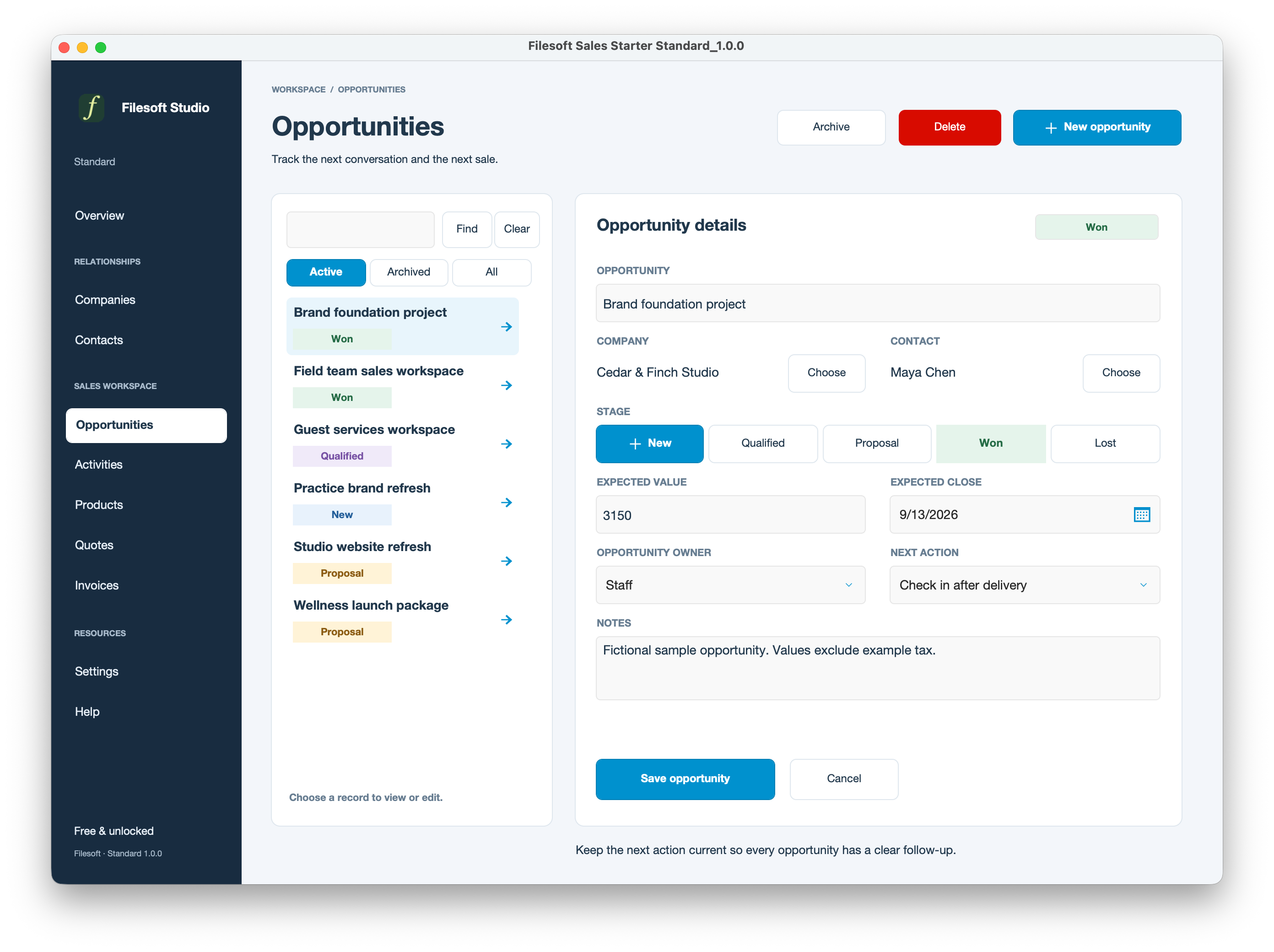
Premium Spring Garden
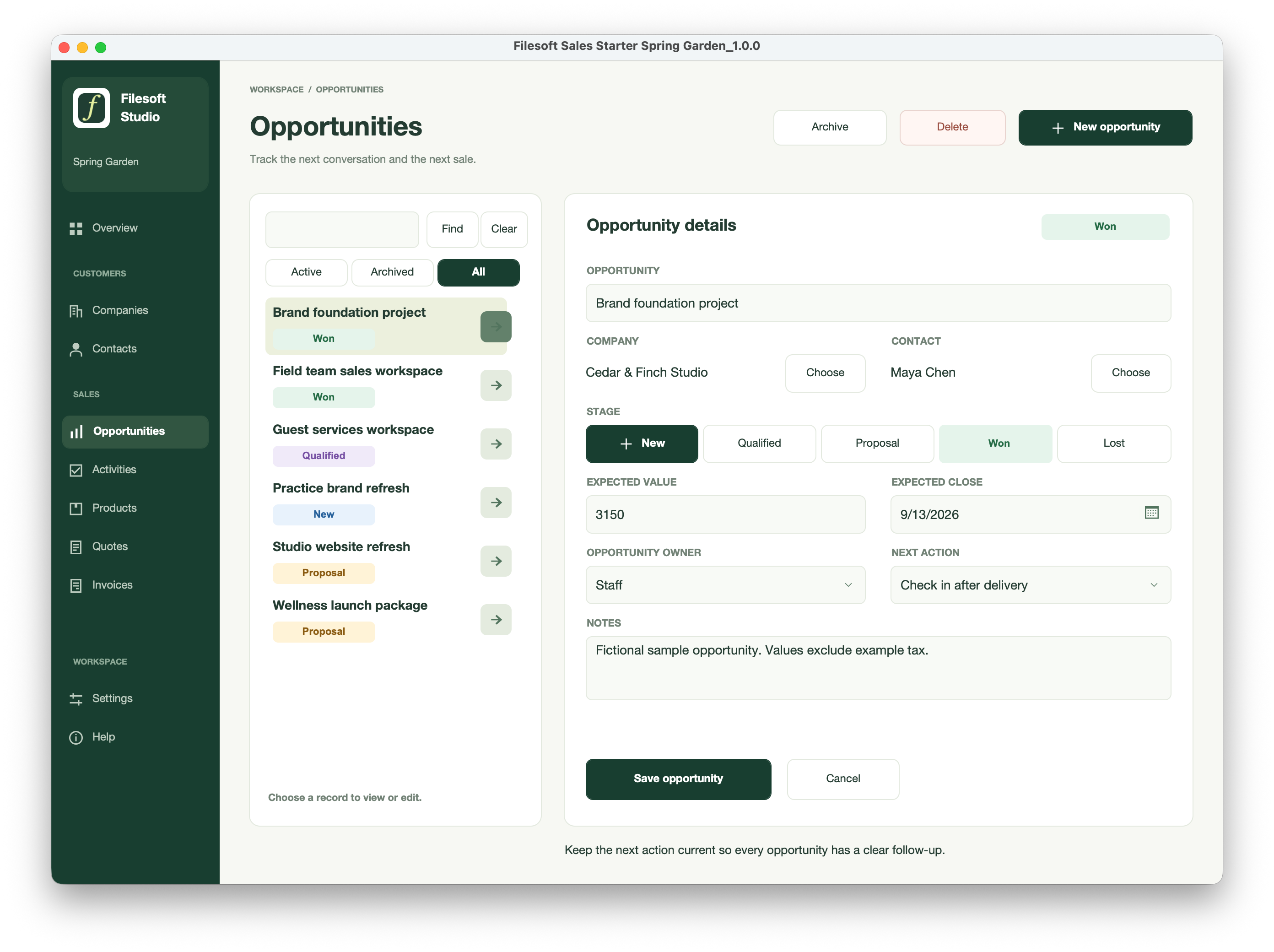
Standard
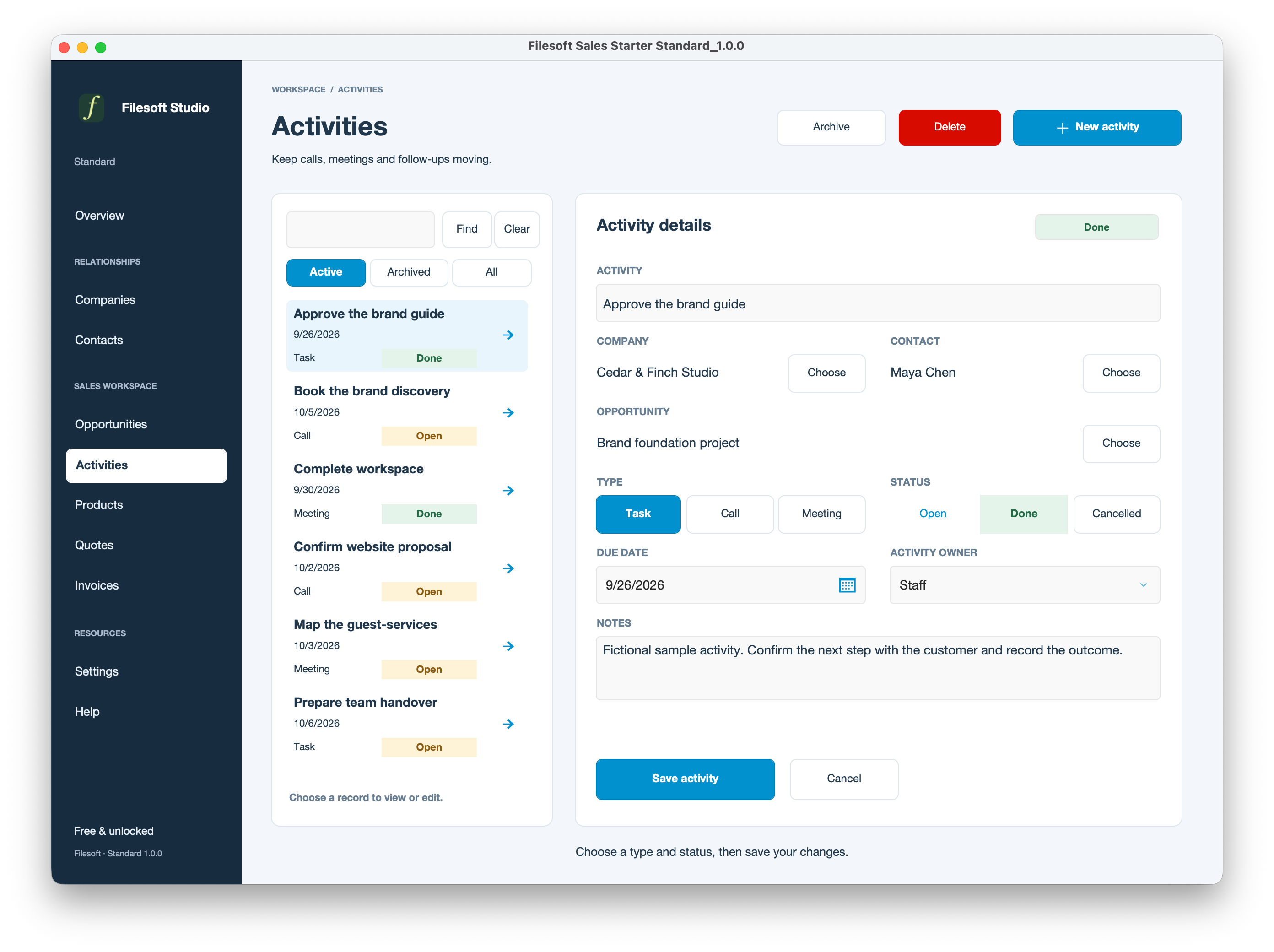
Premium Spring Garden
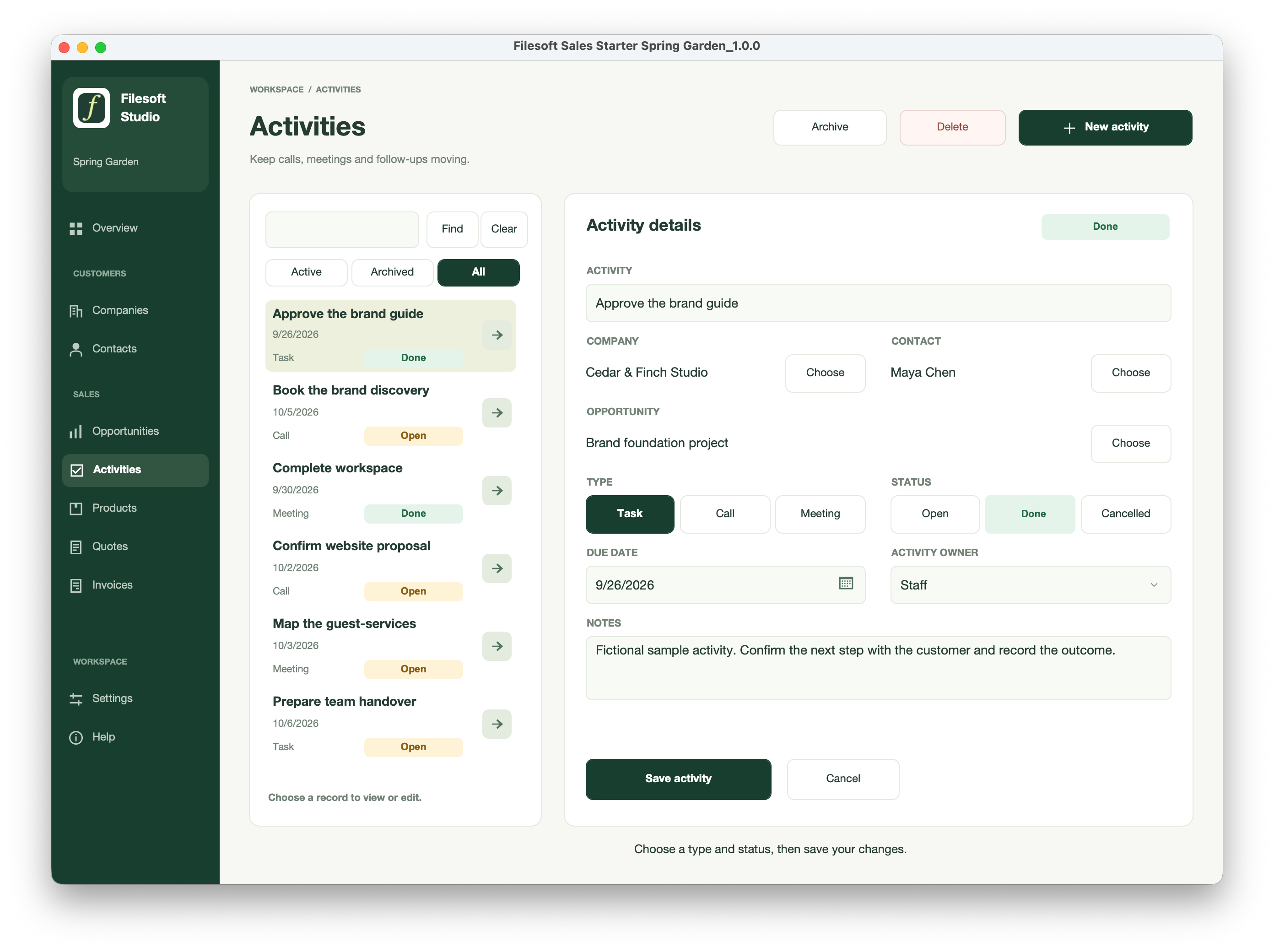
Standard
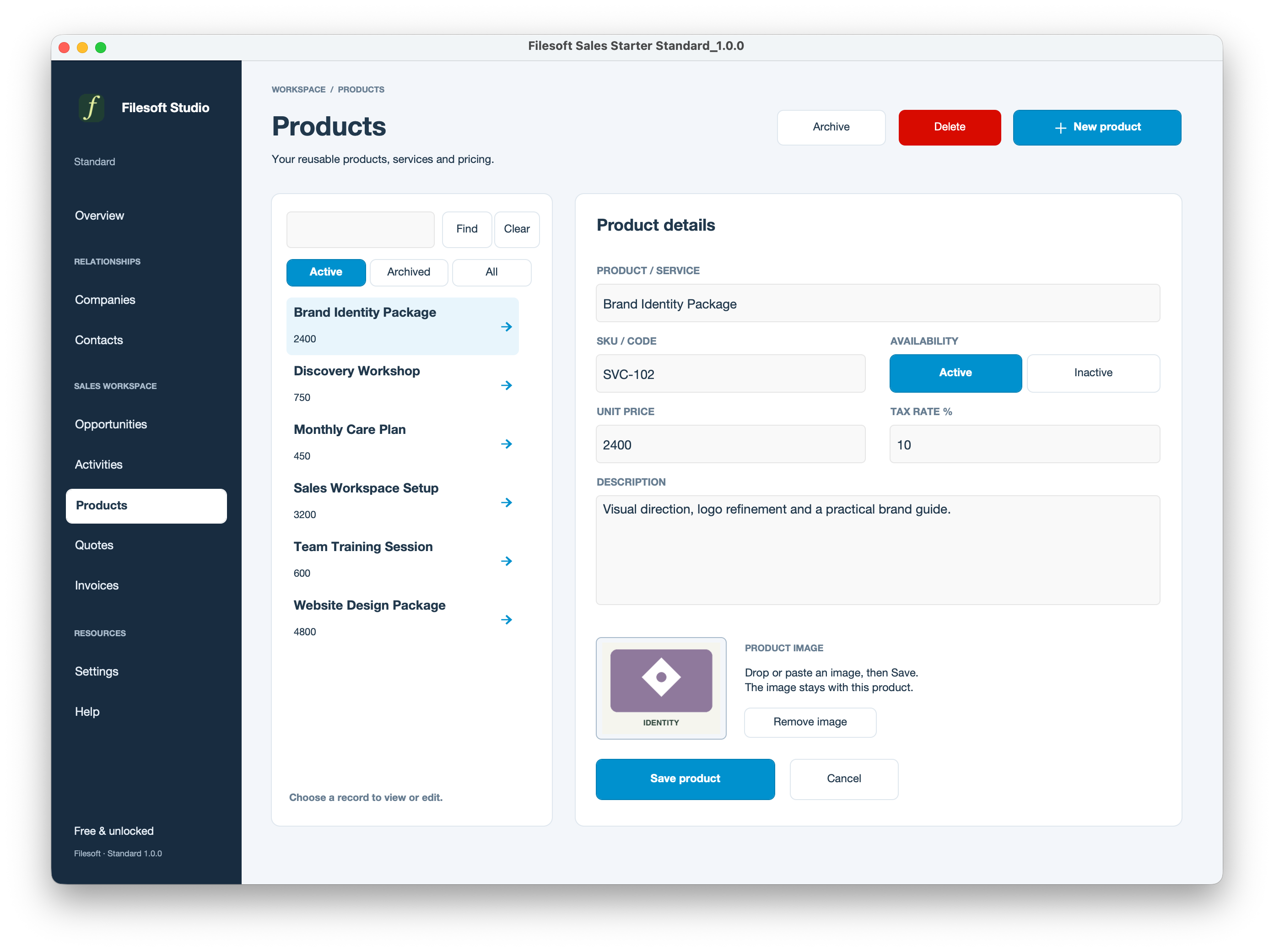
Premium Spring Garden
Standard
Premium Spring Garden
Standard
Premium Spring Garden
Standard
Premium Spring Garden
Standard
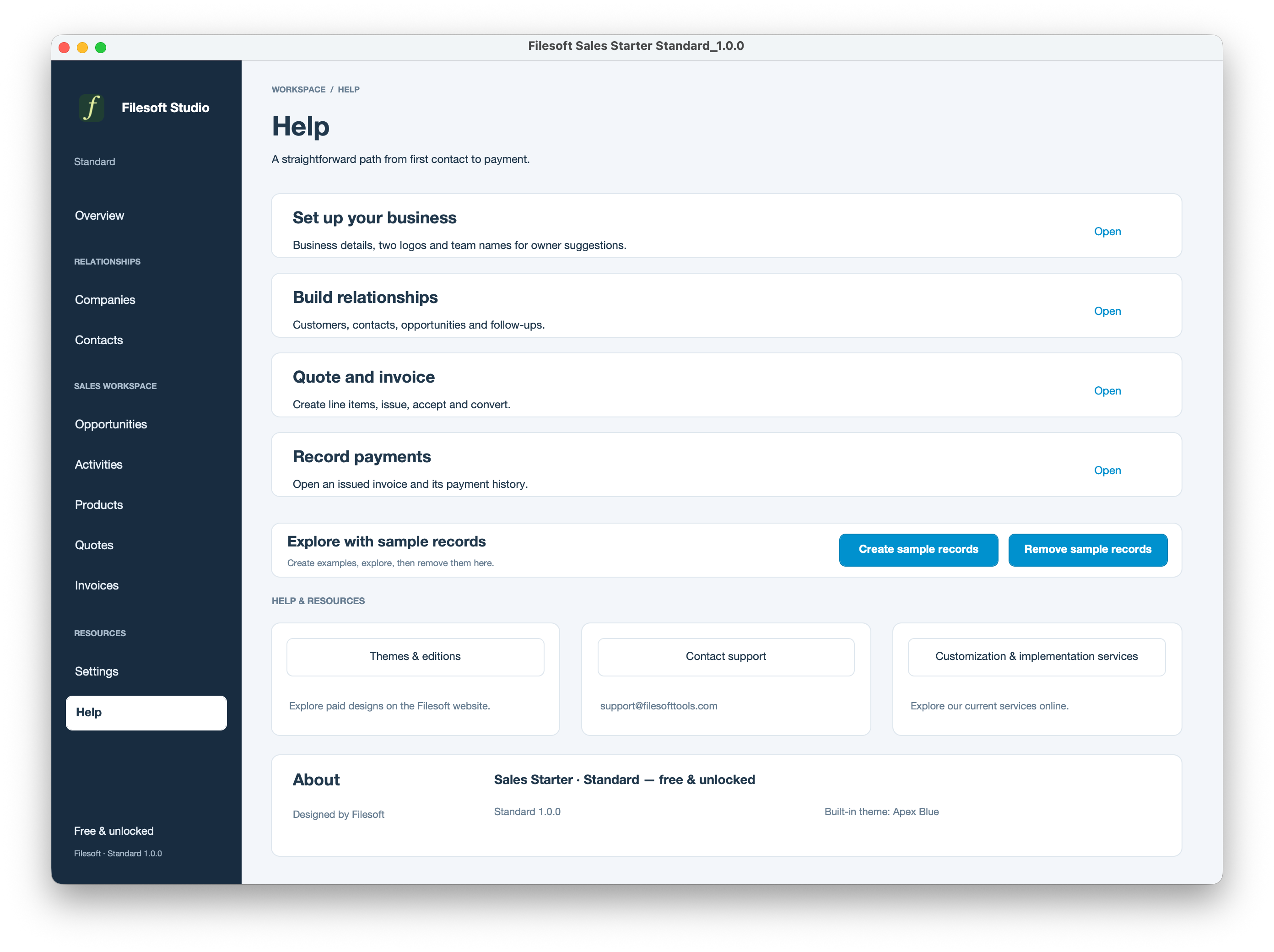
Premium Spring Garden
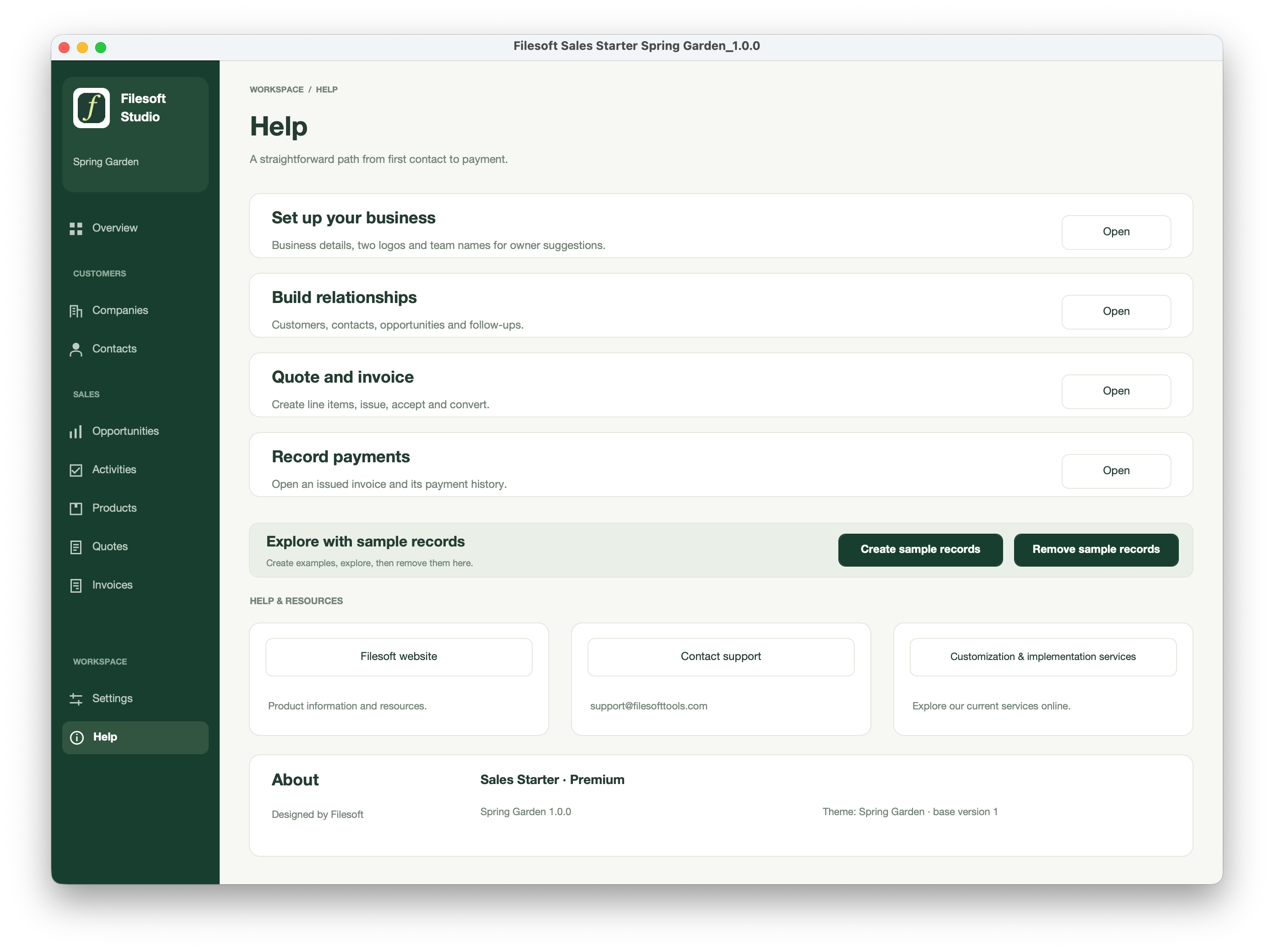
Standard
Premium Spring Garden
Standard
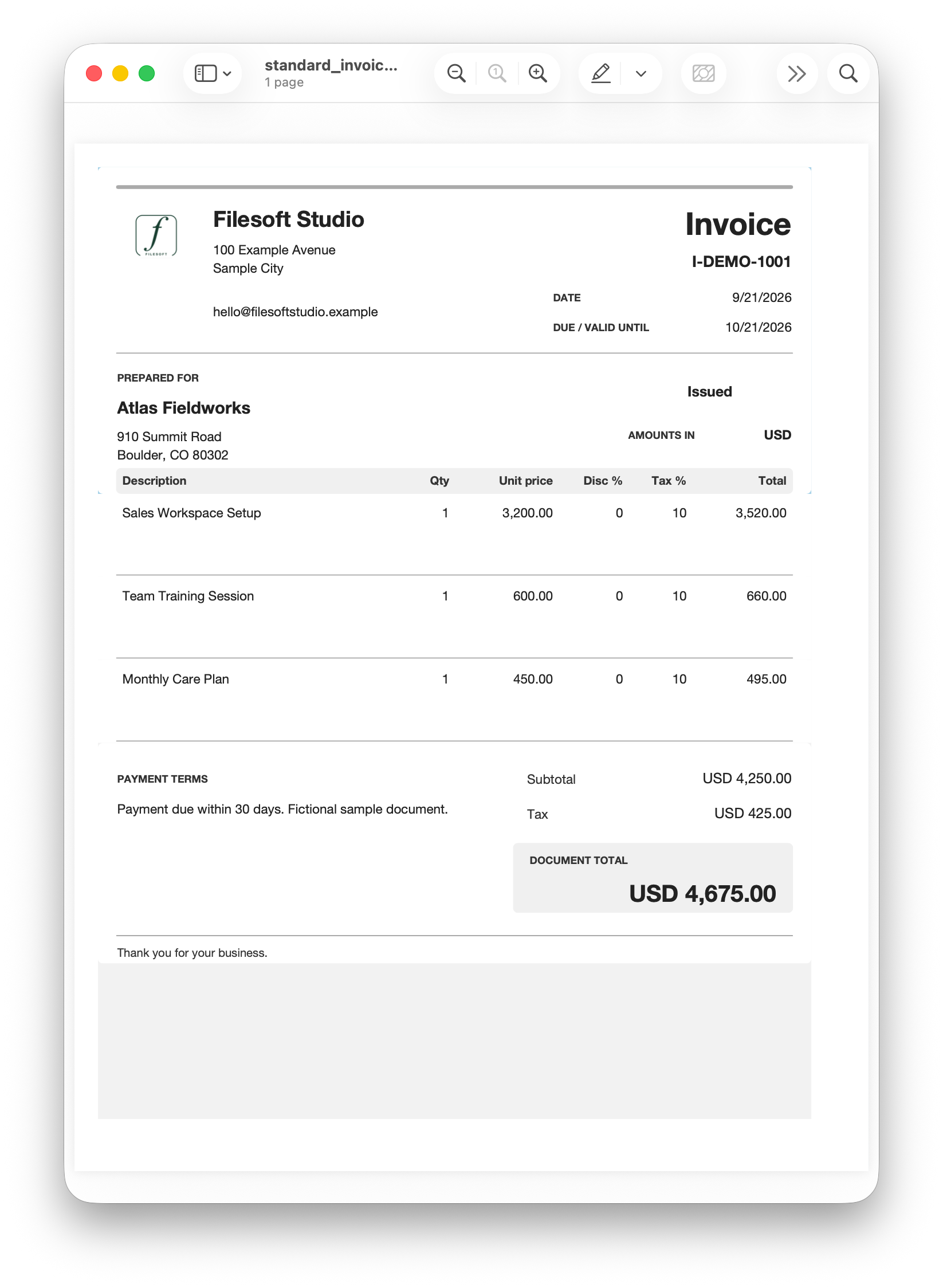
Premium Spring Garden
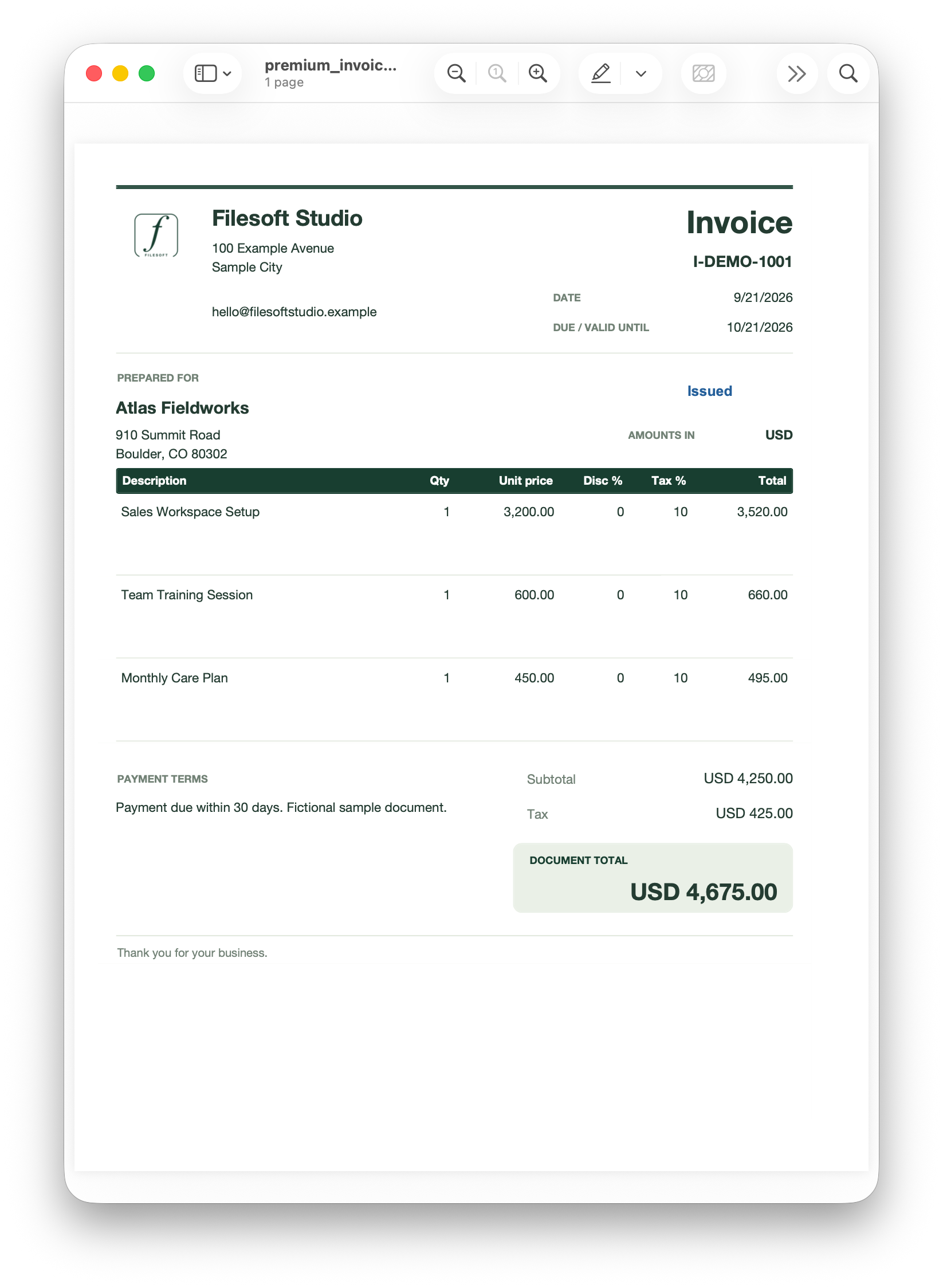
YOUR FIRST SESSION
BEFORE YOU DOWNLOAD
Requires FileMaker Pro, sold separately. Both editions were tested in FileMaker 19 and 26 on macOS; exact patches were not specified. Tested in FileMaker Pro on Windows. Intermediate versions and other platforms have not been individually validated. This is a desktop release; hosting and multi-user deployment are not established by these tests.
One business currency with two decimals and simple per-line percentage tax. Sales Starter is not a complete accounting or tax-compliance system.
FOR YOUR WORKFLOW
Discuss tailored fields, reports, document layouts or a migration assessment. These are separate services, not included features or automatic upgrades.
Your records do not automatically appear in a new Premium file. Contact Filesoft before switching a live workspace. Migration and merging customizations require a separate assessment and quote. Keep using your current file until a migrated copy is accepted.
Discuss migration or customization ↗USAGE & SUPPORT
Personal and internal-business use and customization are permitted. Resale or redistribution is not permitted. Support is best effort, without guaranteed response times or future updates. FileMaker licensing, hosting, implementation, migration and training are separate. Premium does not include a separate standalone theme license.
RELEASE NOTES
Initial customer release of Standard and Premium Spring Garden: customers, contacts, opportunities, activities, products, quotes, invoices, payment records, PDF export, business settings and optional sample records.
Future released updates will list added features and fixes here.
HELP SHAPE THE NEXT IMPROVEMENT
Tell us what you use, what helped, and where you got stuck. A few sentences are enough. Please leave out customer records and confidential information.
Share feedback by email ↗Your feedback stays private unless we separately ask for, and receive, permission to publish an agreed quote and attribution.