Your first session
Extract the download and open Filesoft Stockroom_1.0.0.fmp12 in FileMaker Pro. Start with Items and add your first consumable supply.
Get started
- Open Items and choose New item. Enter a name, unit and minimum stock level. Code is optional and must be unique when supplied. Save details.
- Choose Receive stock to record the opening quantity.
- Choose Record usage as supplies are consumed. Usage cannot exceed stock.
- Choose Adjust count when a physical count differs. Enter the actual total and a reason. The difference is recorded as a new permanent movement.
- Choose History for the selected item's movements, or Stock Movements for the full collection. Show all items leaves item-specific history.
Low stock means above zero and at or below the minimum. Out of stock means zero. Different units are never added together into a meaningless stock total. Quantities may have up to six decimal places. Movement date/time is recorded when posted; backdating is not included in this first version.
Save, cancel and history
Save details applies item edits; Cancel discards them. Navigating, selecting another item, switching samples or starting a movement discards unsaved item edits. Post movement saves the stock change and its history together. Cancel on the movement screen changes no stock. Posted movements cannot be edited or deleted through Stockroom; use a new count adjustment to correct mistakes. Unit changes are blocked after movement history exists. Item name/code/unit snapshots in past movements remain unchanged when current details change. Archive an item only when its balance is zero. Restore it from Archived. Delete is available only for unused items without movement history.
Samples
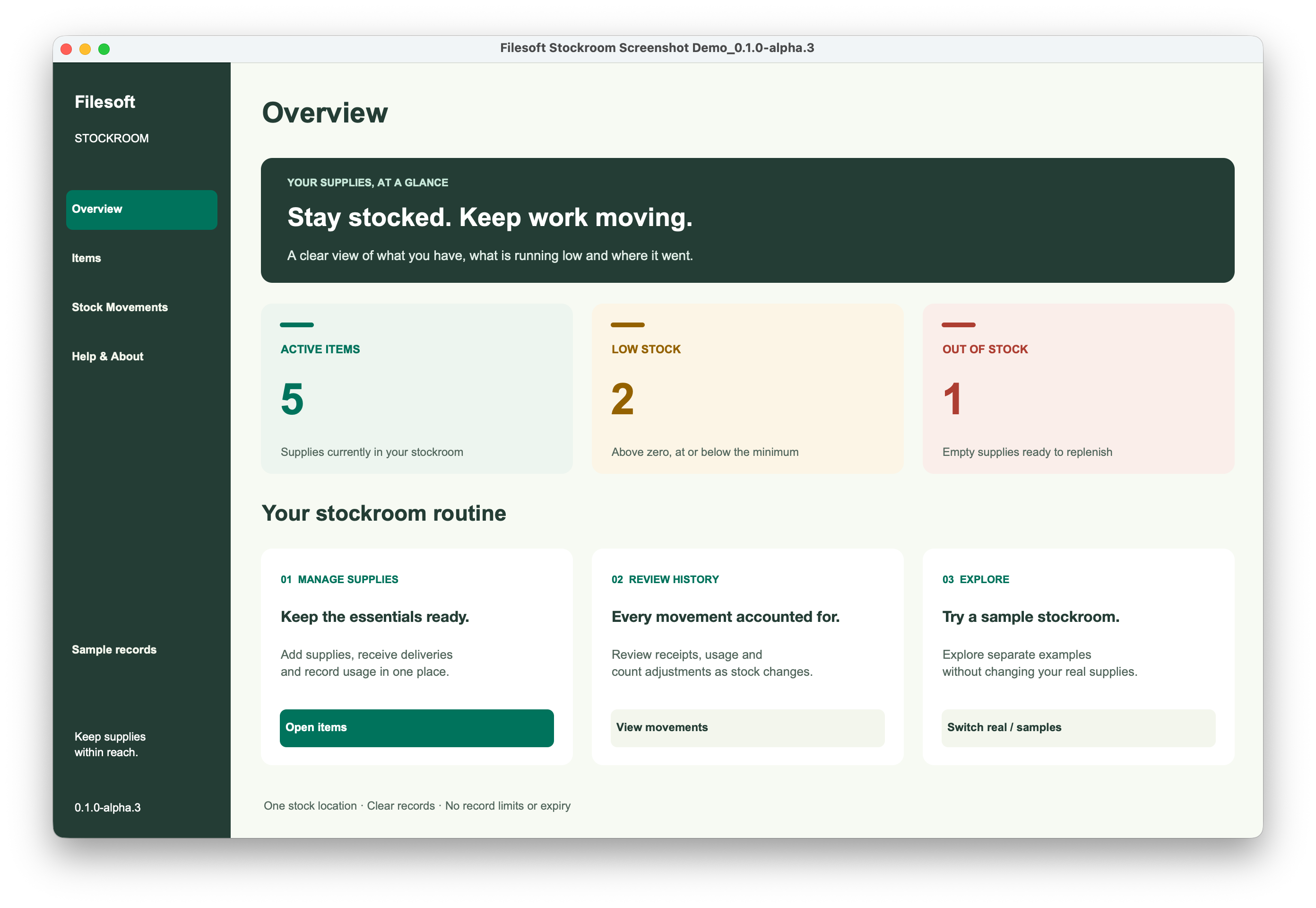
This clean customer file starts without business records. The Sample records/Real records button loads optional synthetic examples on first use, in a separate collection. Later visits preserve sample edits. New items are created in the real collection. Examples show in-stock, low-stock and out-of-stock supplies.
Common questions
Usage cannot exceed available stock. Adjust count takes the physical total, not the difference. Posted movements cannot be edited or deleted: record a new count adjustment with a reason. Save details before navigating.
Requirements and scope
Requires Claris FileMaker Pro, sold separately. Intended for FileMaker Pro 19.6.3–26 (reviewed on macOS; Windows unverified), for single-user desktop use. Tested by Filesoft in FileMaker 19 and 26; the exact 19.x patch was not recorded. Intermediate versions were not individually tested. Windows, FileMaker Go, WebDirect, hosting and concurrent multi-user use are not validated.
Backups and updates
Save and close the database before making a filesystem backup. Keep earlier versions and a separate practice copy.
A fresh download does not transfer your saved records. Keep your populated working file and contact Filesoft before moving to another version.
Reference screenshot
Help and support
For download issues, visit Help & downloads. For product questions, email support@filesofttools.com with the product version, FileMaker version and a description of the issue. Use fictional examples if you include screenshots.
Using the other format? Stockroom Add-on guide.
Return to the product page · Release notes · All product guides