Install into a working copy
- Back up your saved, closed host file. Try installation in a disposable copy first.
- Open the Stockroom .fmaddon package in FileMaker Pro to register it in the add-on chooser.
- In Layout mode, open the Add-ons pane, choose Install Add-on and select Filesoft Stockroom. Drag its launcher onto a host layout and save.
- Return to Browse mode and finish any host-record edits. Open the module using the launcher.
- Use Save or Save details before Back to host. Check that you return to the launching layout and that the host’s normal navigation still works.
How it fits your file
All launchers in one host file open the same module collection. Records are not attached to individual host records. No host-table relationship or startup-script change is required. Use one installed module and one active window.
Preserve the imported schema, script and layout names. Do not install another copy into a file that already contains this module. Installation needs development access; normal use respects the host account’s privileges.
Use the workspace
Create an item, set its unit and minimum stock, then Save details. Receive stock or record usage by entering the quantity moved. Adjust count uses the total physically present and requires a reason. Negative stock is blocked. Posted movements retain the item name, code and unit at posting. Items with history cannot change units; only empty stock can be archived. Deletion is restricted to unused items without movement history.
Save details before navigating or using Back to host. Unsaved editor buffers are discarded on normal navigation. Back to host commits module context but does not apply editor buffers to the item. Host layout triggers still run. Launch stops for Find/Preview, unsaved host records or an open transaction. Search, filters and Clear help find items and movements. Status colors supplement text: green in stock, amber low, red out of stock. Optional sample records remain separate from real records. The package ships zero records; samples are created only through the sample workflow.
Common questions
Usage cannot exceed available stock. Adjust count takes the physical total, not the difference. Posted movements cannot be edited or deleted: record a new count adjustment with a reason. Save details before navigating.
Requirements and scope
Requires Claris FileMaker Pro, sold separately. Intended for FileMaker Pro 19.6.3–26 (reviewed on macOS; Windows unverified), single-user desktop use with one active window. Filesoft successfully tested the repaired add-on in FileMaker 19 and 26; exact tested patch versions were not restated. Intermediate versions were not individually tested. Native export: 26.0.3. Windows, FileMaker Go, WebDirect and concurrent multi-user or multi-window use are not validated.
Backups and updates
Save and close the database before making a filesystem backup. Keep earlier versions and a separate practice copy.
A new chooser package does not update an installed module or migrate its records. Never uninstall a populated module merely to upgrade. Plan a data-preserving update separately.
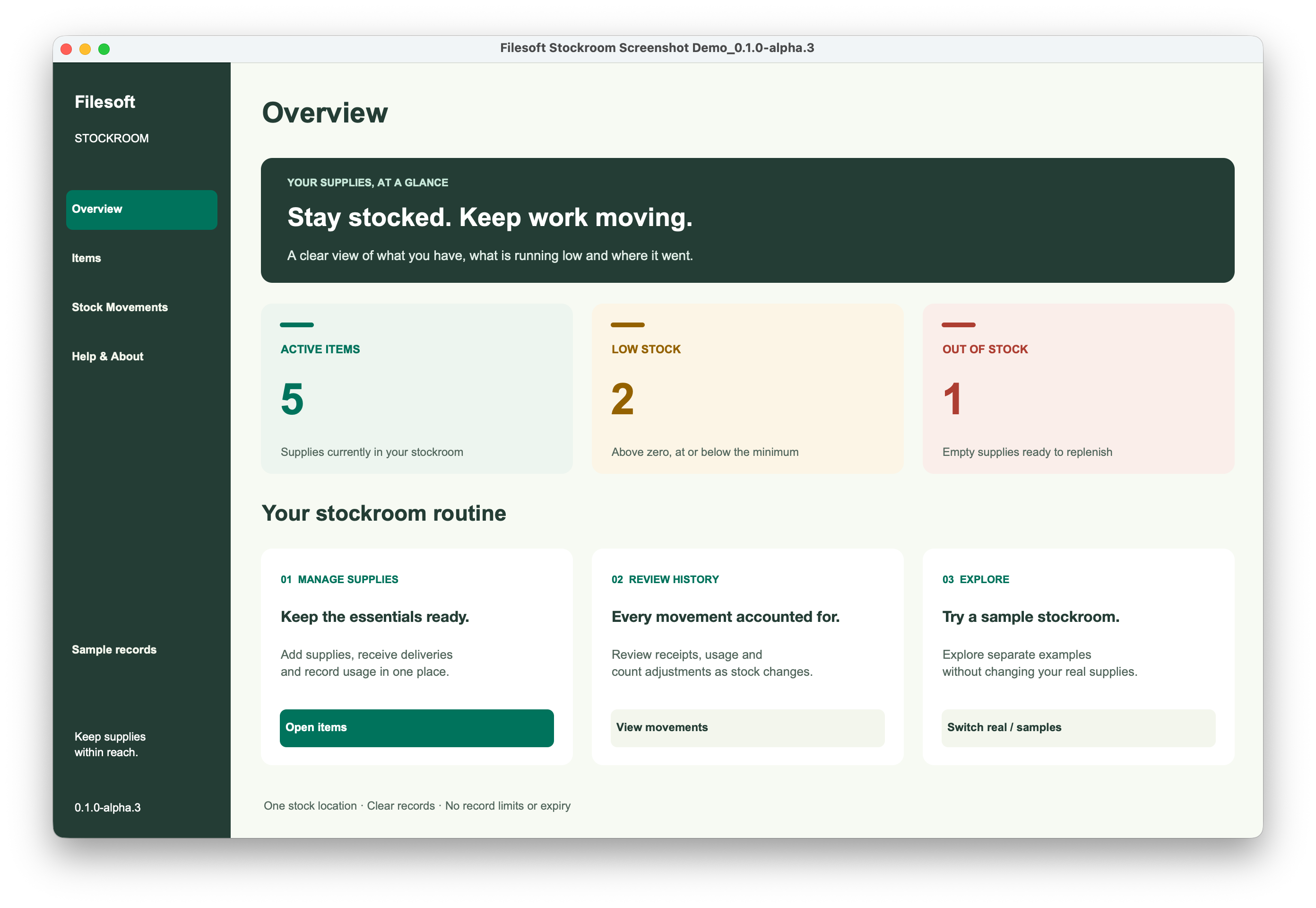
Reference screenshot
Help and support
For download issues, visit Help & downloads. For product questions, email support@filesofttools.com with the product version, FileMaker version and a description of the issue. Use fictional examples if you include screenshots.
Using the other format? Stockroom guide.
Return to the product page · Release notes · All product guides