Assets, locations & people
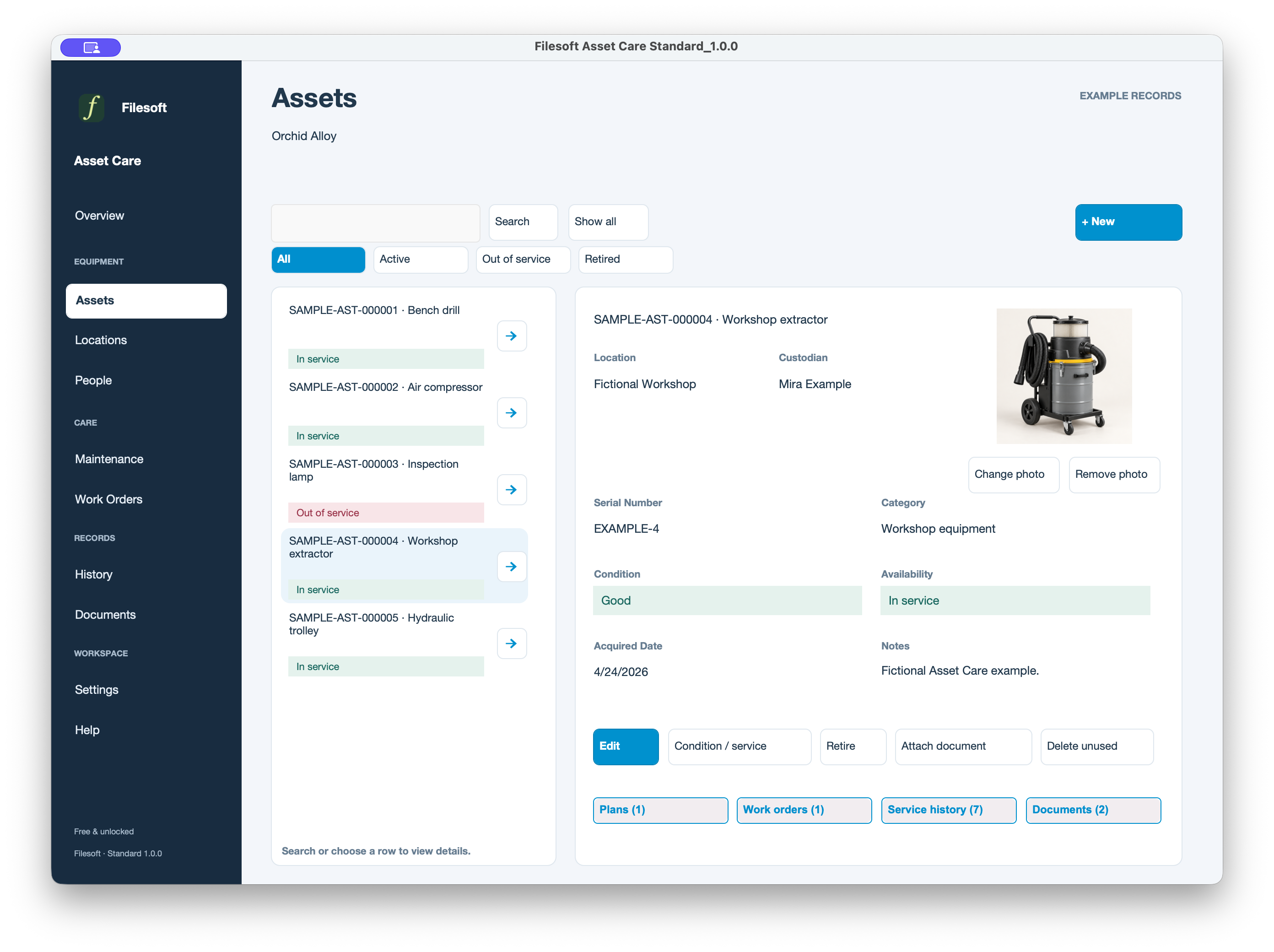
Keep equipment photos, condition, locations and assigned people together.
STANDARD · 1.0.0
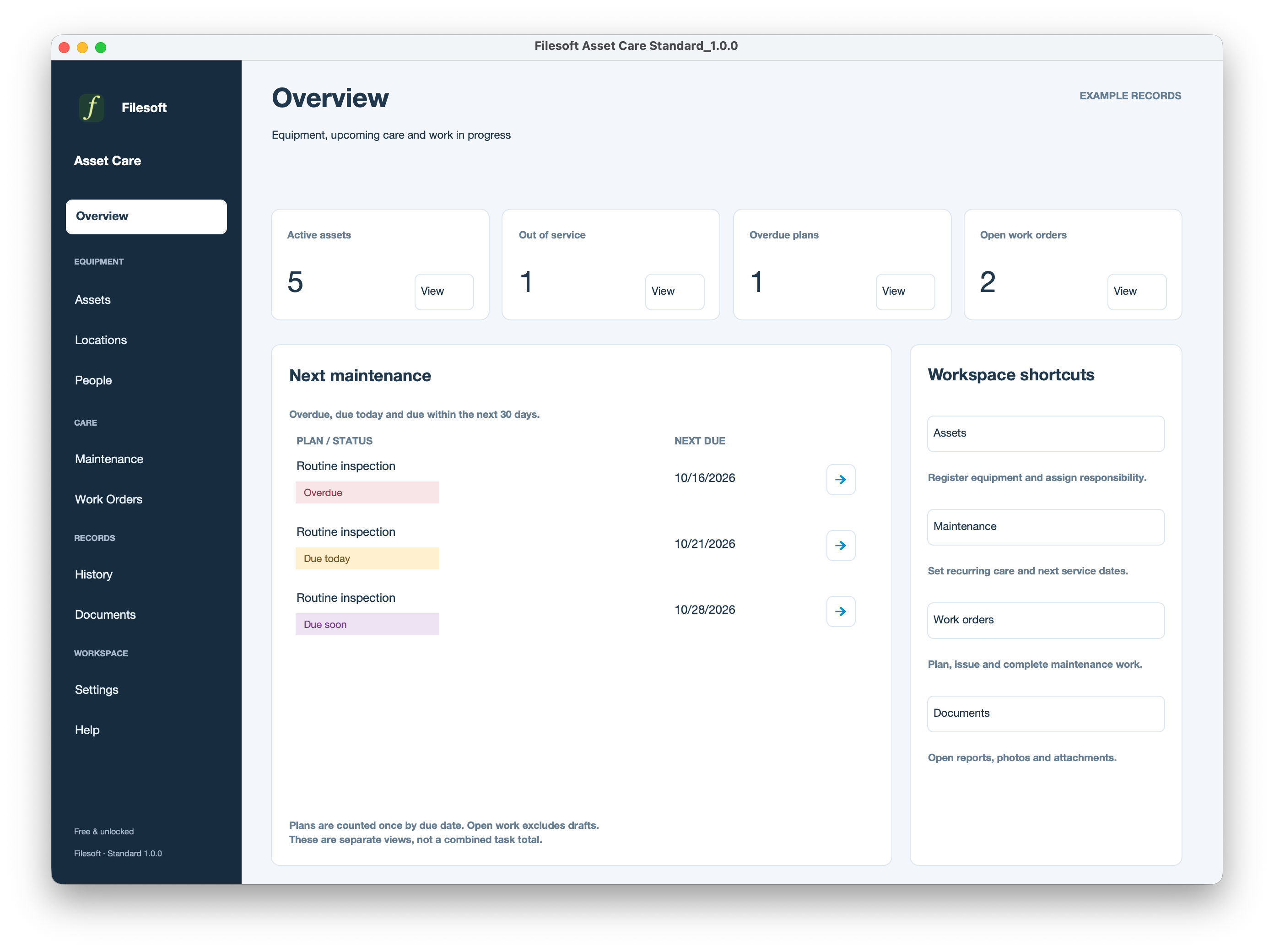
Equipment, maintenance and service work in one place.
Built-in Apex Blue presentation. Free for personal and internal-business use.
FileMaker Pro 19.6 or later required, sold separately. Compatibility details.
Standard
FREE · STANDARD 1.0.0
Enter your name and email. We will email a private download link for the empty Standard file and Read Me. The link expires seven days after your request. No automatic marketing subscription.
Asset Care Premium — Orchid Alloy · US$99 one-time.
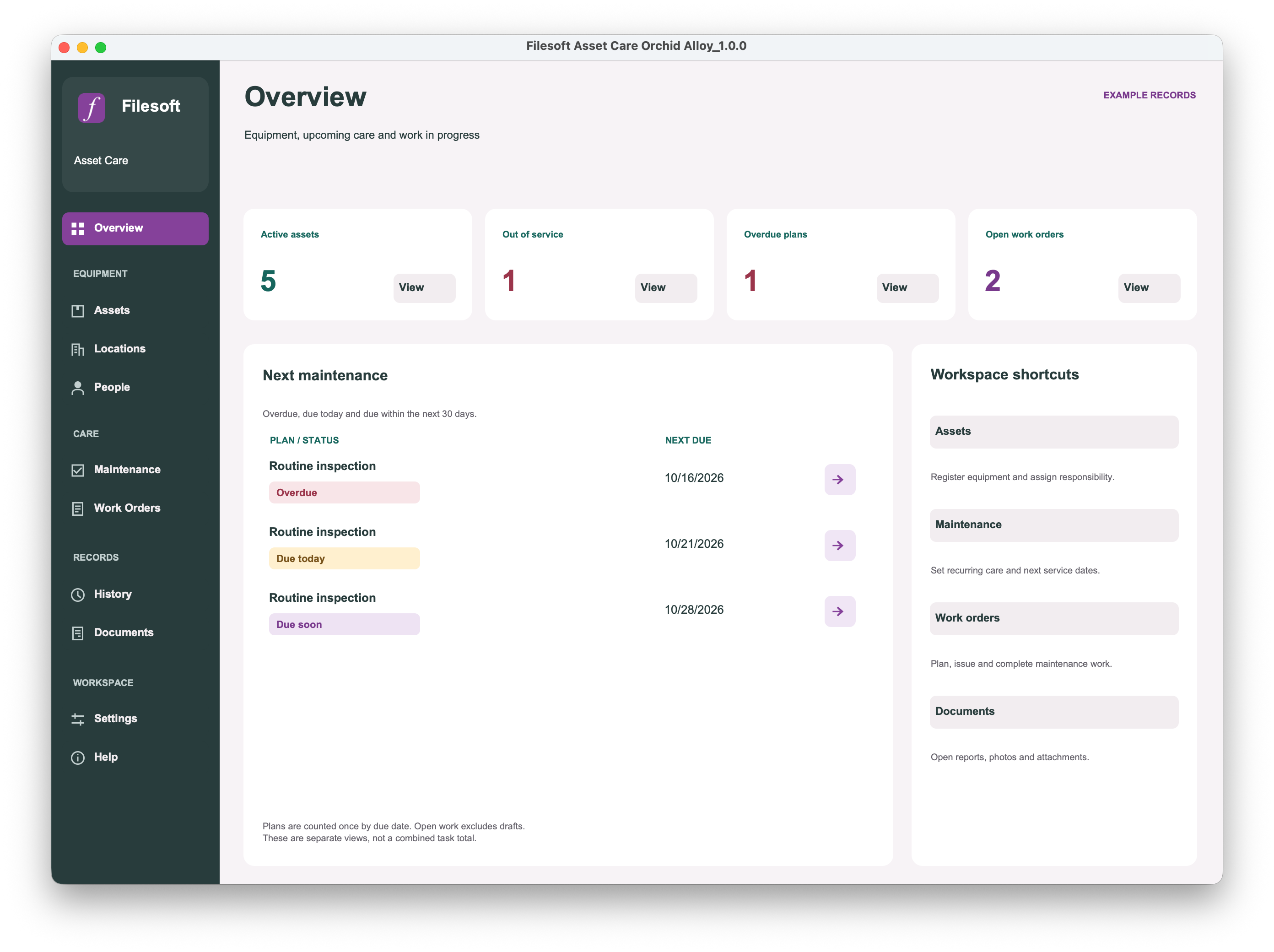
Orchid Alloy uses purple selection and action accents, an icon sidebar, and coloured maintenance status labels. Its asset detail presents the photo, condition, availability and related-record controls together.
Compare editions · View Premium ↗
Premium is a separate empty file; existing records and customizations do not transfer automatically.
Premium — Orchid Alloy
Keep equipment photos, condition, locations and assigned people together.
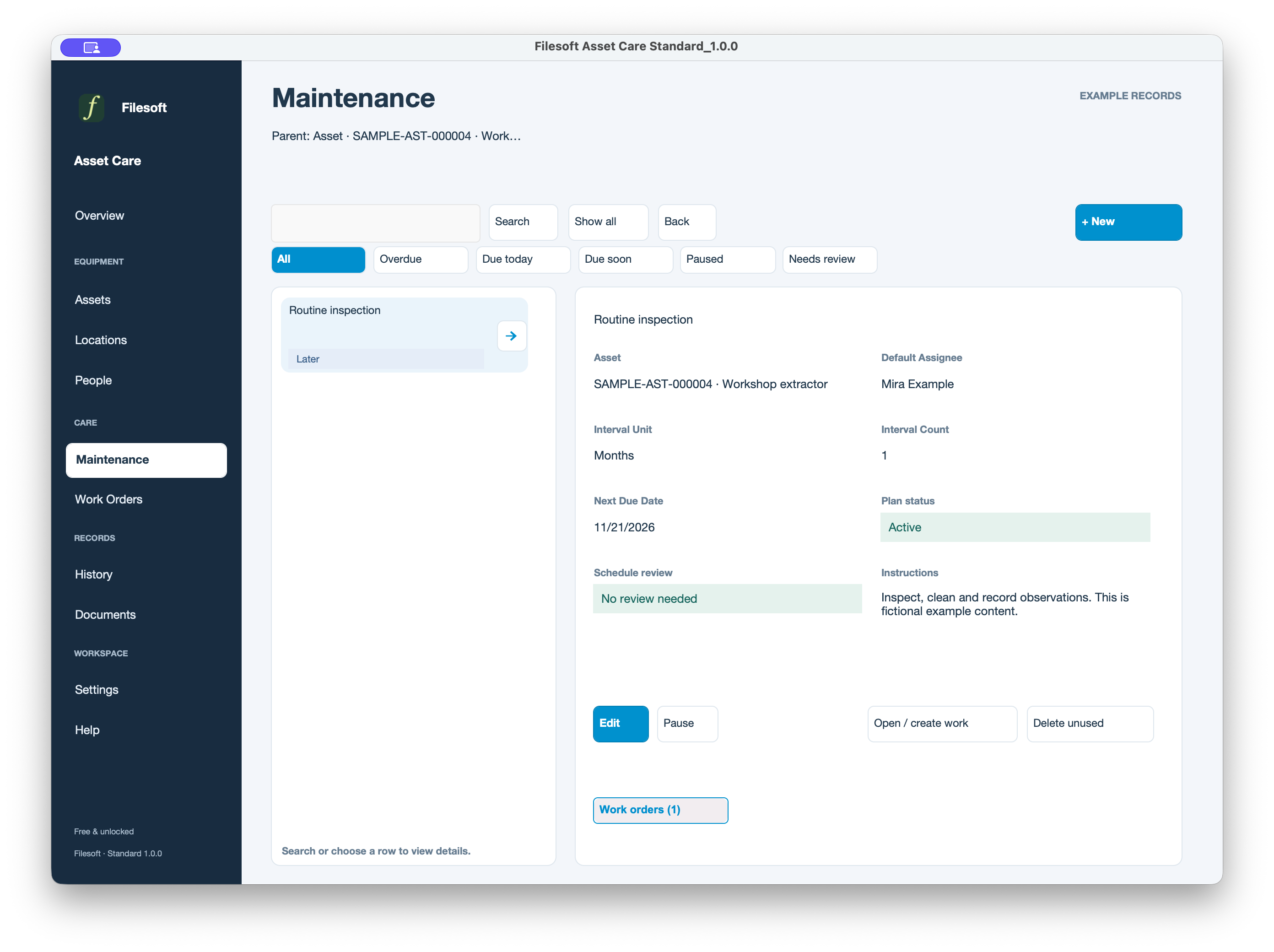
Plan regular care with due dates, instructions and a default assignee.
Create work orders, assign the work and record completion. Keep the next service action visible.
Review recorded changes and completed work alongside the related asset.
Keep report snapshots and attachments together. Render a generated report to PDF, check it, then export it.
Set business details, workspace branding and record numbering. Explore fictional equipment through Help in a separate copy.
Standard
Standard
Standard
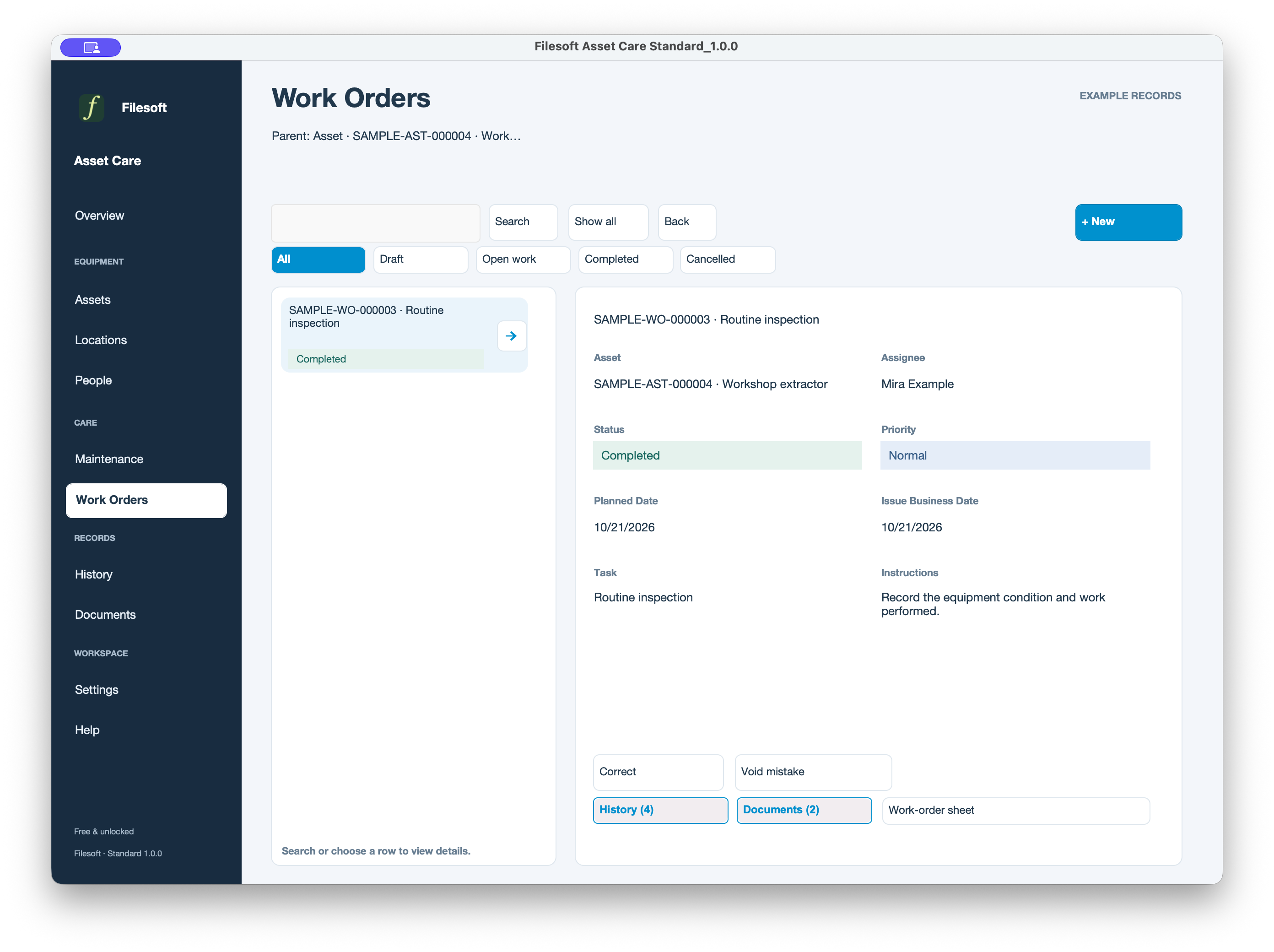
Standard
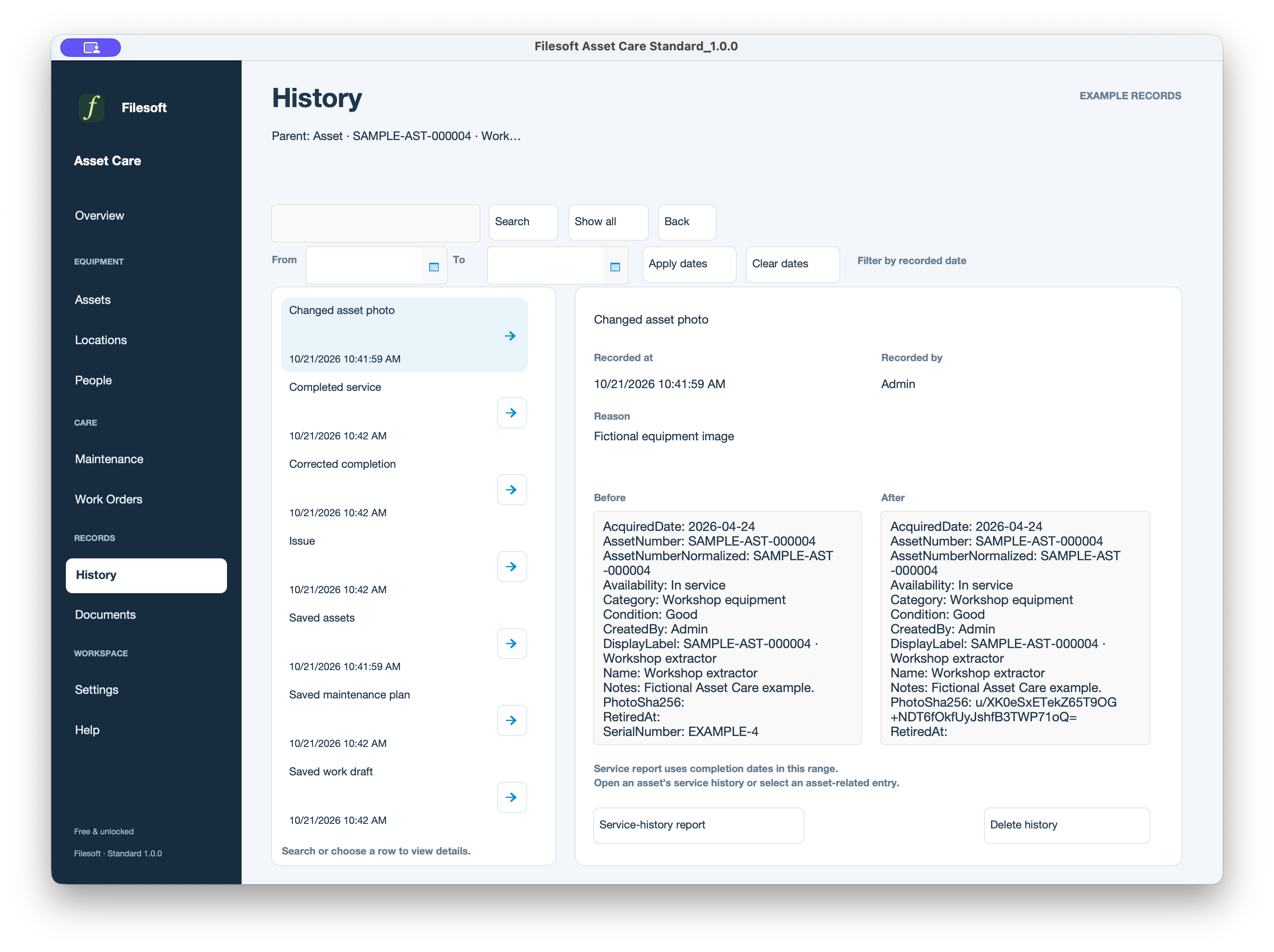
Standard
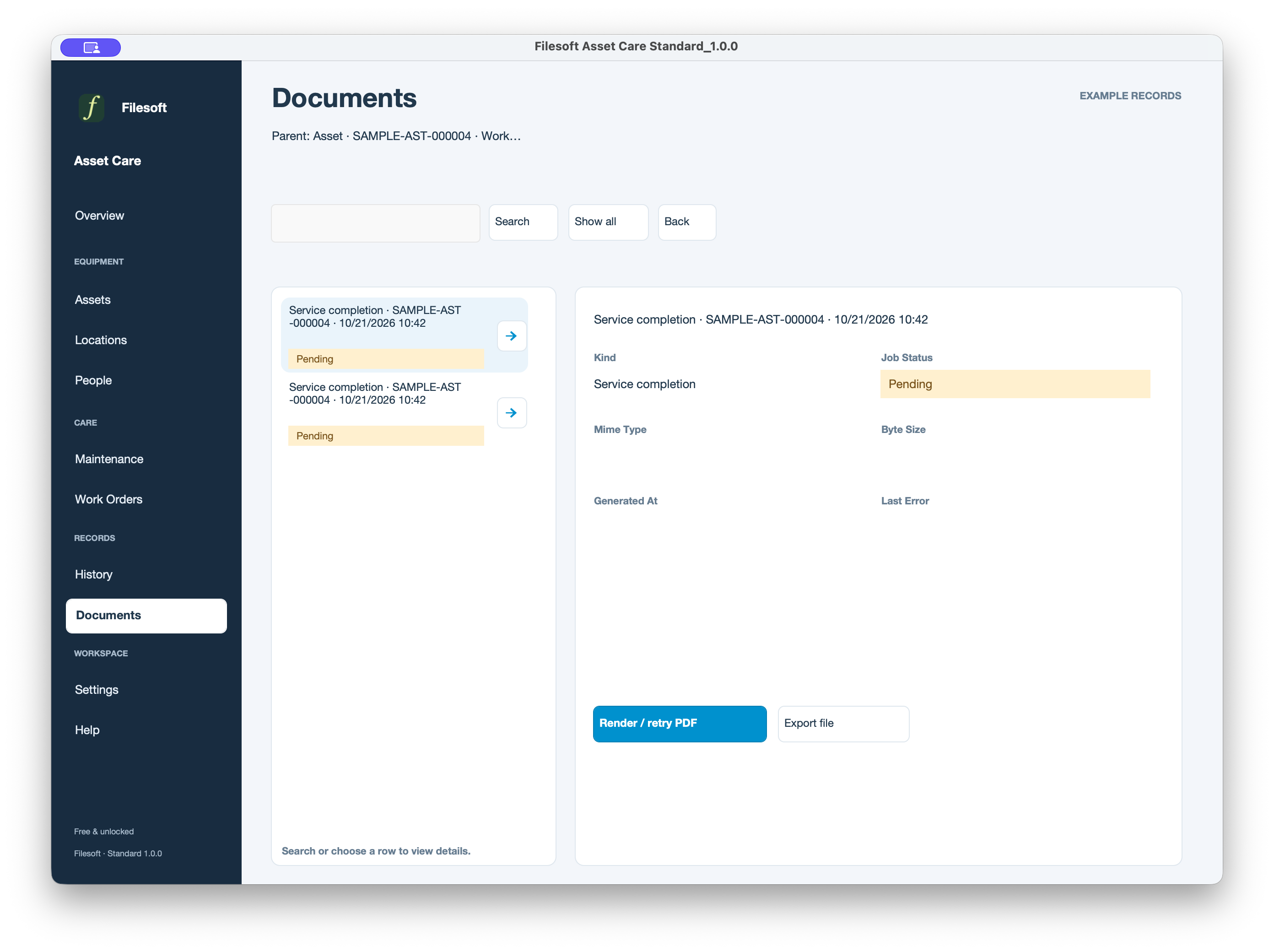
Standard
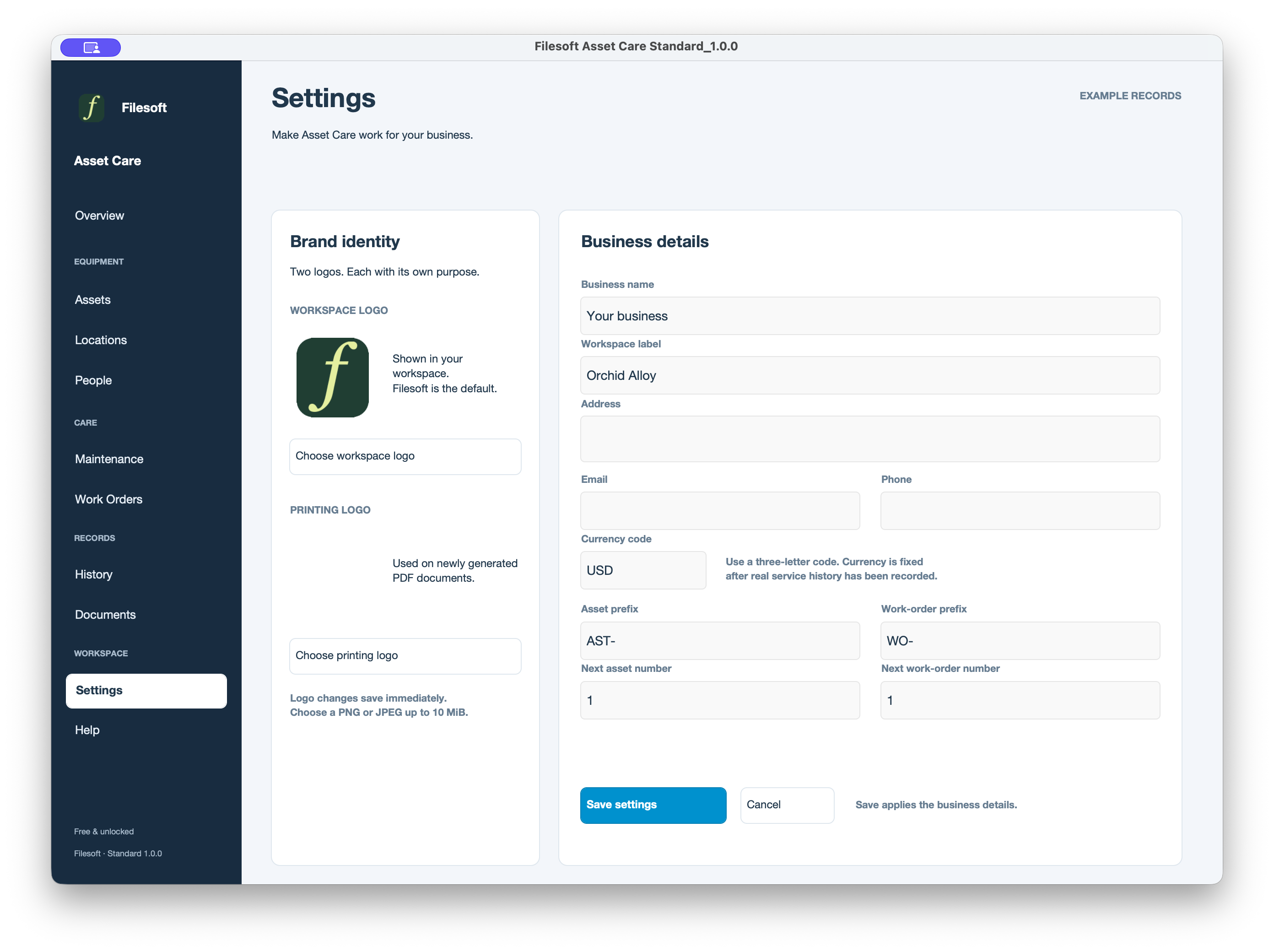
Requires FileMaker Pro 19.6 or later, sold separately, for desktop use. Both editions were tested by Filesoft in FileMaker Pro 19 and 26 on macOS; exact point releases were not recorded and intermediate versions were not individually tested. Windows, FileMaker Go, WebDirect, hosting and multi-user use are not validated.
Styles are included in the solution. No separate theme installation is needed. Asset Care focuses on equipment, scheduled maintenance and service work; it is not an accounting or stock-control system.
Personal and internal-business use and customization are permitted. Resale or redistribution is not permitted. Support is best effort, without guaranteed response times or future updates. FileMaker licensing, hosting, implementation, migration and training are separate.
Premium includes the styled Asset Care solution, not a separate Orchid Alloy theme license. It is a new empty file: buying it does not transfer Standard records or merge customizations.
Discuss migration separately and keep using your existing file until a migrated copy is accepted. Never replace a file containing your records with an empty download.
Tailored asset fields, maintenance workflows, reports, migration and team deployment are separately scoped services.
Discuss a customization ↗Initial public release of Standard and Premium Orchid Alloy: assets, locations, people, maintenance, work orders, history, documents, settings and optional fictional examples. Both customer packages start empty.