Executive Overview
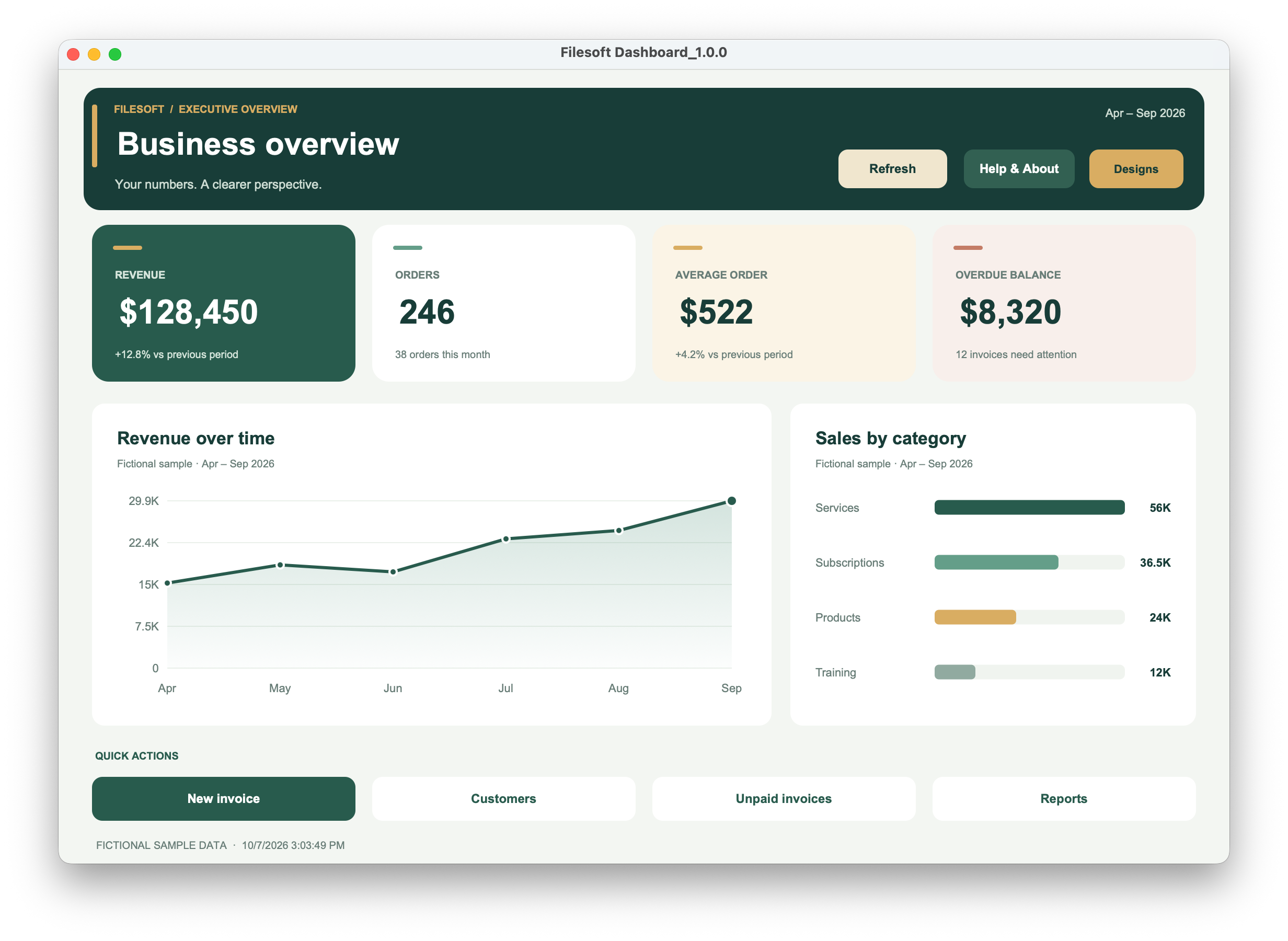
Forest green and gold with a featured KPI.
FREE FILEMAKER DASHBOARD ADD-ON · 1.0.1
Give your existing FileMaker solution an attractive dashboard. Choose from four designs, connect your figures once, and keep your existing workflows.
FileMaker Pro required, sold separately.
Developer configuration required · macOS desktop.
FOUR DESIGNS, ONE CONFIGURATION
Forest green and gold with a featured KPI.
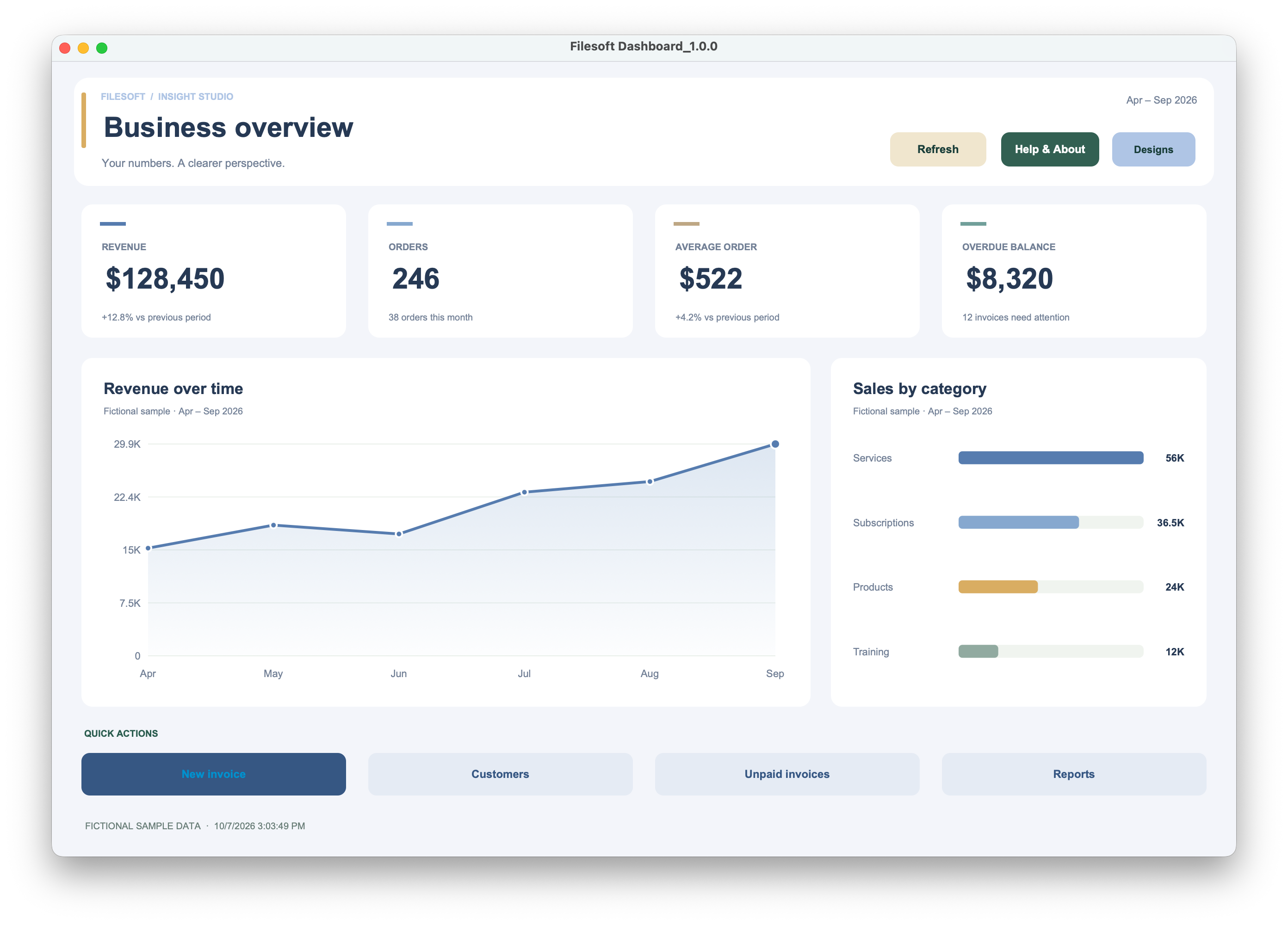
An airy blue workspace with a larger trend chart.
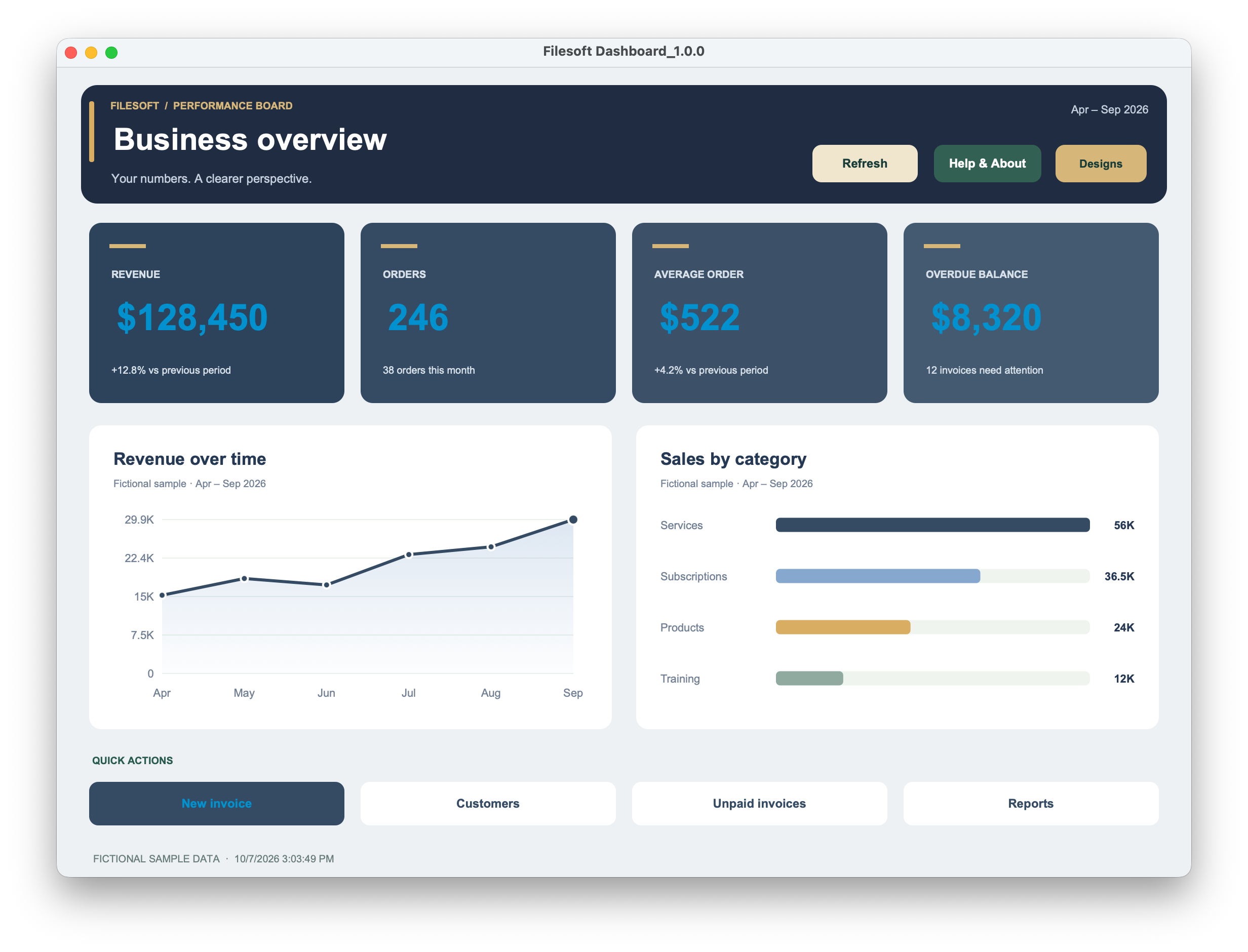
Bold KPI cards and equally sized chart panels.
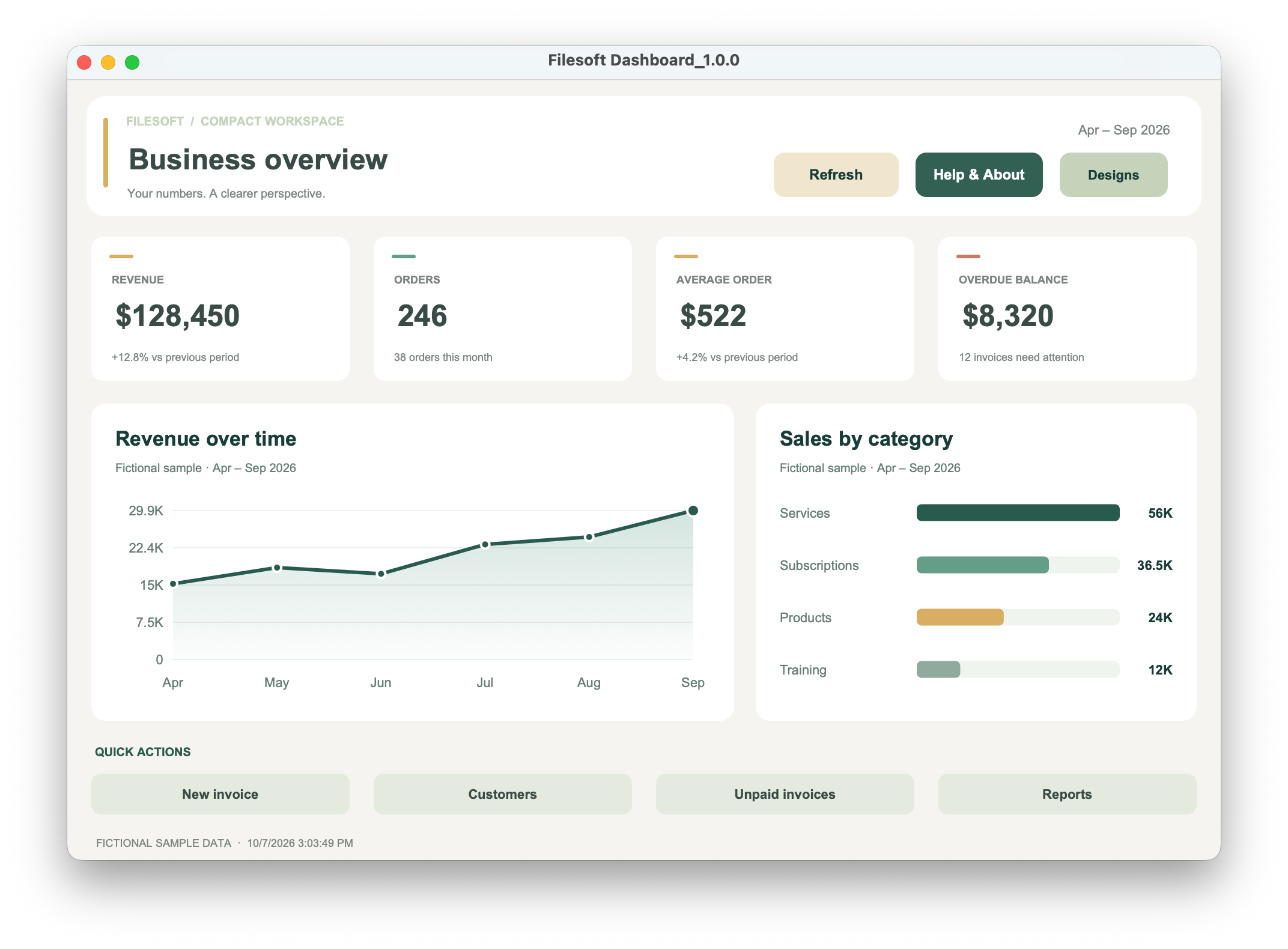
A smaller desktop composition.
Design selection opens an included layout. It does not rearrange a group already placed in a customer layout or save a per-user design preference.
CONNECT YOUR EXISTING SOLUTION
Return your figures from one JSON data provider, shared by all four designs.
Embedded charts run without a chart service or plug-in.
Connect the actions to your existing FileMaker scripts.
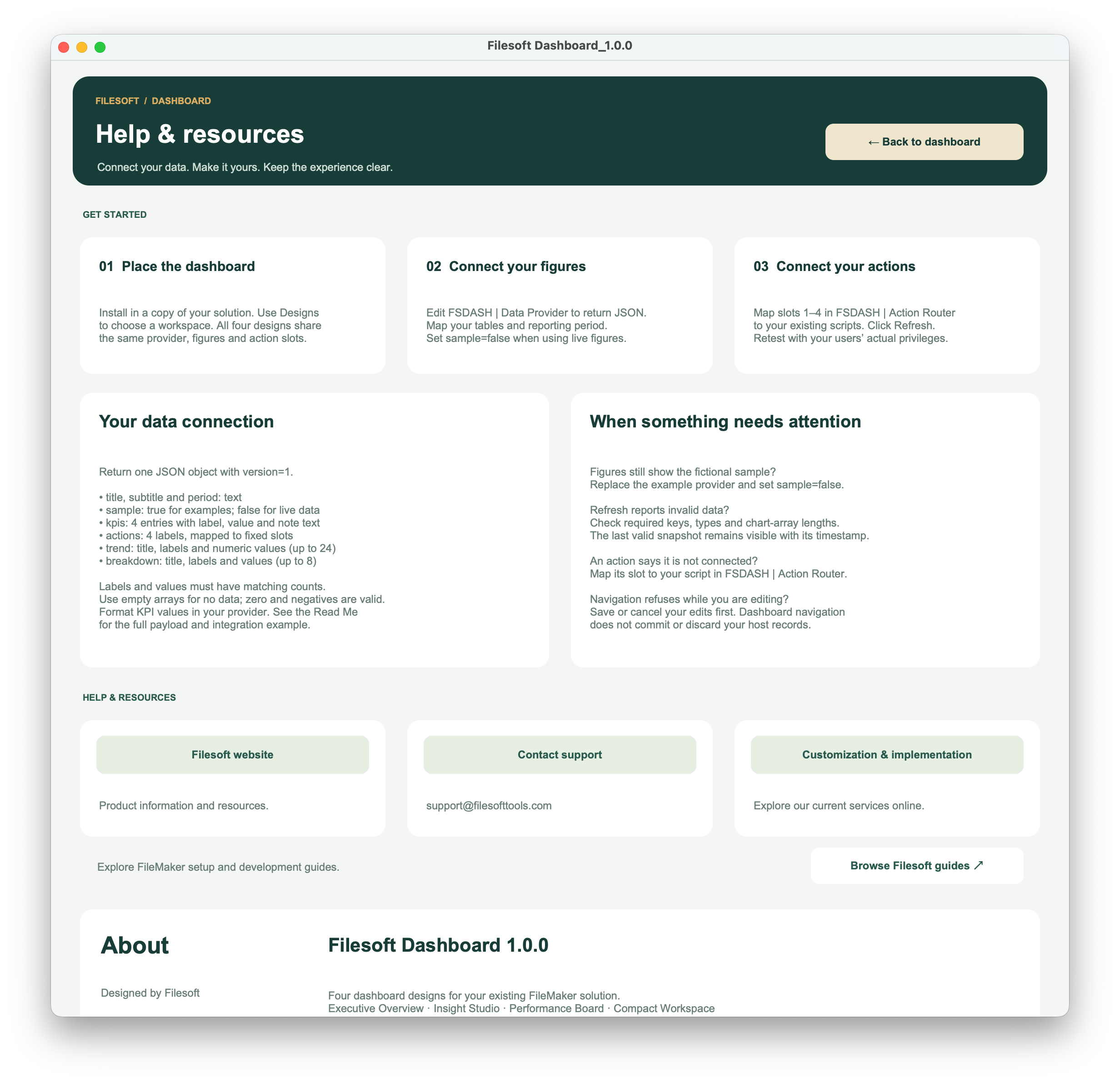
Refresh the data, choose a design and open a separate Help & About page.
A FileMaker developer maps your data and scripts. No automatic schema discovery or ready-made accounting integration is included.
INSIDE THE DEMO
Original demo 1.0.0 screenshots with fictional sample data. These are workflow previews, not captures of the add-on installed in a customer file.
THREE SETUP STEPS
Preserve customized host files. Installing a new package is not a migration or an upgrade of an installed component.
Read the configuration guide (PDF) ↗Requires Claris FileMaker Pro, sold separately. Tested by Filesoft in FileMaker Pro 19 and 26 on macOS; exact tested point releases were not restated. One active dashboard window per file/session, with fixed desktop layouts. Other versions, Windows, FileMaker Go, WebDirect and hosting are not validated.
The editable demo is version 1.0.0; the add-on and guide are version 1.0.1. Invoice-provider and action-router examples are adaptation code, not installed integrations or connectors tested against your schema.
FREE · ADD-ON 1.0.1
The add-on 1.0.1, editable demo 1.0.0, illustrated configuration guide, and invoice-provider and action-router examples.
Personal and internal-business use and modification are allowed. No resale or redistribution. Support is best effort, with no promised response times or future updates.
No. Map your schema in FSDASH | Data Provider and your scripts in Action Router.
Yes. All four designs share the same provider, action slots and session snapshot.
Embedded charts do not. Online resources and email-link delivery require access.
No. Preserve customized host files; installing a package is not a migration.
Yes, for personal/internal-business use. Preserve required names and contracts. Native objects and embedded chart HTML have separate styling.
HELP AND IMPLEMENTATION
Read the configuration guide (PDF), explore our FileMaker guides, or discuss help mapping your data and scripts.
Explore Filesoft services ↗