1. Choose one item and one unit
A useful stock balance tells a story: what arrived, what was used and why the physical count differs. This walkthrough follows a fictional notebook item through four movements in Filesoft Stockroom. You will finish with 23 notebooks and a history that explains that number.
Use a separate practice copy. Stockroom 1.0.0 is a free, single-user desktop solution for one active window and one stock location. It requires FileMaker Pro, sold separately. The intended macOS range is 19.6.3–26; the owner tested FileMaker 19 and 26 without recording the exact 19.x patch. Other versions, Windows, Go, WebDirect and hosting were not individually validated.
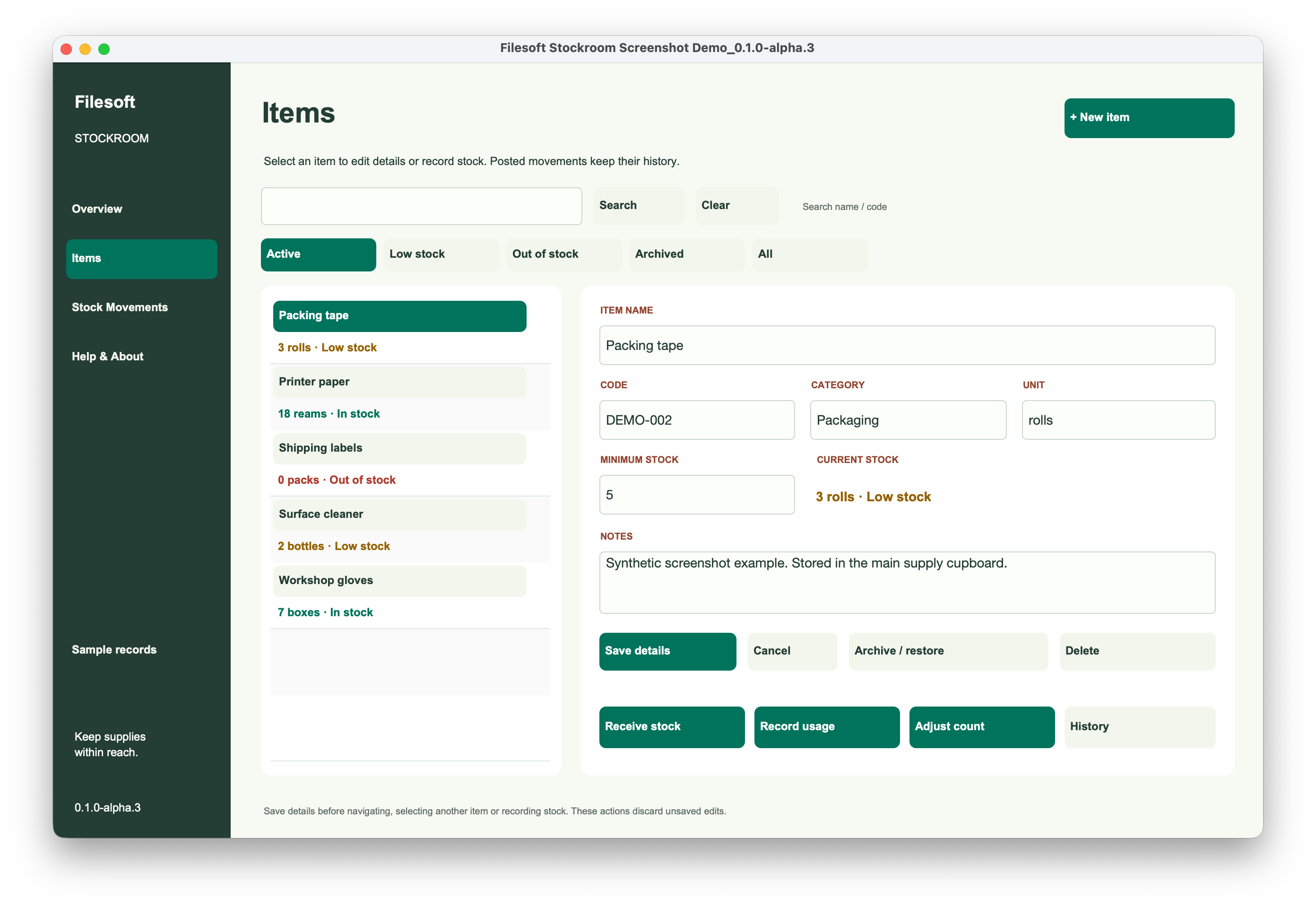
In Items, choose + New item. Name it “Practice — notebook,” choose “notebooks” as the unit and set minimum stock to 5. Save details before recording movements. Start with no movements for this item. Keep packs and individual notebooks distinct: two packs of ten means 20 notebooks here.
2. Record what arrived
Select the practice item and choose Receive stock. Record 20 notebooks with the practice date and a reference such as “Opening practice receipt.” Review the item and quantity before posting. Expect a balance of 20.
If these notebooks were already on the shelf, explain that the receipt establishes the exercise’s opening quantity. Do not create both an opening receipt and another movement for the same delivery.
Check the item’s history. Confirm that the receipt belongs to the notebook item, not whichever item was selected previously. A plausible total on the wrong item is still wrong.
3. Record usage and another receipt
Choose Record usage and enter 6 for “Workshop supplies.” Enter the positive quantity used; the usage action reduces stock. Expect 14 remaining.
Receive 10 more notebooks with a different reference. Expect 24. Predict each balance before reading the screen.
| Movement | Change | Balance |
|---|---|---|
| Opening receipt | +20 | 20 |
| Workshop usage | −6 | 14 |
| Second receipt | +10 | 24 |
| Count correction | −1 | 23 |
4. Reconcile the physical count
Suppose the shelf count finds 23 notebooks. Check that all receipts and usage were entered, the unit is correct and the count refers to this item. If a missing usage explains the difference, record that usage instead of an unexplained adjustment.
For this exercise, no missing movement is identified. Choose Adjust count, enter the counted quantity 23 and give a reason: “Practice shelf count: one fewer than recorded.” The count is a target quantity, not a request to subtract 23. Expect an adjustment of −1 and a balance of 23.
Keep the original movements. Changing the first receipt from 20 to 19 would make the arithmetic agree while removing the explanation.
5. Check the balance and its history
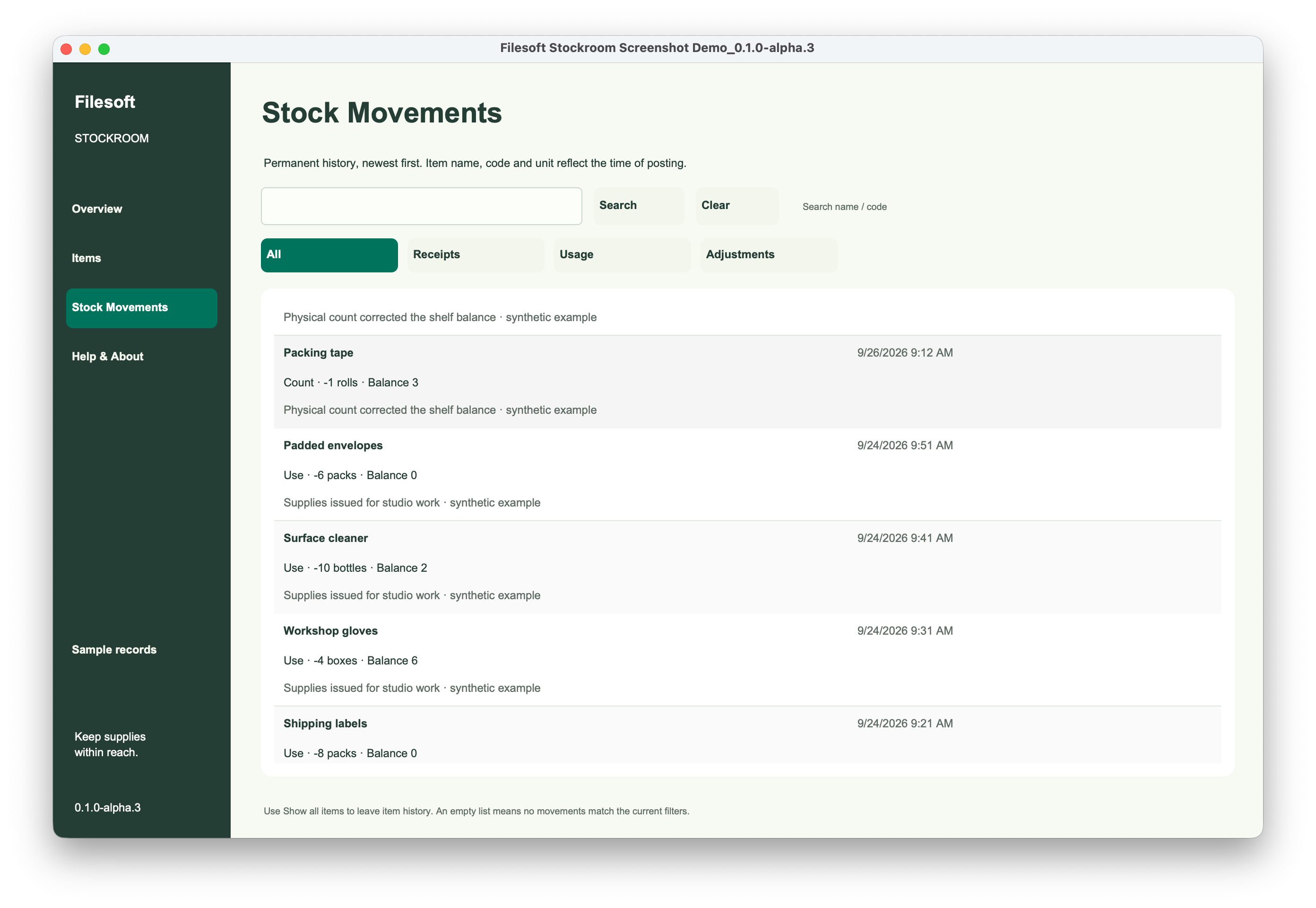
Open History or Stock Movements and check all four movements for this item. Confirm quantities, sequence and adjustment reason. The reconciliation is 20 − 6 + 10 − 1 = 23.
- A balance of 24 suggests the count adjustment was not posted.
- A balance of 33 suggests the second receipt was entered twice.
- If the item seems missing, clear search and inspect active, low-stock and archived filters.
- Save item-detail edits before navigating or choosing a stock action.
Repeat with another practice item and check its balance independently. The stock status helps identify work; the movement history explains the number.
6. Keep the next movement explainable
For real work, establish a dated opening count, one unit per item and a habit of recording each event once. A regular shelf count can reveal a missing event before it becomes hard to reconstruct.
Stockroom includes receipts, usage and count adjustments. Purchase orders, barcode scanning, valuation, multiple locations and reorder emails are separate customization ideas. The full Jade Meridian theme is also a separate paid product.
Finished result: 23 notebooks and a four-movement history that explains the correction.
References
Use a practice copy and verify the result in your FileMaker version. Product requirements and platform support remain specific to each product.
Filesoft counts page loads and selected resource and practice-download clicks in aggregate. These aggregate counts contain no practice data or visitor identifiers. Browser privacy signals and the site’s analytics-off preference disable these counts.