Standard — Free
Unlocked, with built-in Apex Blue styling and dark navy text navigation.
Get Standard ↗FILEMAKER SOLUTION · STANDARD & PREMIUM · 1.0.0
Keep spaces, customers and same-day bookings together.
Check overlapping reservations, follow the day’s agenda, and save booking confirmations and daily schedules as dated PDF snapshots.
| Included | Standard | Premium Citrine Harbor |
|---|---|---|
| Spaces, customers and same-day bookings | Included | Included |
| Overlap checks, agenda and booking lifecycle | Included | Included |
| Confirmation and daily-schedule PDF snapshots | Included | Included |
| History, branding and unlocked customization | Included | Included |
| Presentation | Built-in Apex Blue | Citrine Harbor styling and navigation icons |
| Price | Free | US$99 once |
Both downloads start empty. They are separate files, not an automatic upgrade or migration.
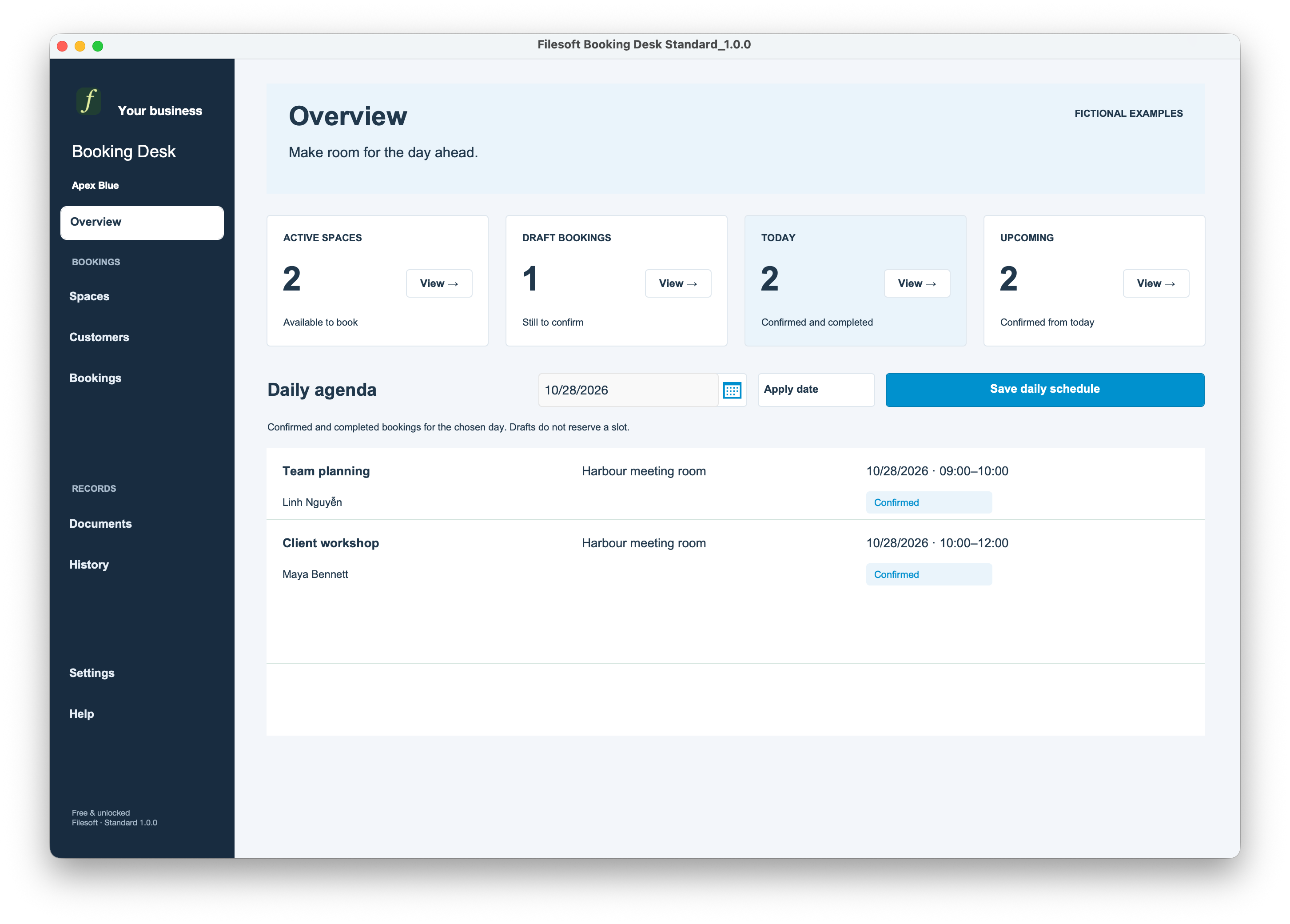
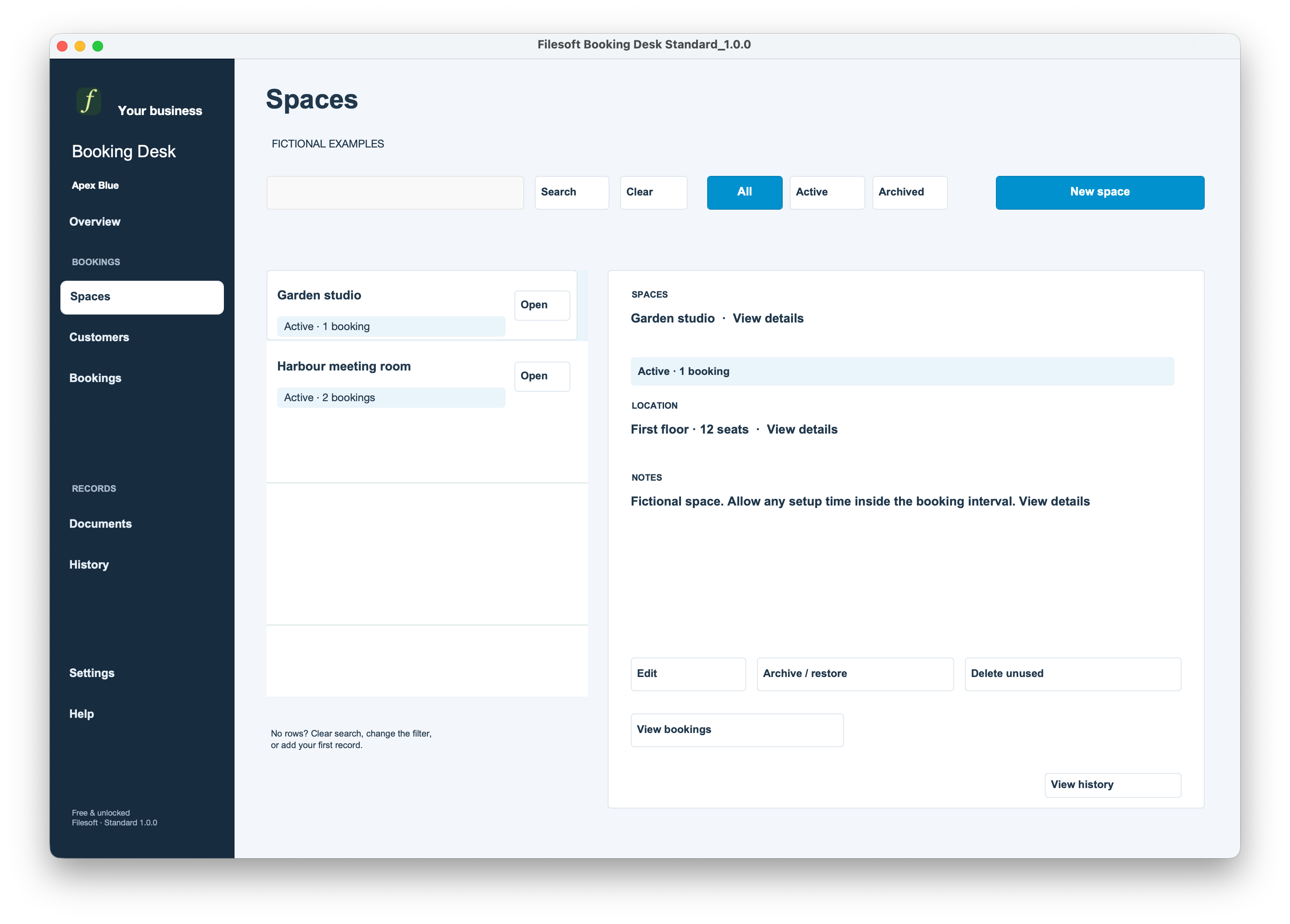
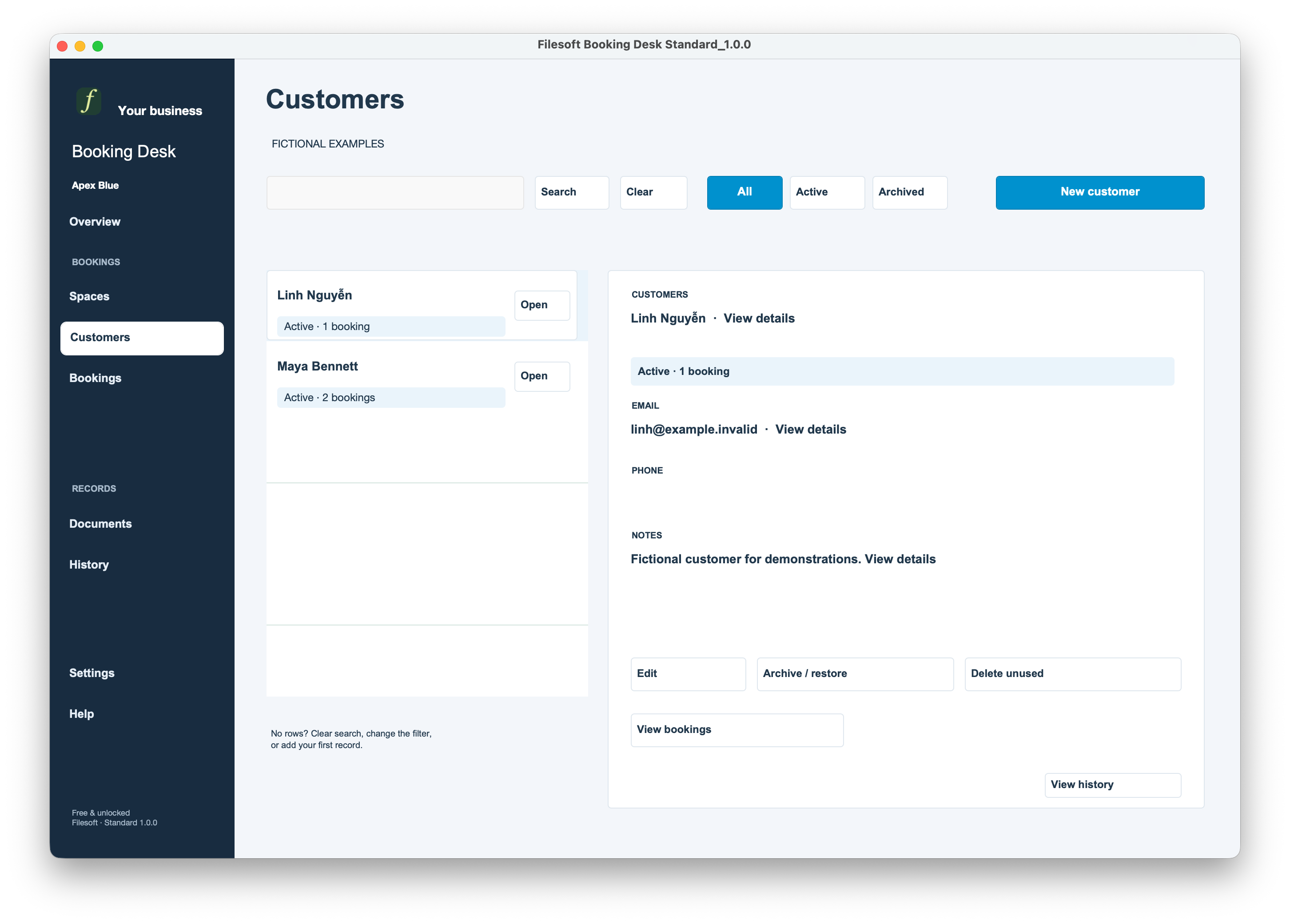
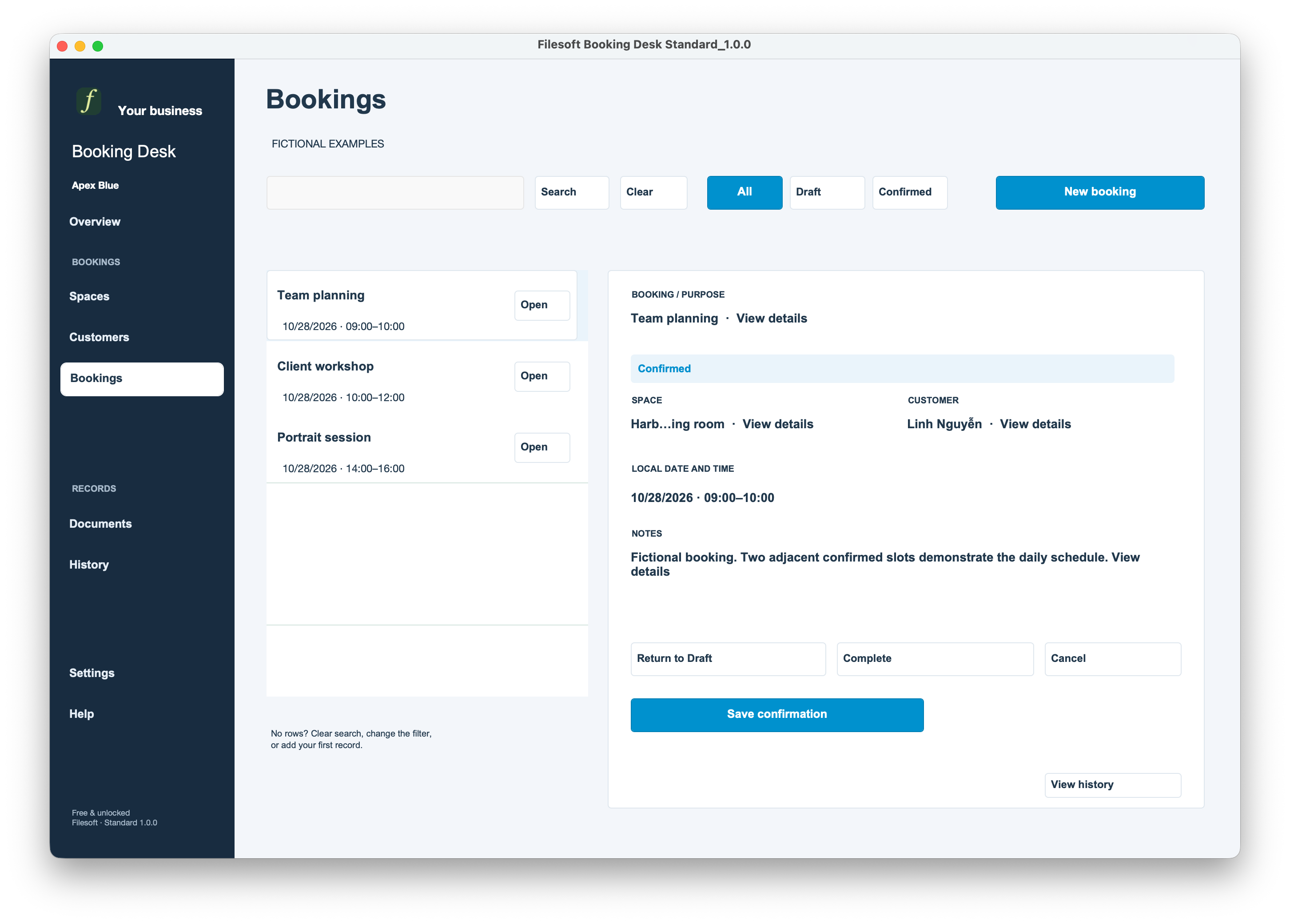
Original owner captures, version 1.0.0, with fictional examples. Expand each edition to see all eight supplied views.
Standard · Overview
Standard · Spaces
Standard · Customers
Standard · Bookings
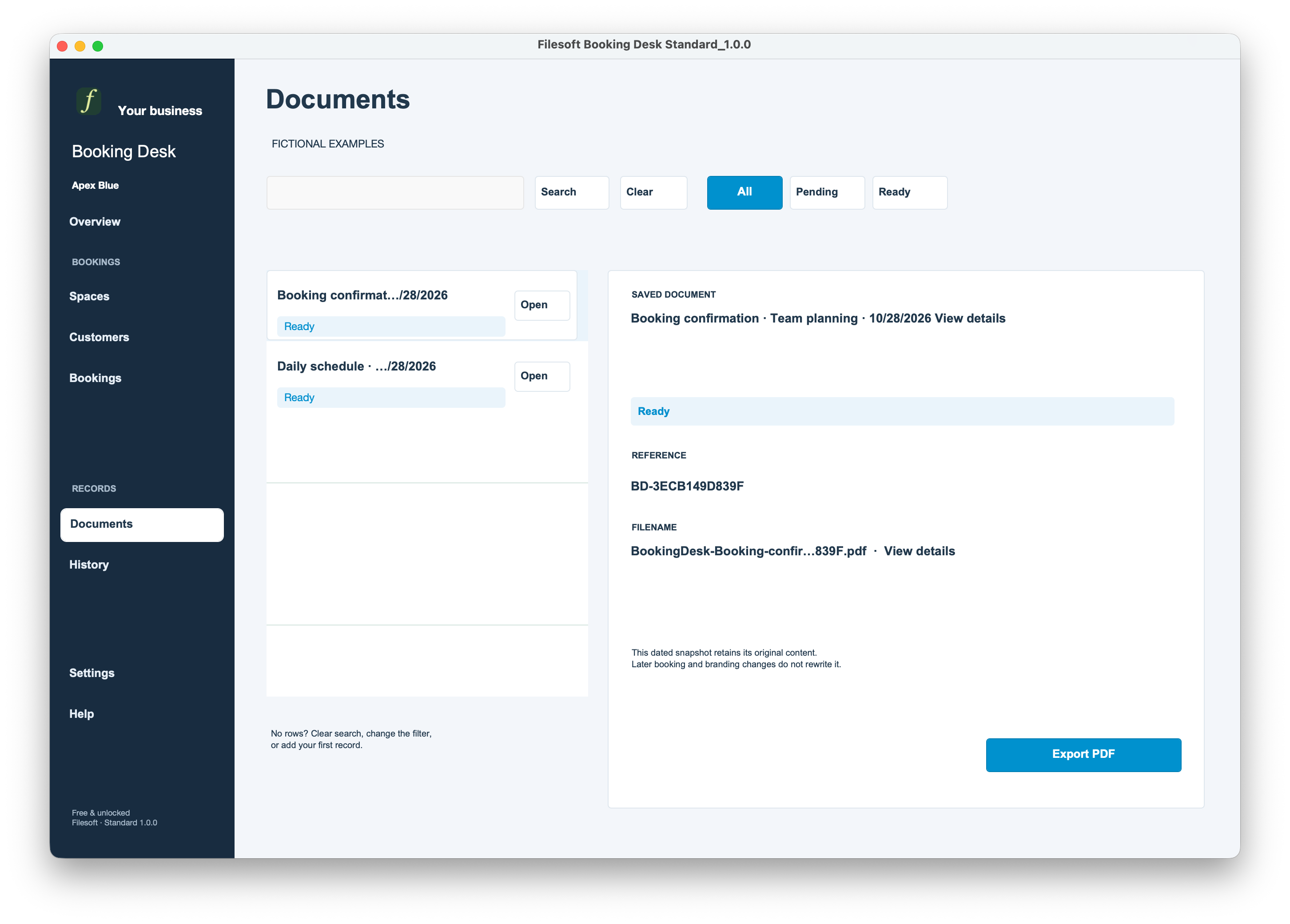
Standard · Documents
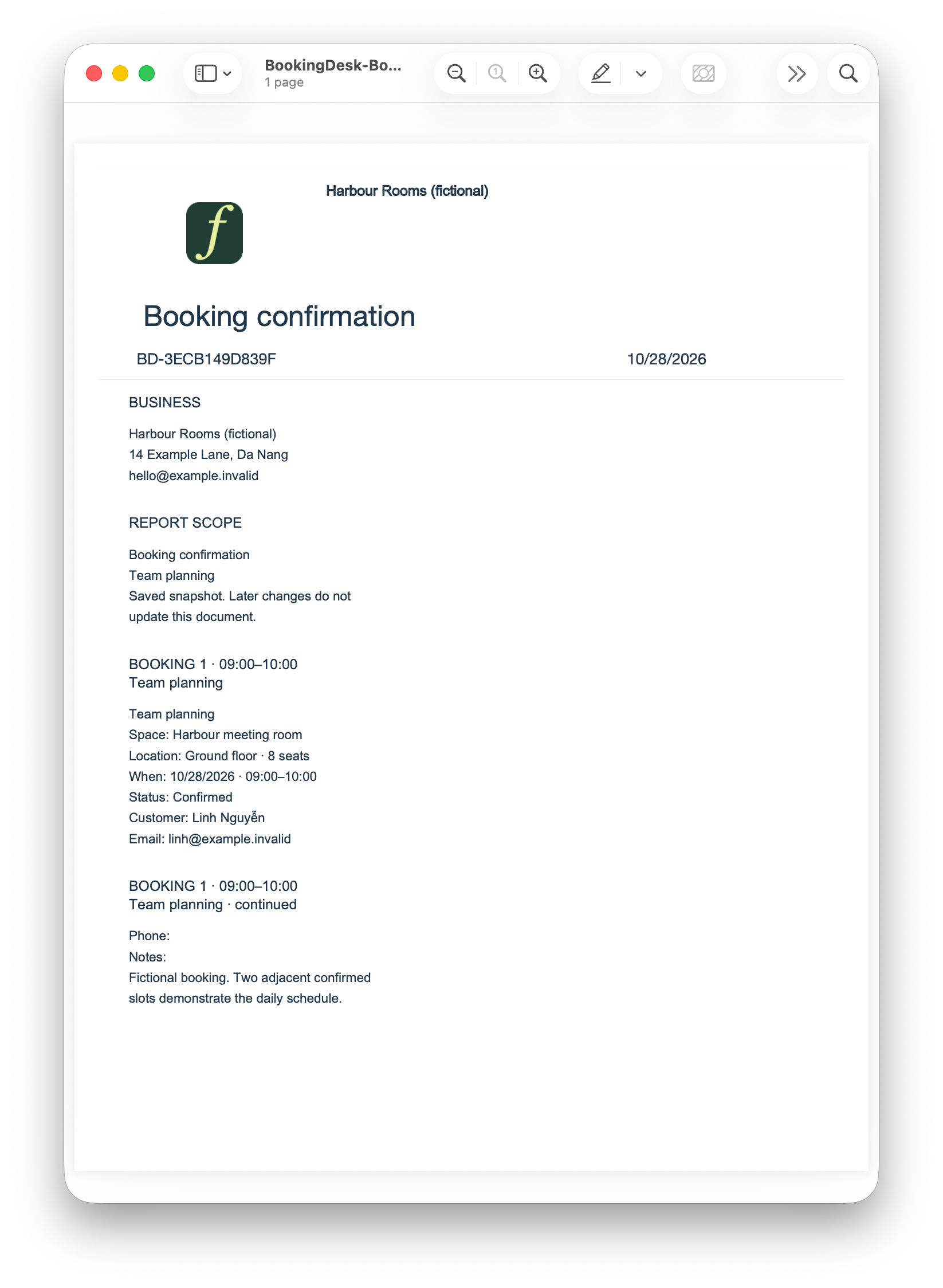
Standard · Booking confirmation PDF view
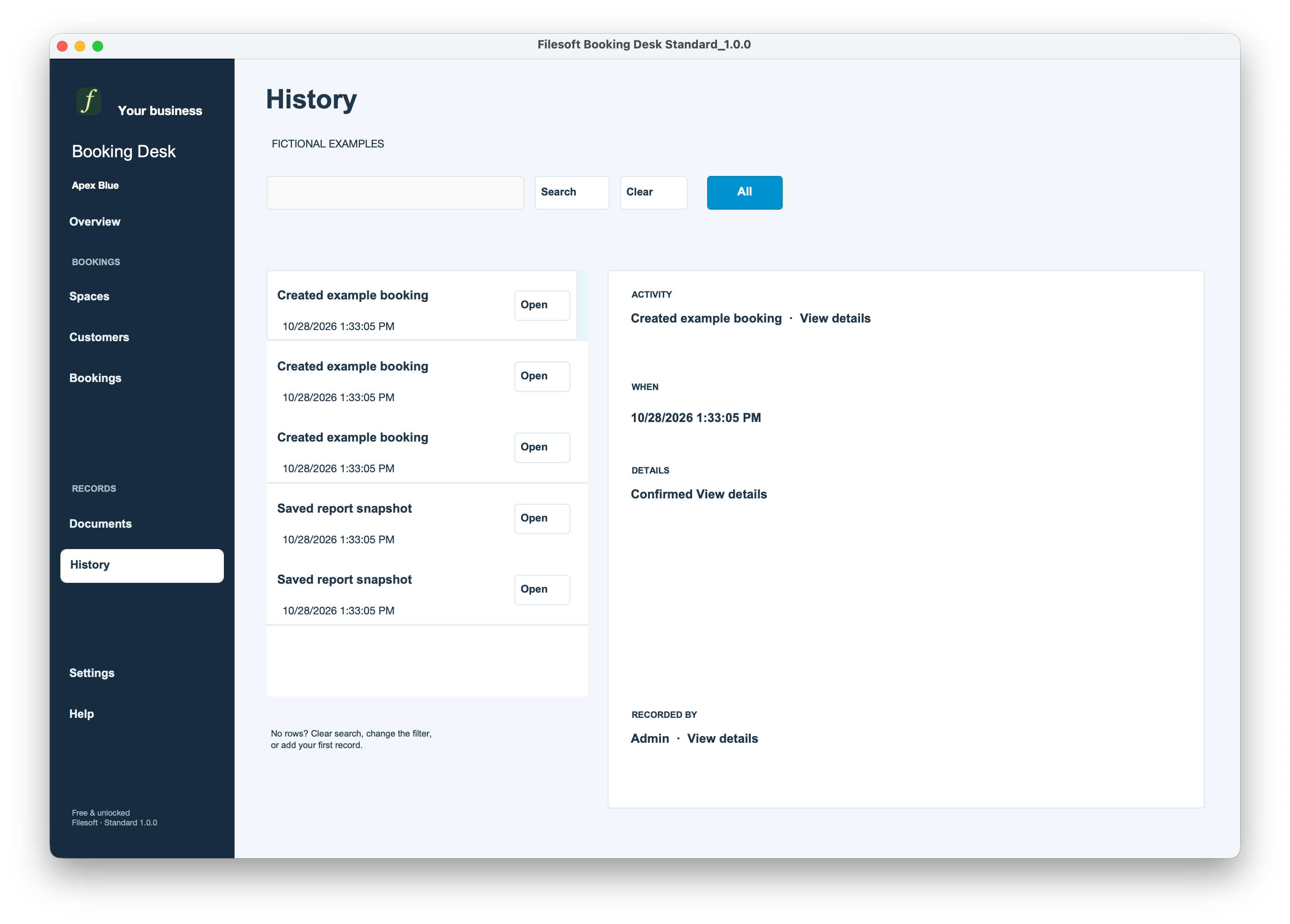
Standard · History
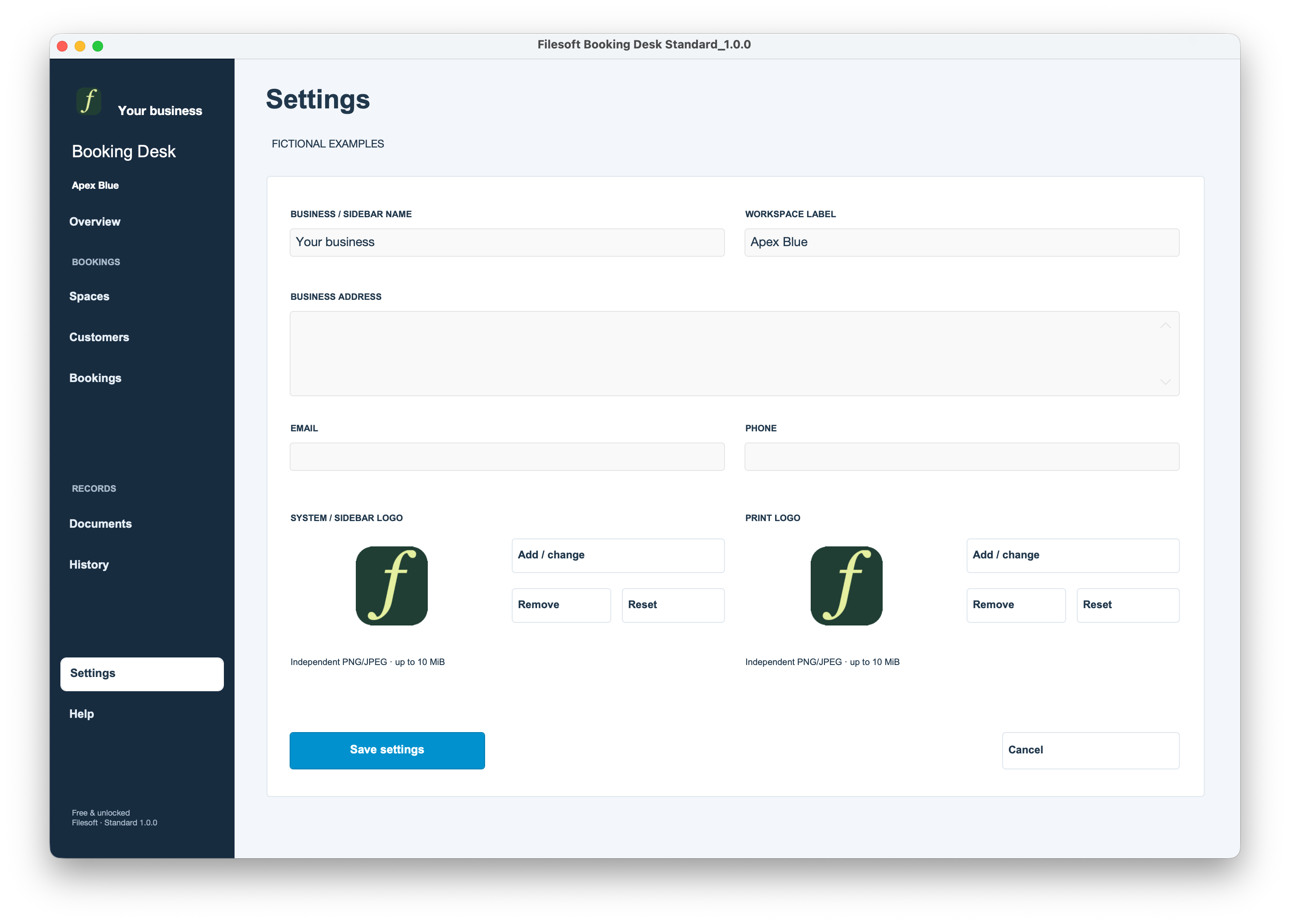
Standard · Settings
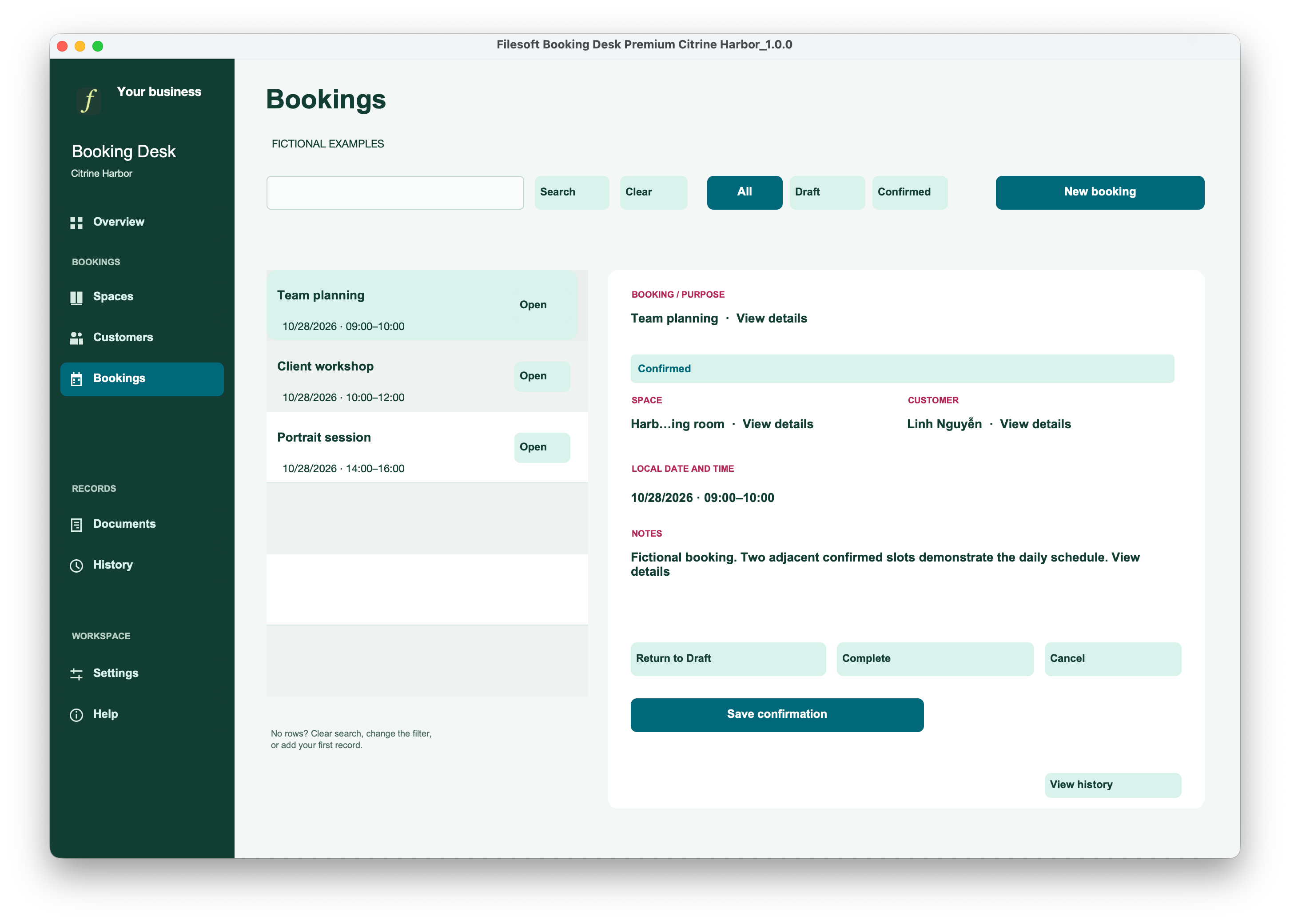
Premium Citrine Harbor · Overview
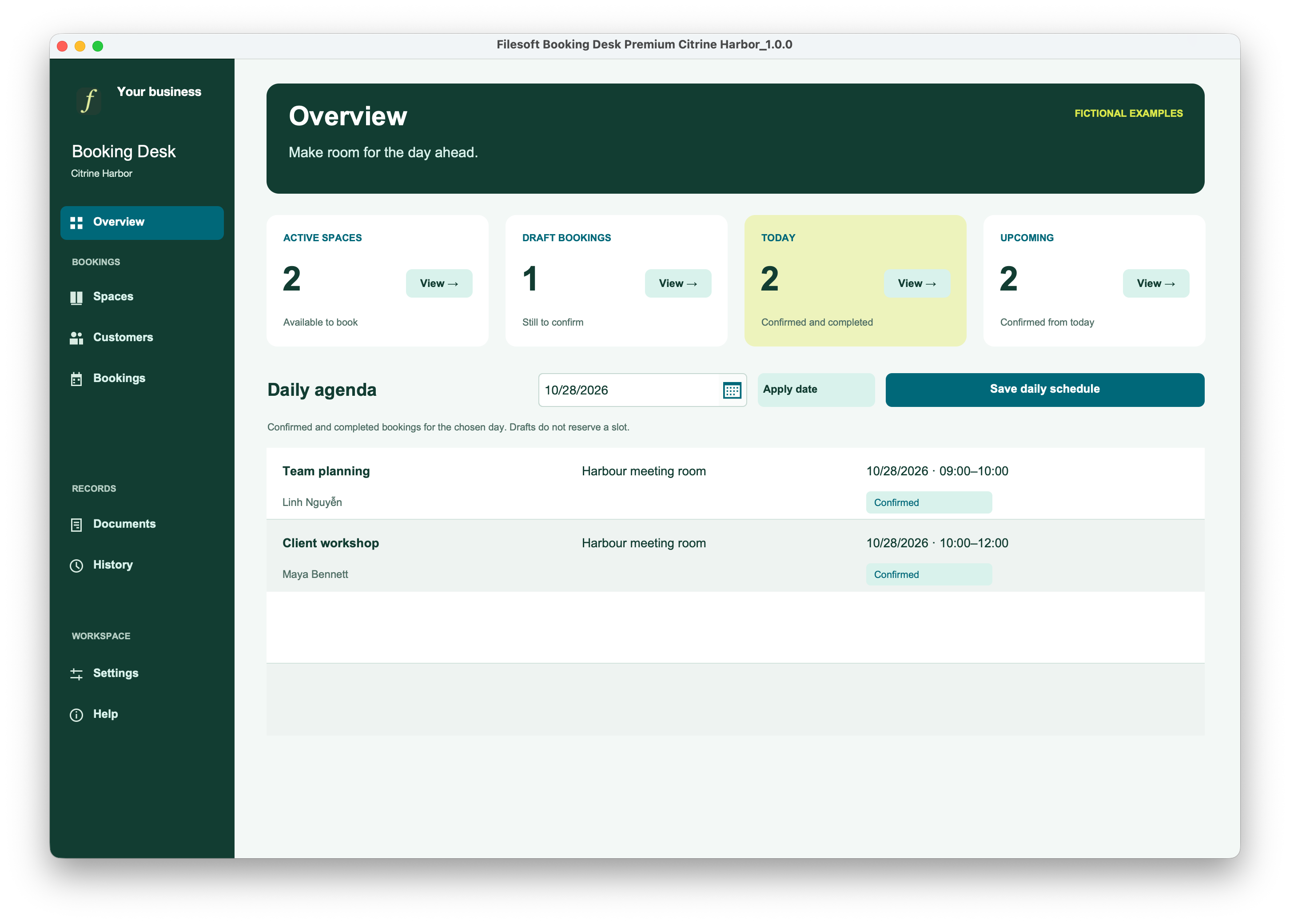
Premium Citrine Harbor · Spaces
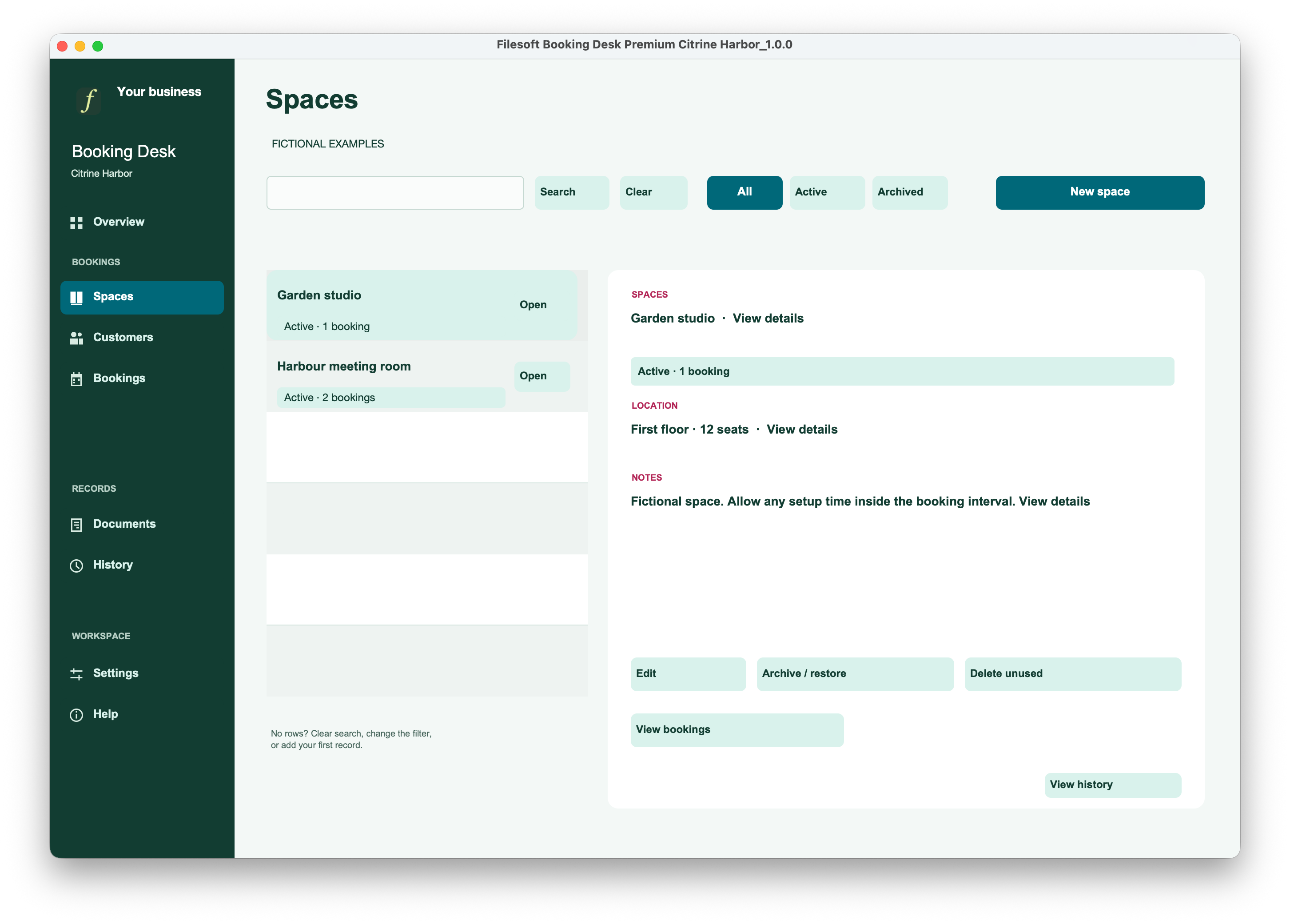
Premium Citrine Harbor · Customers
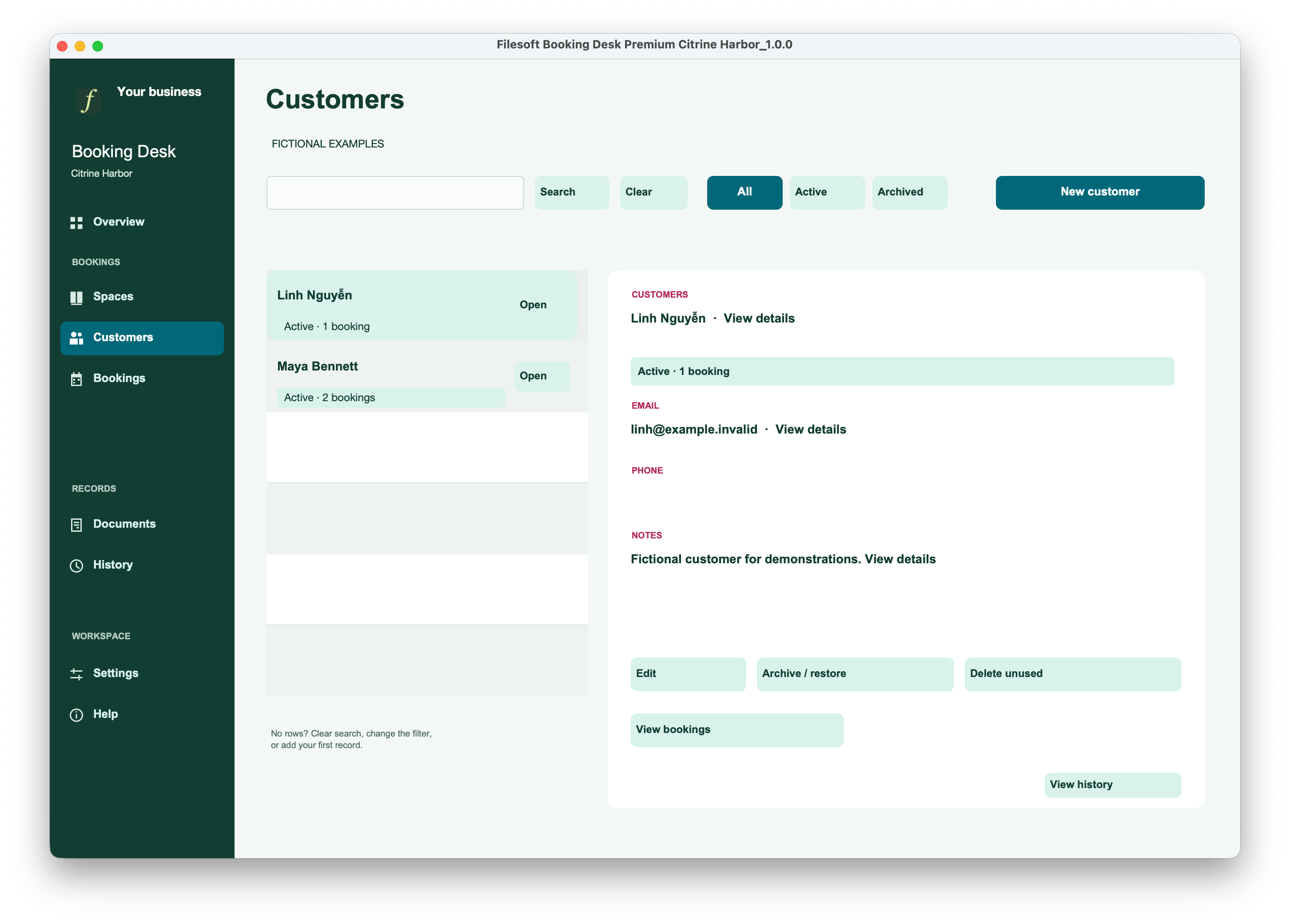
Premium Citrine Harbor · Bookings
Premium Citrine Harbor · Documents
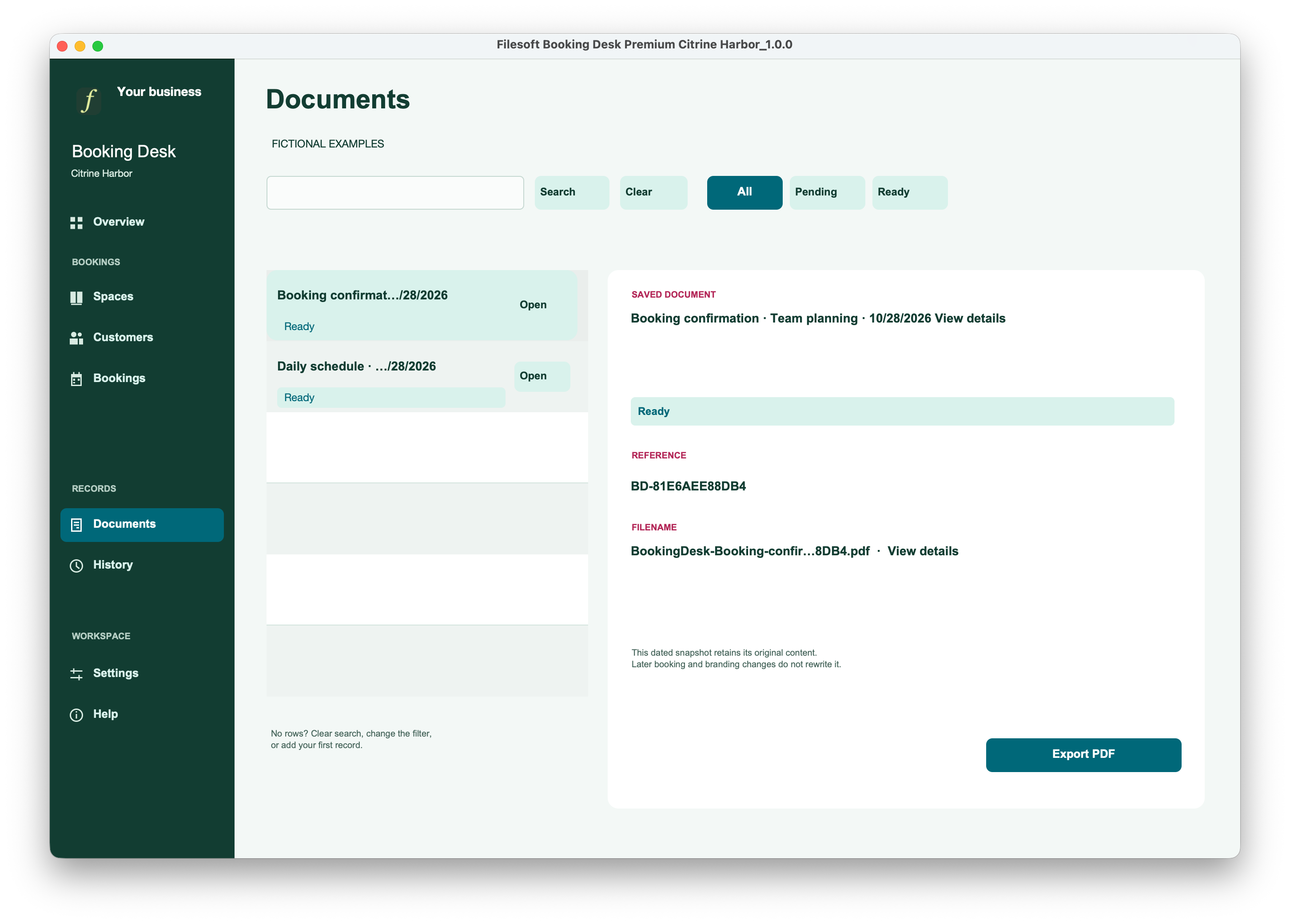
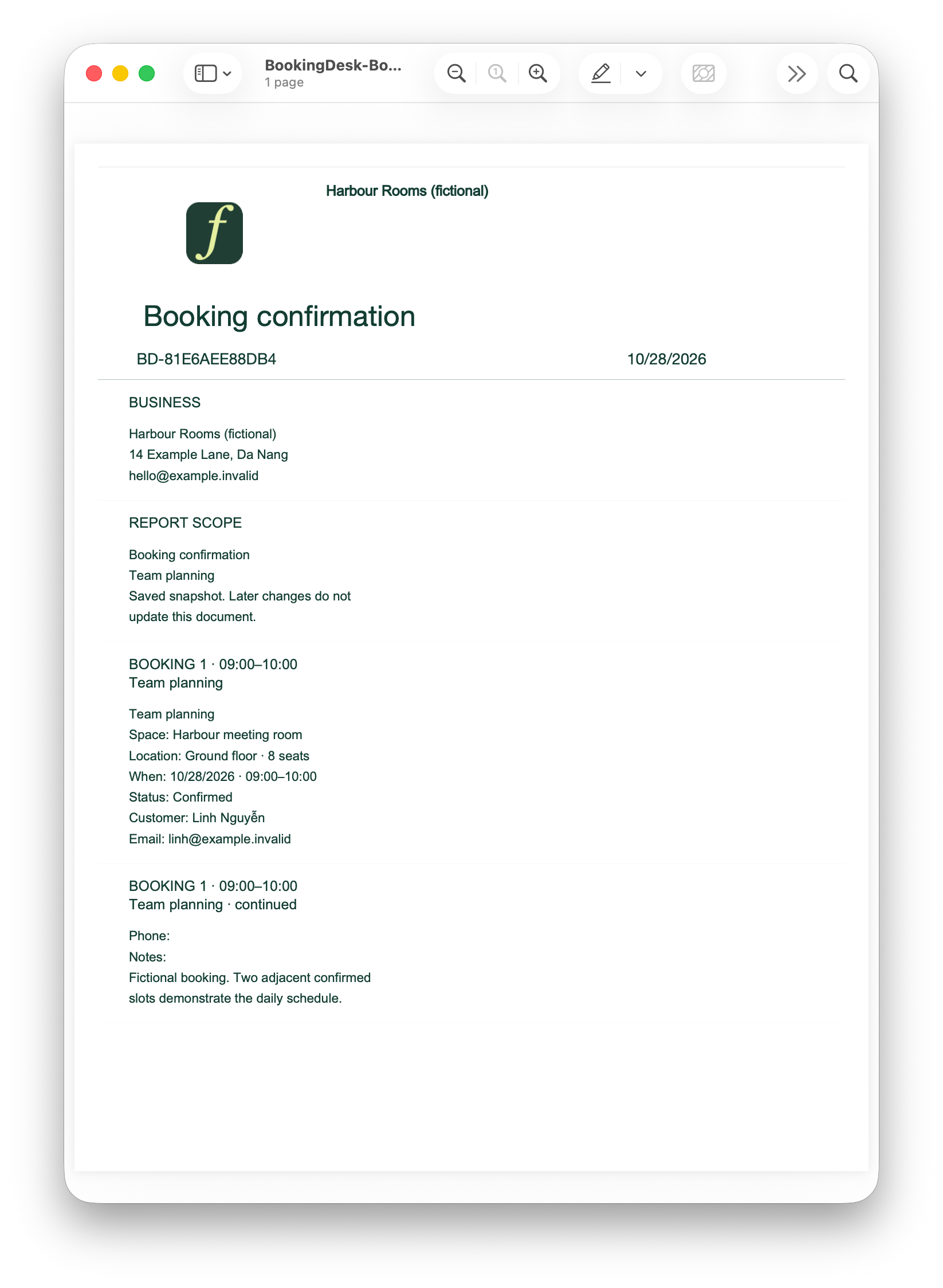
Premium Citrine Harbor · Booking confirmation PDF view
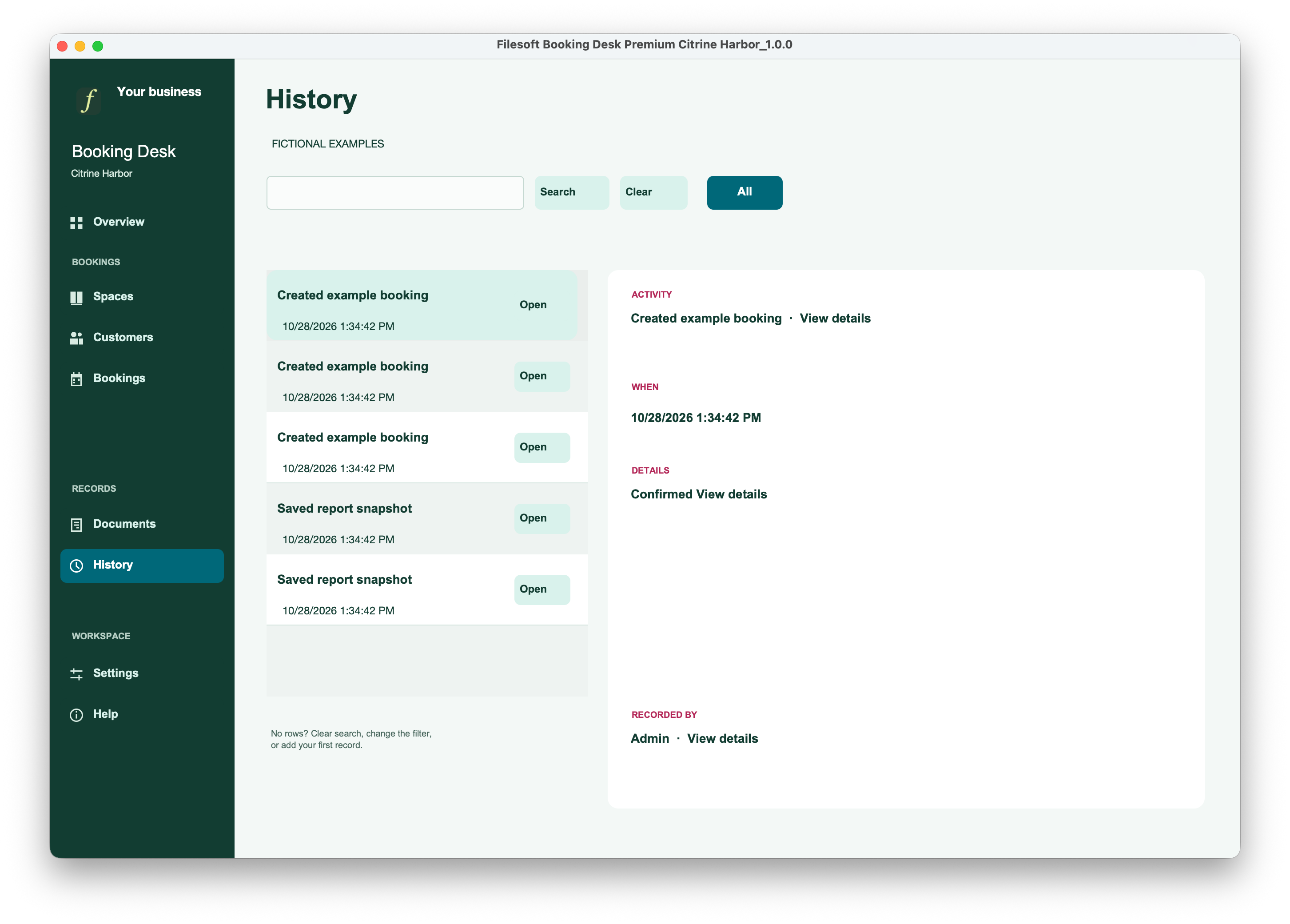
Premium Citrine Harbor · History
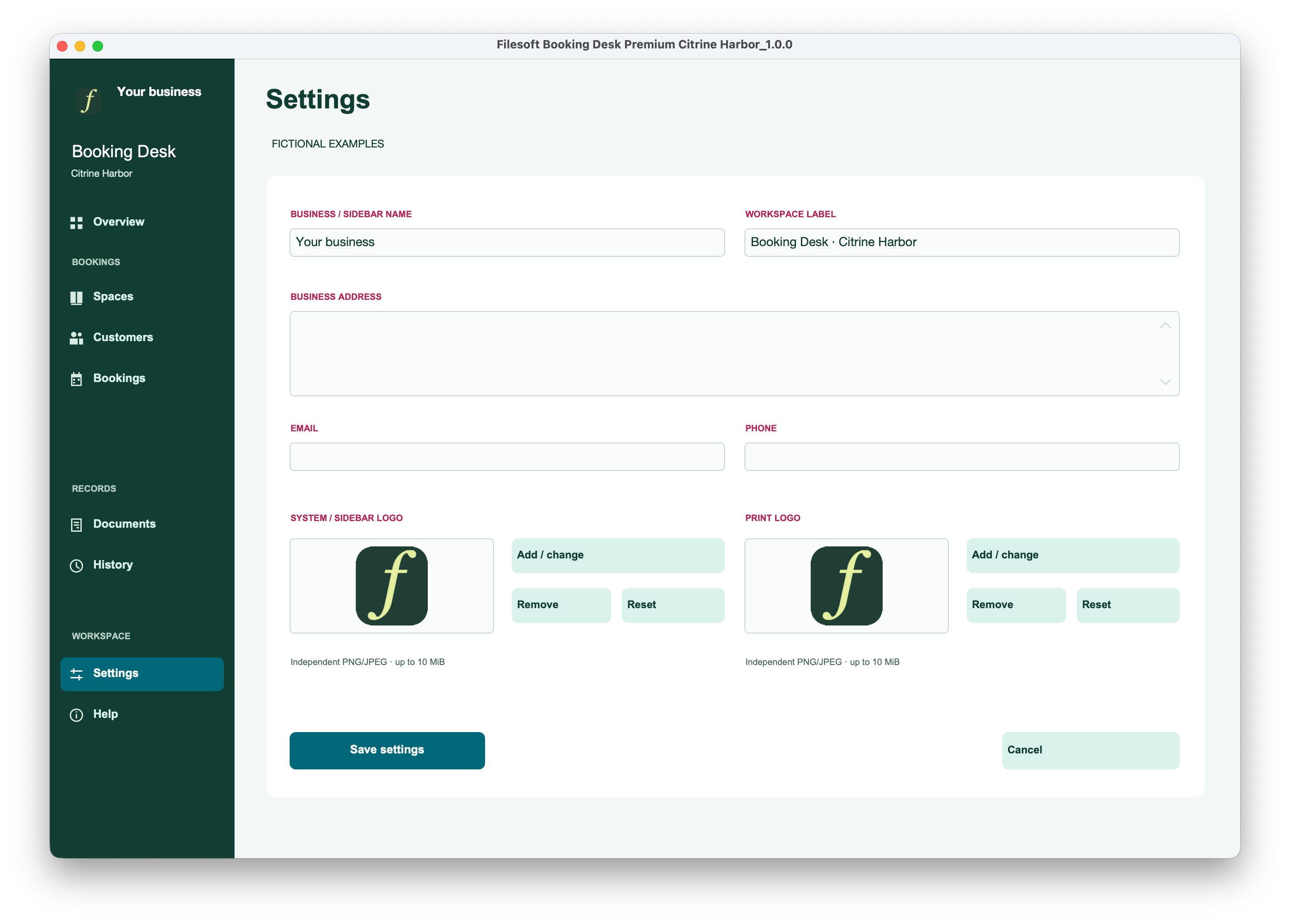
Premium Citrine Harbor · Settings
Keep room or studio details and customer records together. Archive and restore master records with dependency guards; remove unused records safely.
Choose one space, one customer and one local calendar date. Use 24-hour times with the end later than the start. Confirm checks active parents and overlapping reservations.
Confirmed and Completed bookings block overlapping intervals for the same space, day and collection. Adjacent slots are allowed; Draft and Cancelled bookings do not reserve capacity.
Return to Draft before rescheduling. Cancel with a reason, or complete after the scheduled end. Completed bookings are final.
Review the selected-date agenda across spaces. Save booking confirmation and daily-schedule PDF snapshots; later edits do not rewrite saved snapshots.
Set separate sidebar and print logos. Use optional isolated fictional examples from Help, with repeat-safe creation and removal. Read shortened values in full through detail popovers.
Requires FileMaker Pro, sold separately, for one operator and one working window on local macOS desktop. Allow at least a 1340 × 900 workspace at 100%, plus window controls. Pro 19.6+ is the intended range. Recorded native evidence is mainly Pro 26.0.3, with separately scoped 19.6.3 checks. Windows and intermediate versions are not individually validated; Go, WebDirect, hosting and multi-user use are not supported by this release.
Same-day local bookings only. No overnight or recurring bookings, online booking, payments, email automation, calendar synchronization or timezone conversion. There are no automatic setup buffers: include setup time in the booked interval.
Version 1.0.0 follows accepted source editions and caption-only promotion with structural and package checks; it is not a newly rerun native suite. Recorded tests are scoped, not a guarantee for every platform or failure condition.
Both editions are unlocked for personal and internal-business use and customization. No resale or redistribution. Support is best effort, with no guaranteed response time or future updates. FileMaker Pro, hosting, implementation, training and migration are separate.
Premium Citrine Harbor is US$99 once. It supplies the same booking workflow with pine navigation, icons, rounded panels, a highlighted Today card and coordinated colors. It does not include the separate reusable Citrine Harbor theme license.
Standard and Premium are separate empty files. Buying Premium does not automatically move Standard records or customizations. Keep your working file and assess migration before switching.
Discuss tailored fields, booking documents, calendar integration or a different deployment. Recurring bookings, online booking and team access are possible customization topics, not included features.
Initial Standard and Premium Citrine Harbor release. Empty, unlocked files with spaces, customers, same-day bookings, agenda, document snapshots and history.