Standalone solution
Open the supplied .fmp12 to use Checklist Lite in its own FileMaker file. No add-on installation is needed.
Get the standalone solution ↗FREE FILEMAKER ADD-ON · 0.1.2
A self-contained checklist workspace inside your existing file. Place the compact launcher on your layout, open Checklist Lite, and return to your work with Back to host.
Requires FileMaker Pro, sold separately.
ONE WORKSPACE. TWO WAYS TO USE IT.
Open the supplied .fmp12 to use Checklist Lite in its own FileMaker file. No add-on installation is needed.
Get the standalone solution ↗Install the .fmaddon, place its launcher, and open a self-contained checklist workspace. Return to your work with Back to host.
Get the add-on ↗Both require FileMaker Pro, sold separately. Name and email required; no marketing subscription.
A LITTLE STRUCTURE, RIGHT IN YOUR APP
Start with a blank checklist or one of eight editable templates. Organize independent lists in Personal, Work and Projects. Duplicate lists and explore optional samples.
Add step notes and completion details. Track progress with completion counts and a progress bar, then archive or restore your work.
No host-table relationship or startup-script change is required. All launchers open the same collection; checklists are not linked to individual host records.
ABOUT 90 SECONDS TO GET ORIENTED
This shared tutorial demonstrates Checklist Lite 0.1.2. Choose Filesoft Checklist Lite in the add-on chooser. Back up your host file and follow the included Read Me.
English narration and visible captions. Download transcript
Filesoft Checklist Lite — Installation Tutorial
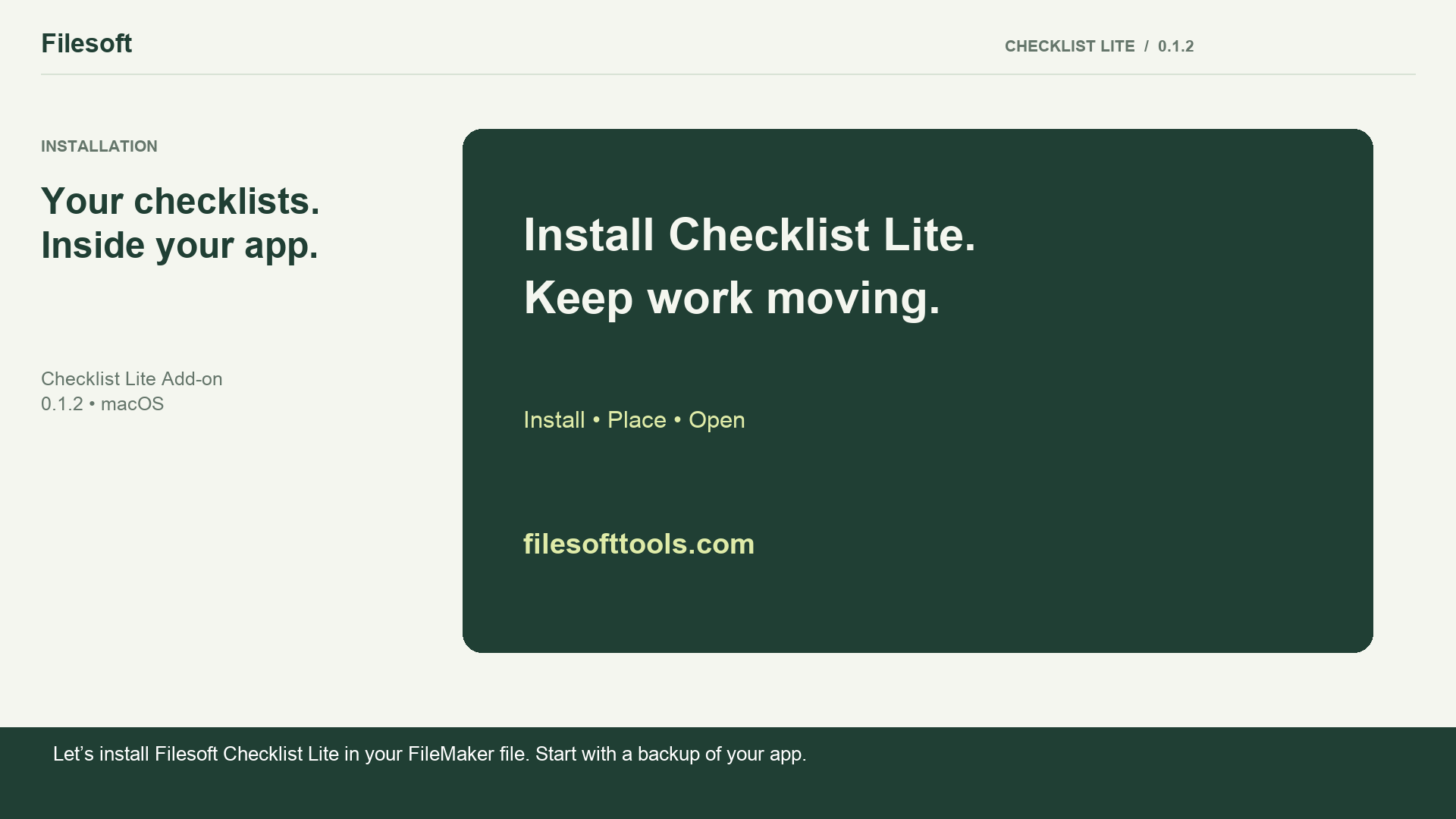
Let’s install Filesoft Checklist Lite in your FileMaker file. Start with a backup of your app.
Open the .fmaddon package in FileMaker Pro. This makes Checklist Lite available in the add-on chooser.
In your file, enter Layout mode and open the Add-ons tab. Click Install Add-on, select Filesoft Checklist Lite, and choose it.
Drag Checklist Lite from the Add-ons pane onto your layout. Position the launcher where it is easy to find.
Save the layout and return to Browse mode. Click Open Checklist Lite. No host-table relationship or startup-script change is needed.
Open Templates and choose a starting point. Click Use template to create an independent checklist that you can make your own.
Complete a step to update your progress. Your checklist keeps the step details and completion information together.
Click Back to host to return to your original layout. The launcher is there whenever you need your checklists.
Your checklist module is ready. Create more lists whenever you need them. Find more tools at filesofttools.com.
FREE · VERSION 0.1.2
Get Filesoft Checklist Lite Add-on, free.
Install into an existing FileMaker file with suitable development access. Normal operation respects your host file’s privileges.
Built with Spring Garden by Filesoft ↗
BEFORE YOU GET STARTED
FileMaker Pro is required and sold separately. Intended compatibility: FileMaker Pro 19.6.3–26 on macOS. Owner-confirmed testing in 19 and 26; intermediate versions were not individually tested.
This release is for local desktop use with one installed module and one active window. Windows, FileMaker Go, WebDirect and concurrent multi-user use are outside its supported scope.
Keep FSCHK names intact. Updating the chooser package does not update an installed module. Do not uninstall a populated module to upgrade.
Questions? support@filesofttools.com