Define the work
Connect clients, projects, milestones and deliverables with owners, due dates and scope.
FILESOFT PROJECT DELIVERY · 1.0.0
Keep clients, projects, milestones, deliverables and client decisions together. Prepare saved handover snapshots when the work is ready to share.
Start with free Standard, or choose Premium Cobalt Orchard for a coordinated Filesoft design.
FileMaker Pro required, sold separately. Tested in 19 and 26 on macOS; Windows unverified. Read the full requirements.
FOLLOW THE WORKFLOW
A three-step tour of the included workflow. Standard and Premium share these capabilities; the screenshots below show free Standard. Downloads start empty, with optional fictional samples available in Help.
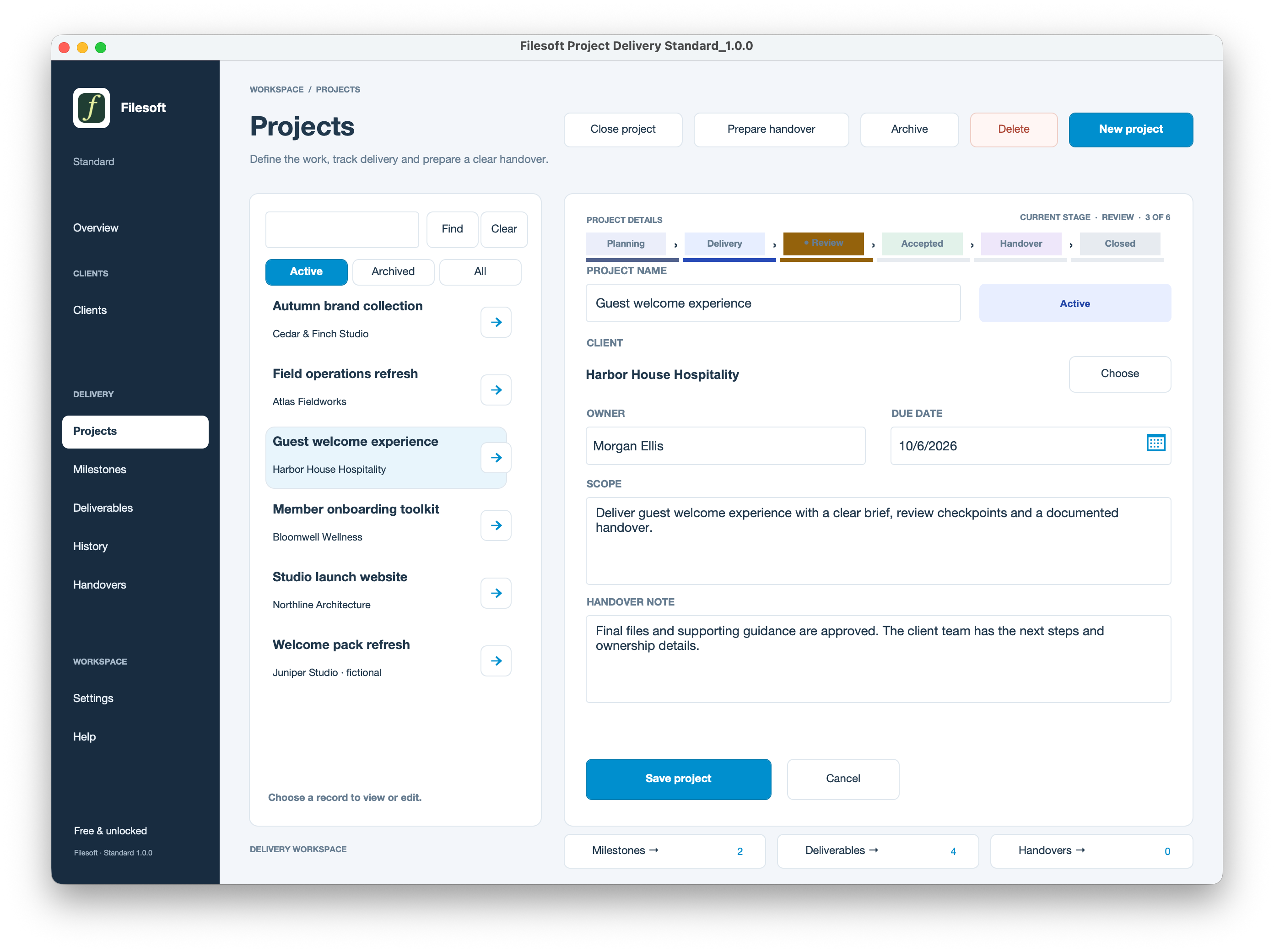
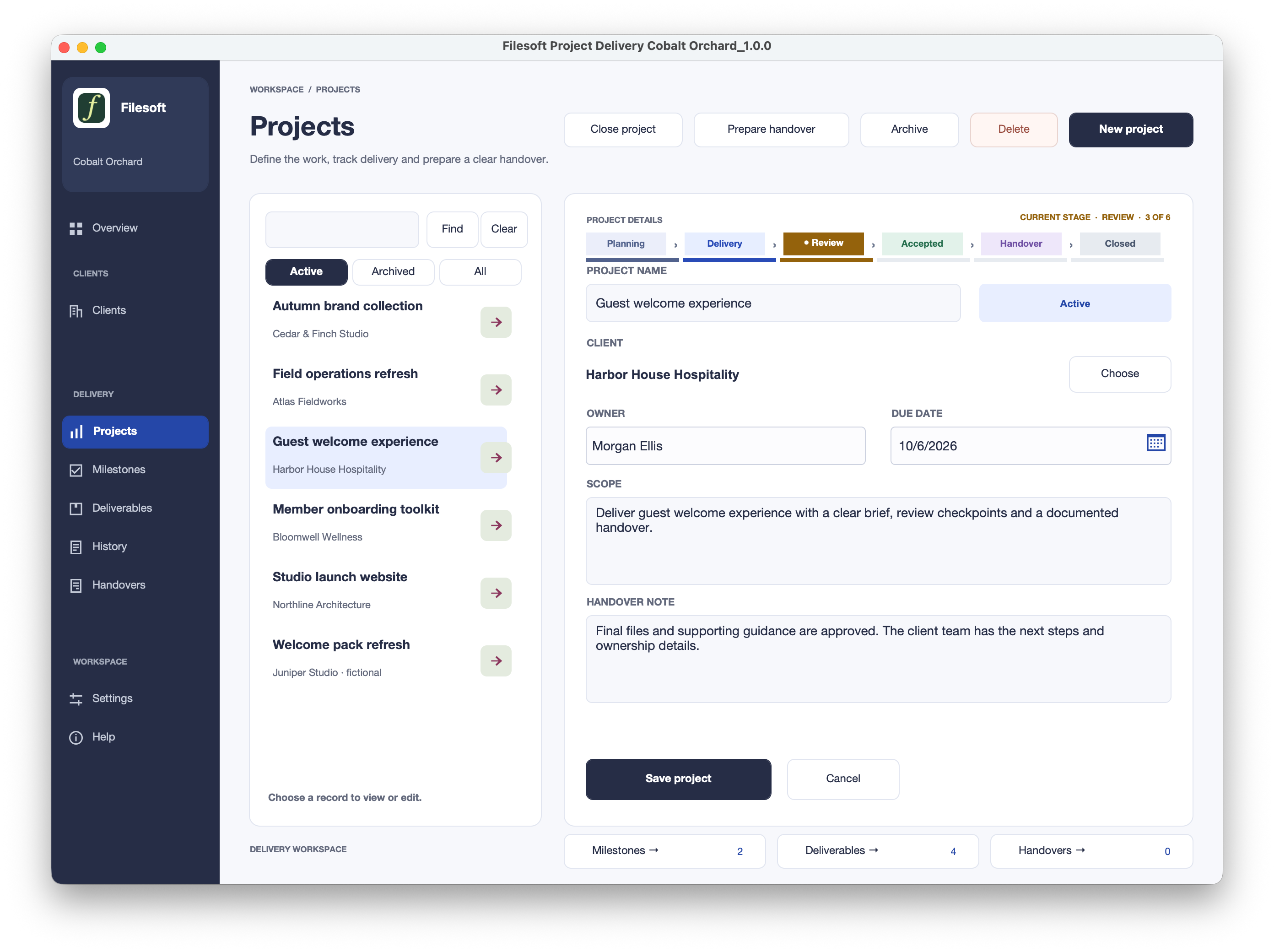
Start with the client and project, then organize the work into milestones and deliverables. Keep scope, due dates and responsibility visible before work begins.
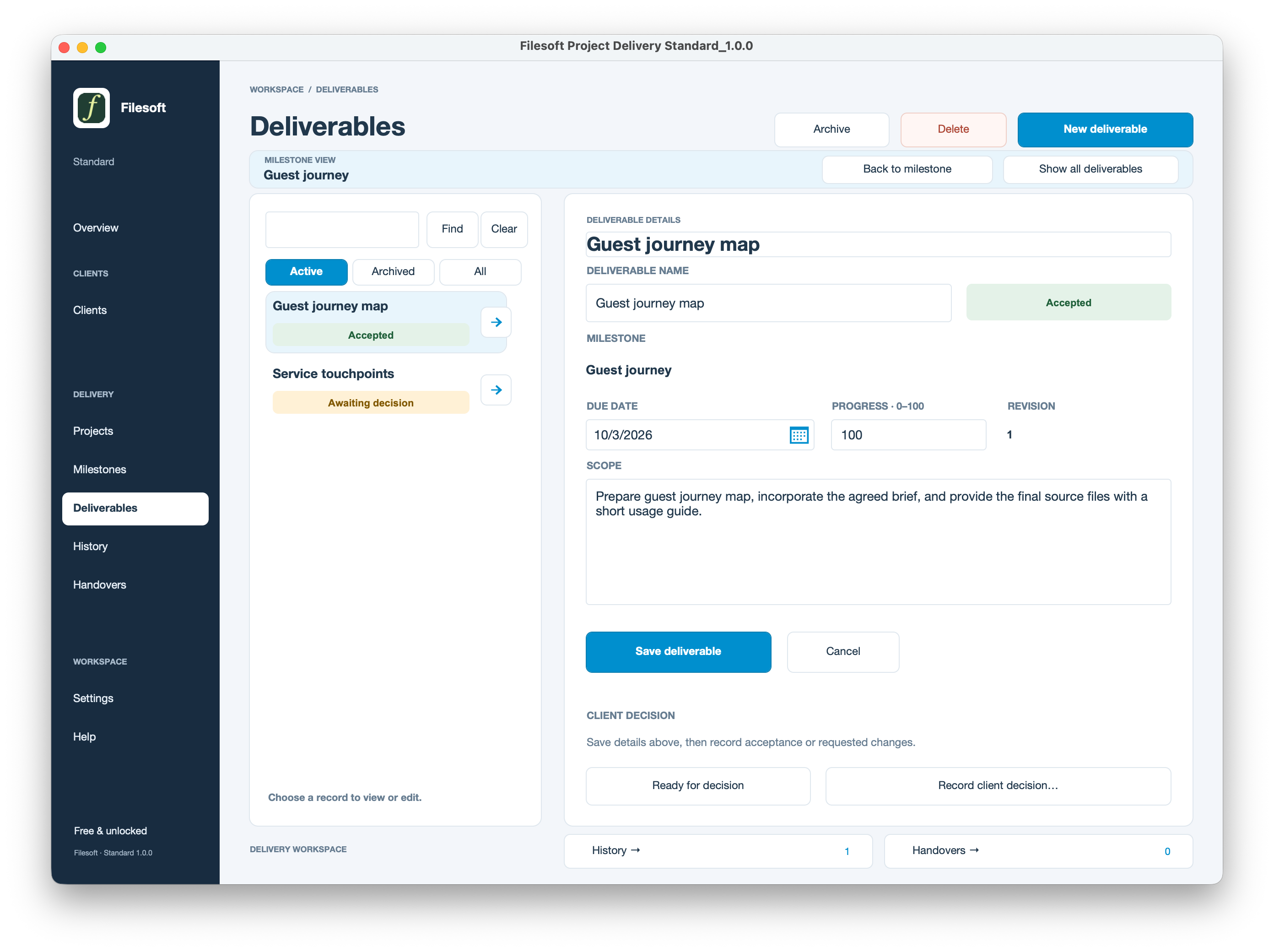
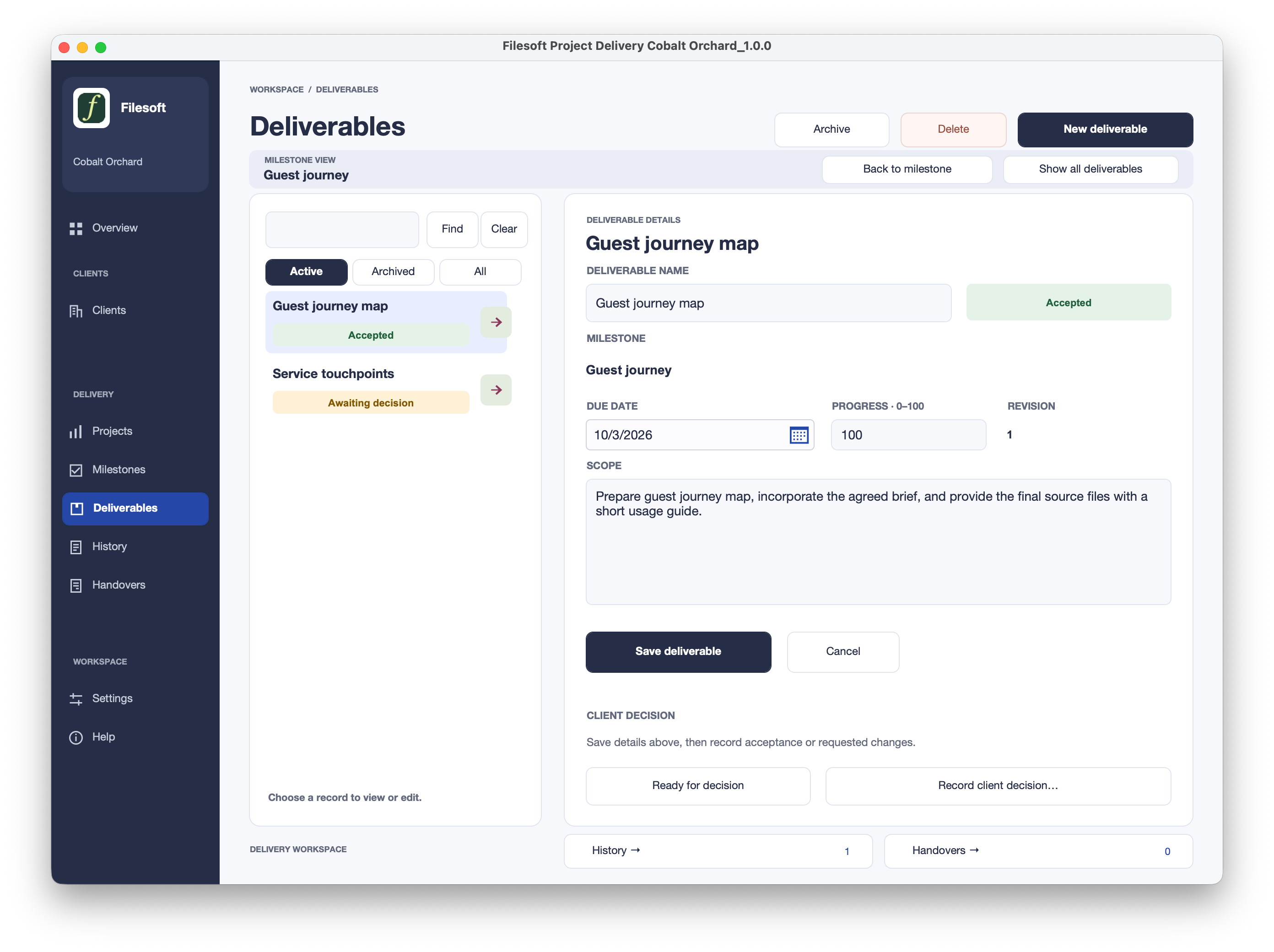
Save the deliverable details before marking it ready for a decision. Record the client’s outcome against the current revision, with the contact and supporting reference. A work status and a client decision are separate records of what happened.
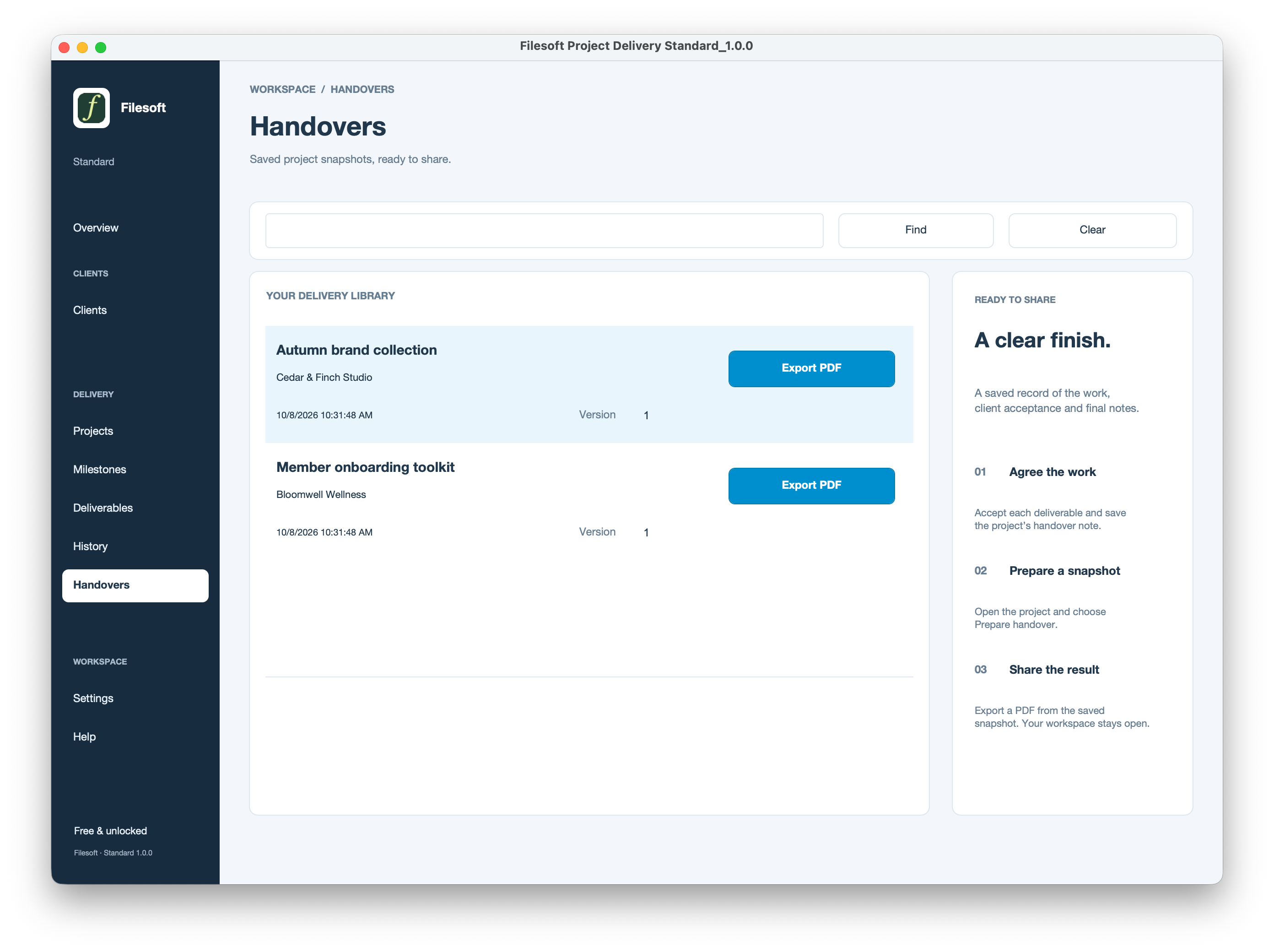
After acceptance, save the project’s handover note and prepare a handover. Open the saved snapshot to export its PDF. This preserves a point-in-time handover rather than treating a live project screen as the delivery record.
SAME WORKFLOW. TWO DESIGNS.
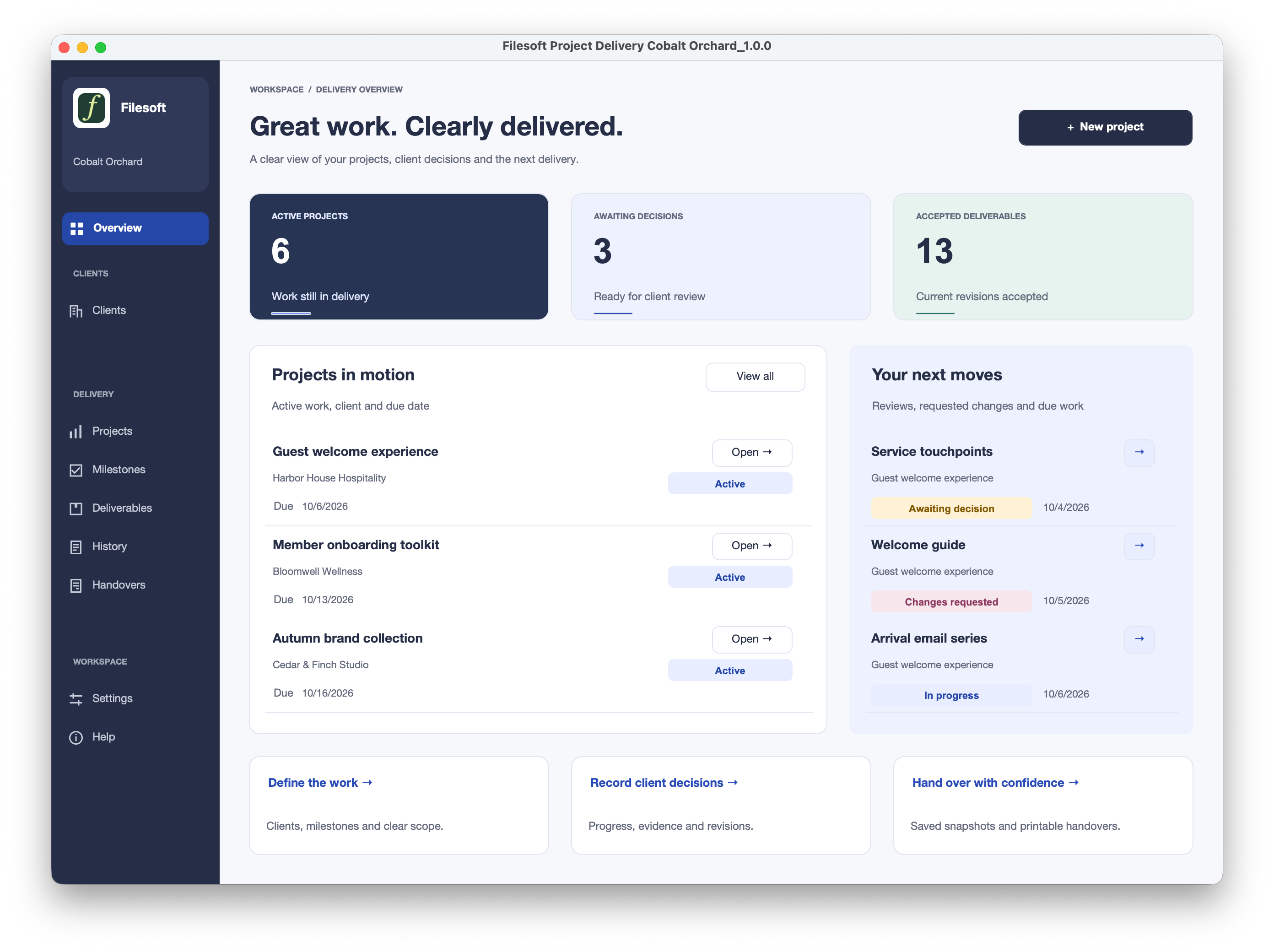
Standard is free and unlocked. Premium adds Cobalt Orchard styling, icon navigation and a richer Overview presentation.
| Included | Standard | Premium Cobalt Orchard |
|---|---|---|
| Price | Free | US$99 one-time |
| Core delivery workflow | Included | Included |
| Editable native FileMaker file | Included | Included |
| Design | Apex Blue styling, text navigation and simpler Overview | Cobalt Orchard styling, icon navigation and richer Overview |
| Optional fictional samples | Included | Included |
| Separate full theme license | Not included | Not included |
| Automatic migration from Standard | Not included | Not included |
Both downloads start empty. The screenshots show optional fictional sample records. Importing a theme does not create this solution’s tables, scripts or workflow.
THE SAME WORKFLOW IN BOTH EDITIONS
Connect clients, projects, milestones and deliverables with owners, due dates and scope.
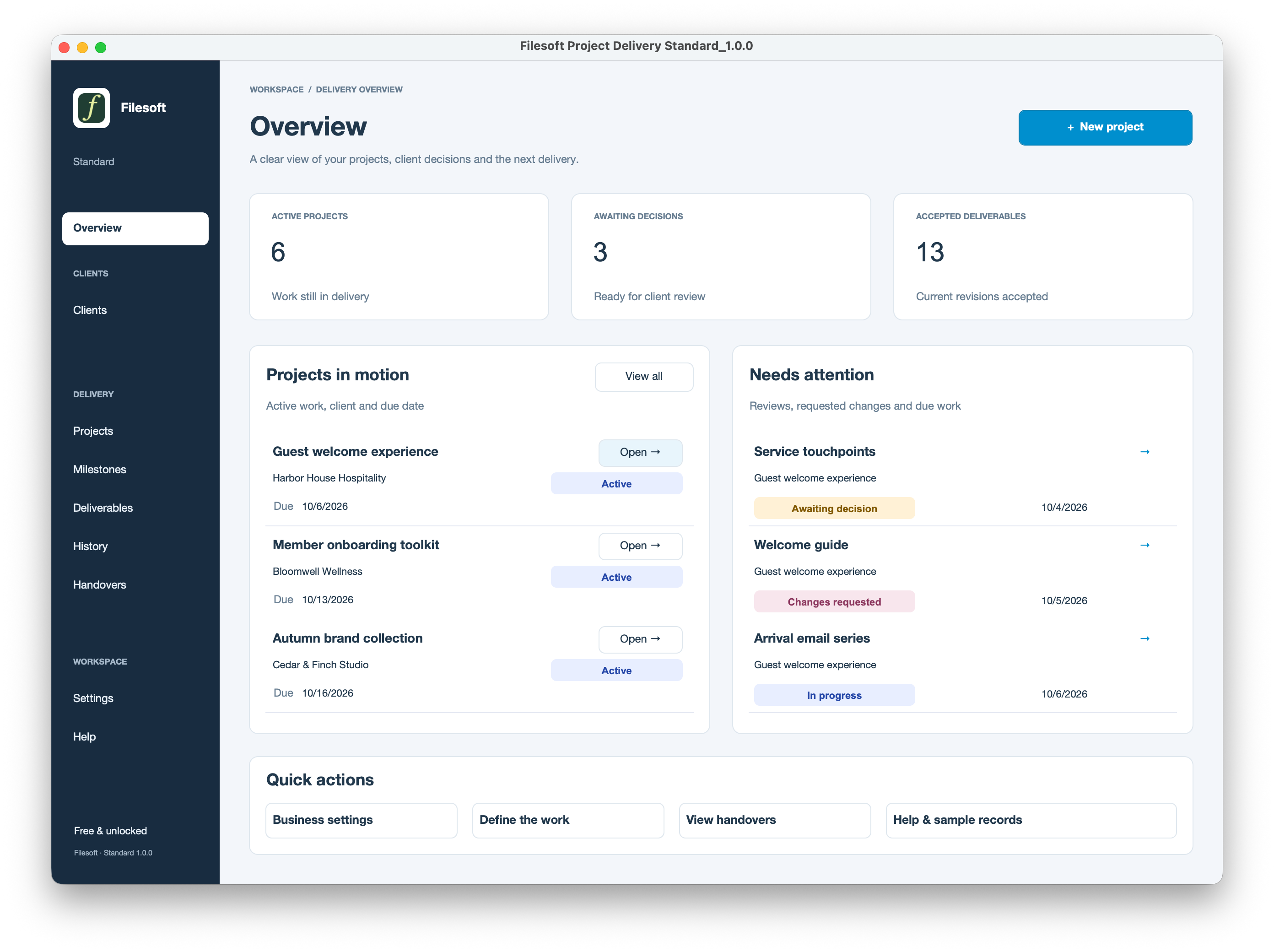
Review active projects, upcoming work and deliverables awaiting a client decision.
Keep deliverable details and client decisions separate, with decisions recorded against the current revision.
Review saved events and decisions, with entry deletion and a reason-based reopen workflow.
Save a project snapshot and export a handover PDF while the main workspace stays open.
Set business details, separate workspace and printing logos, team names and a print footer.
A CLOSER LOOK
Original application screenshots with fictional sample records. Open any image to view it at full size.
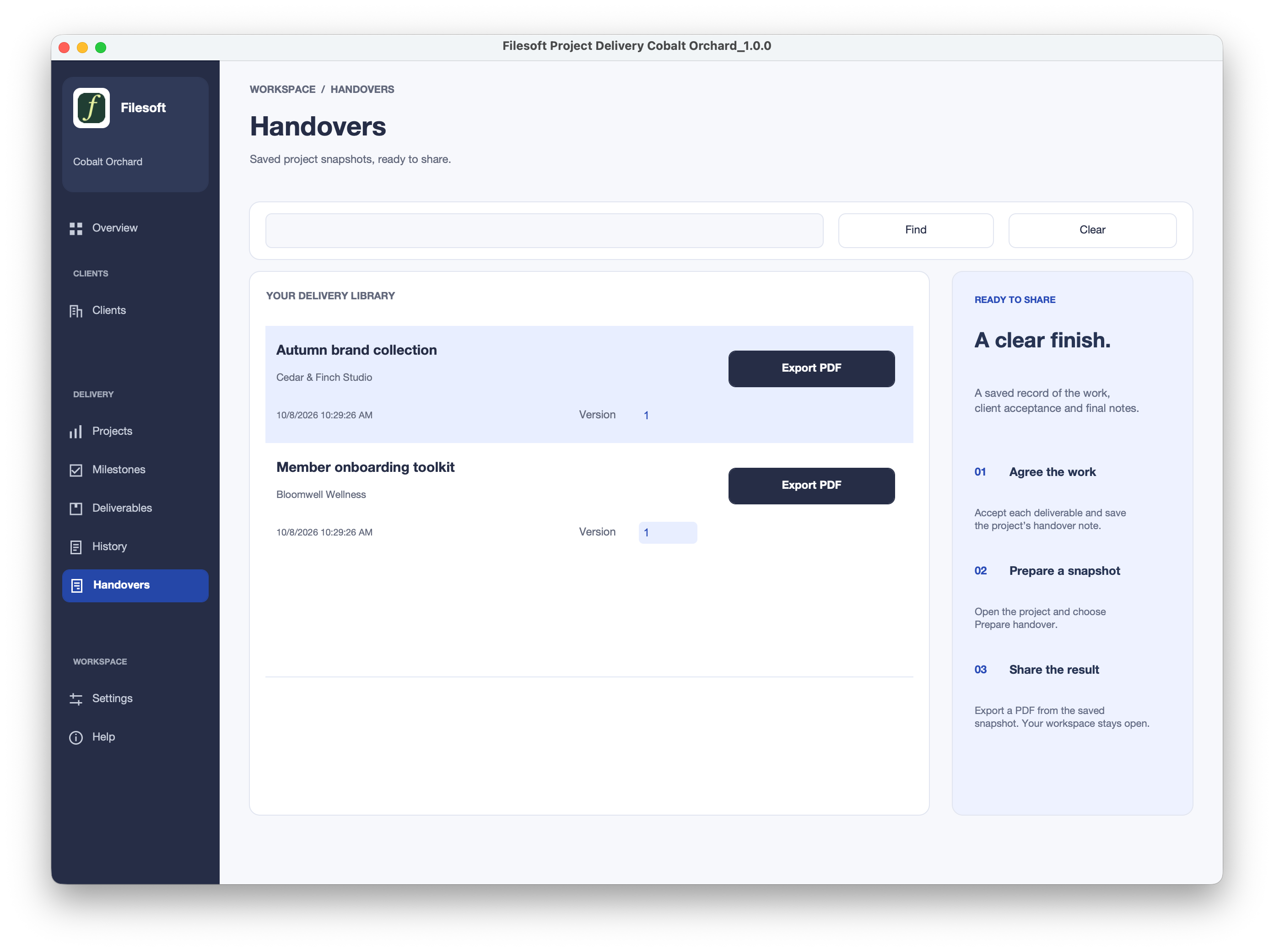
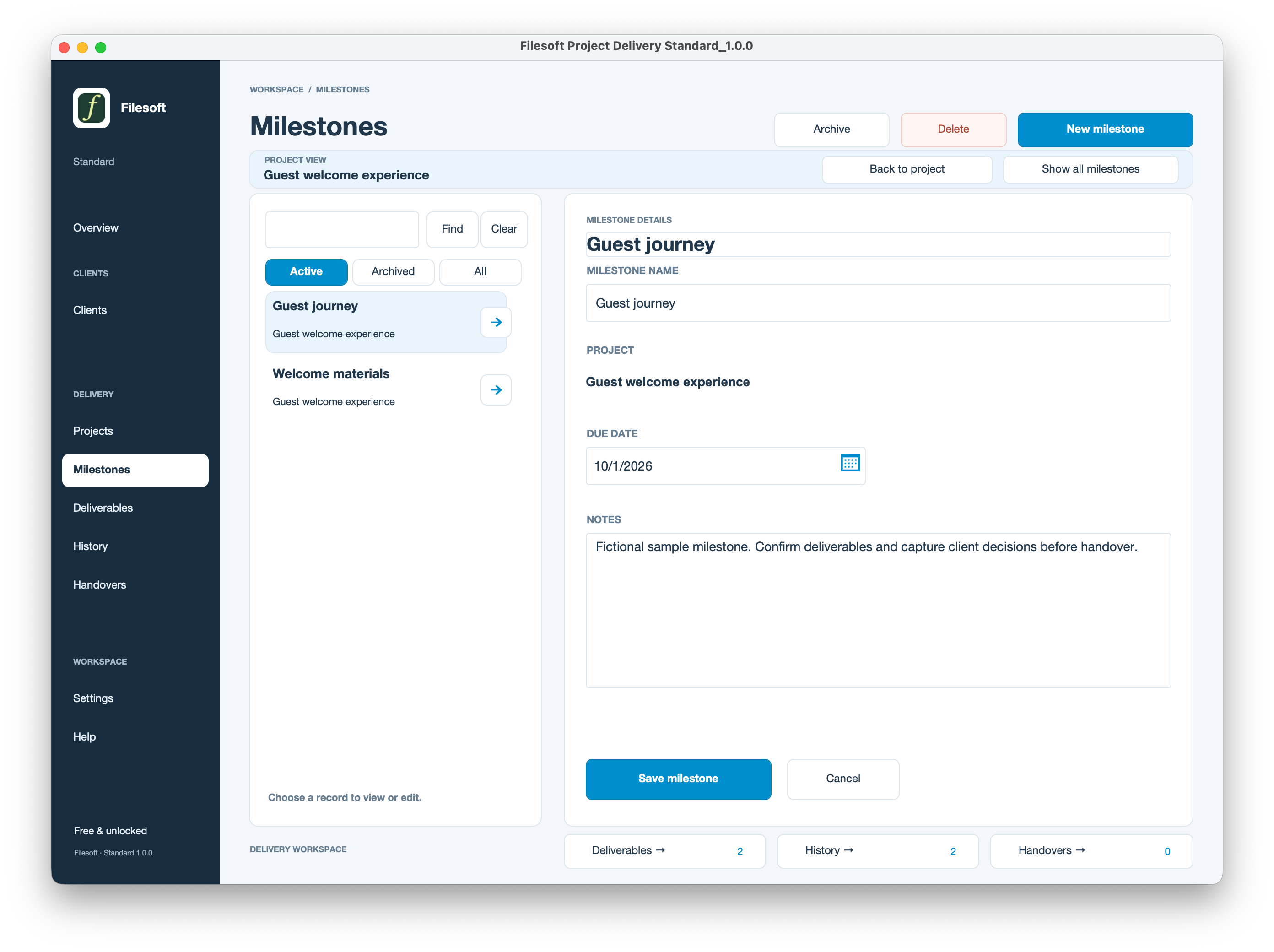
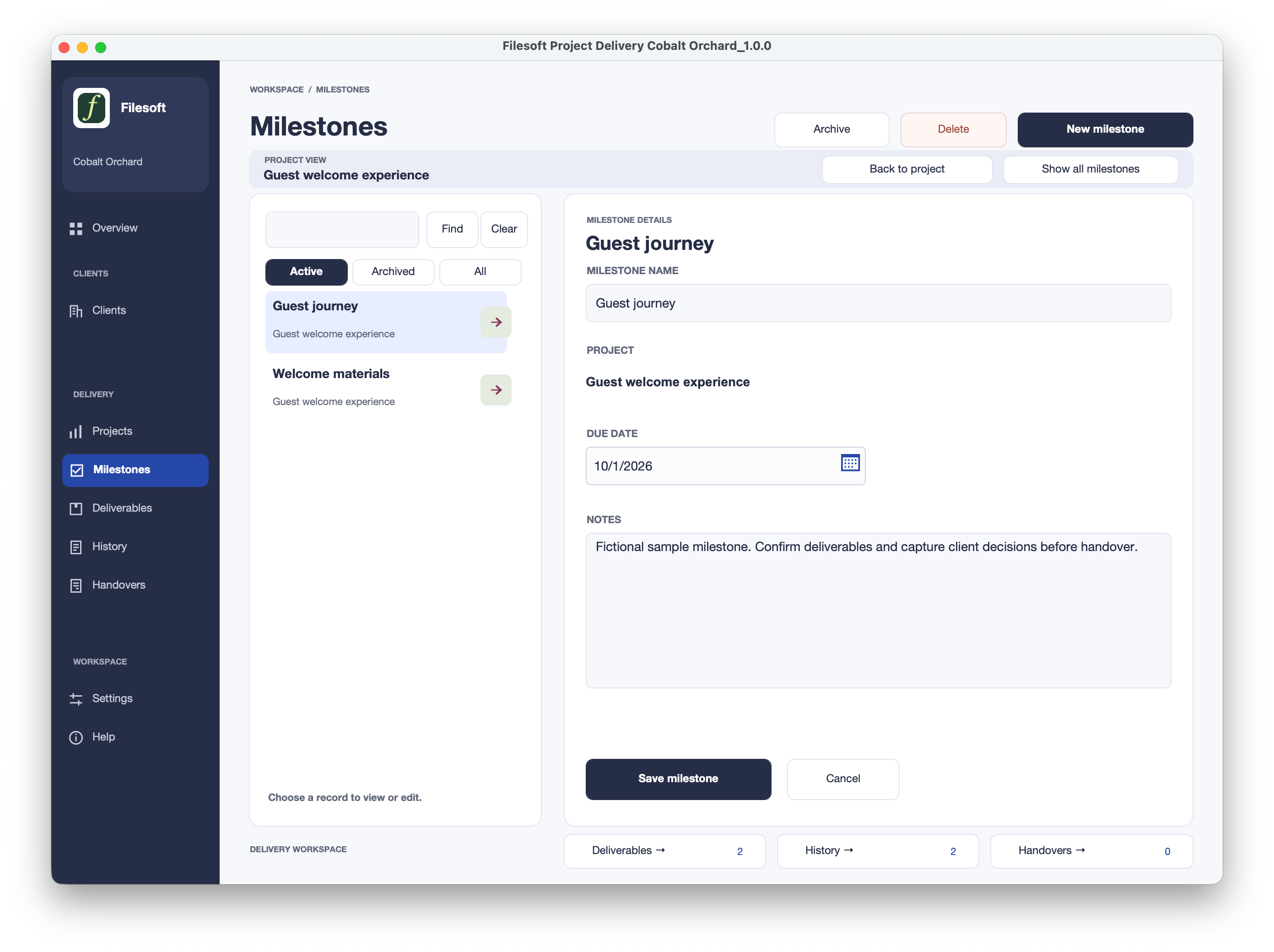
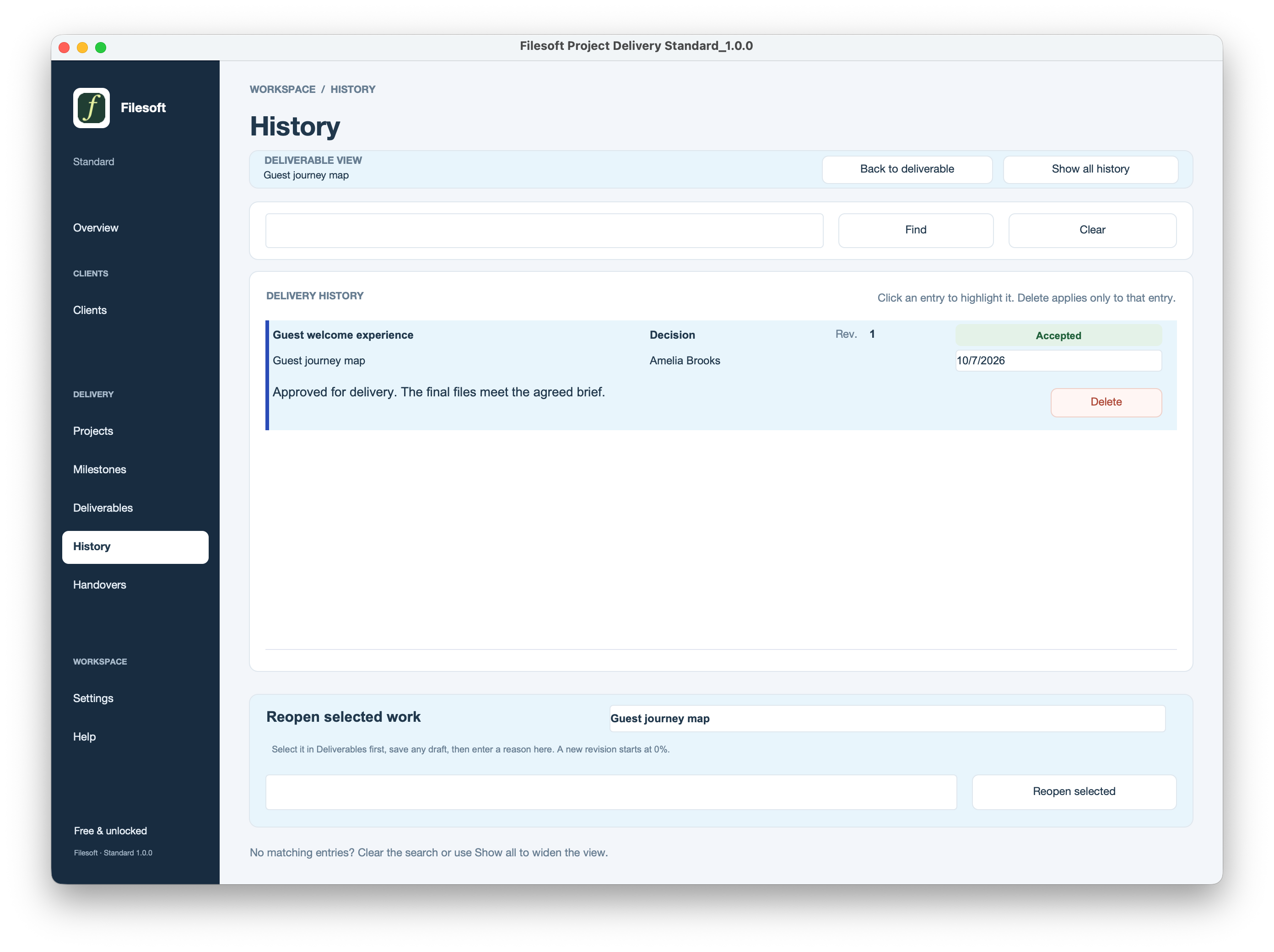
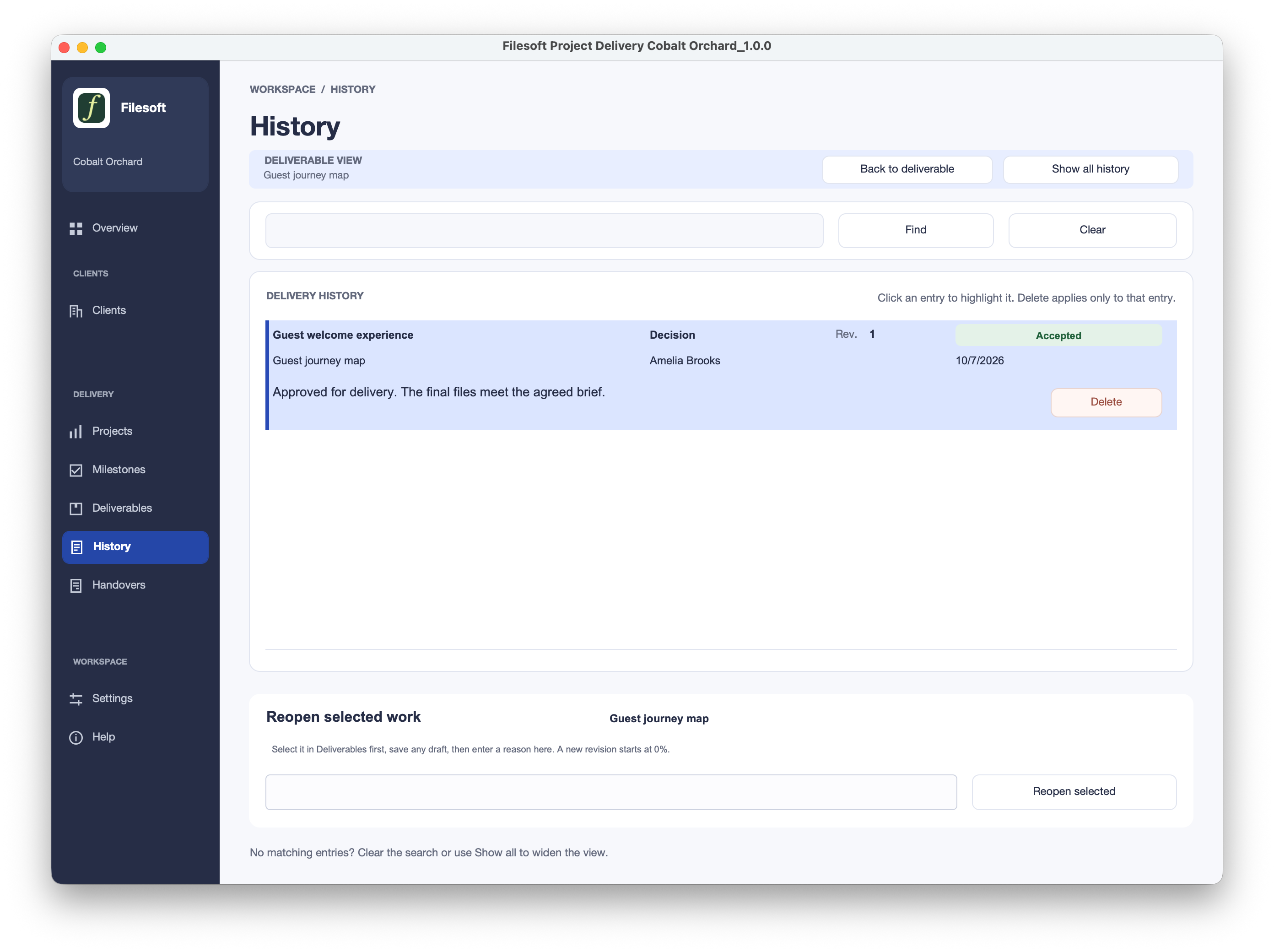
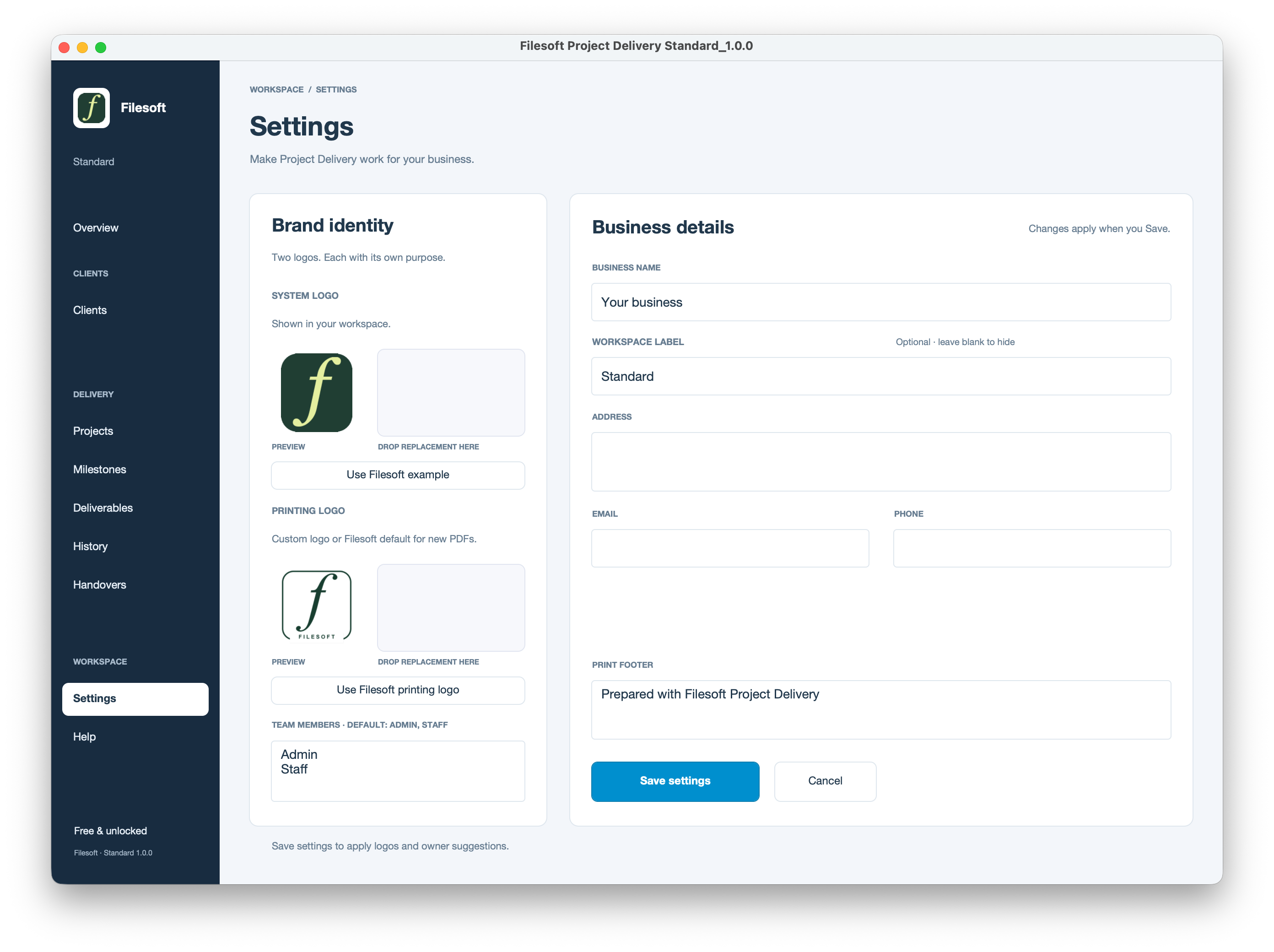
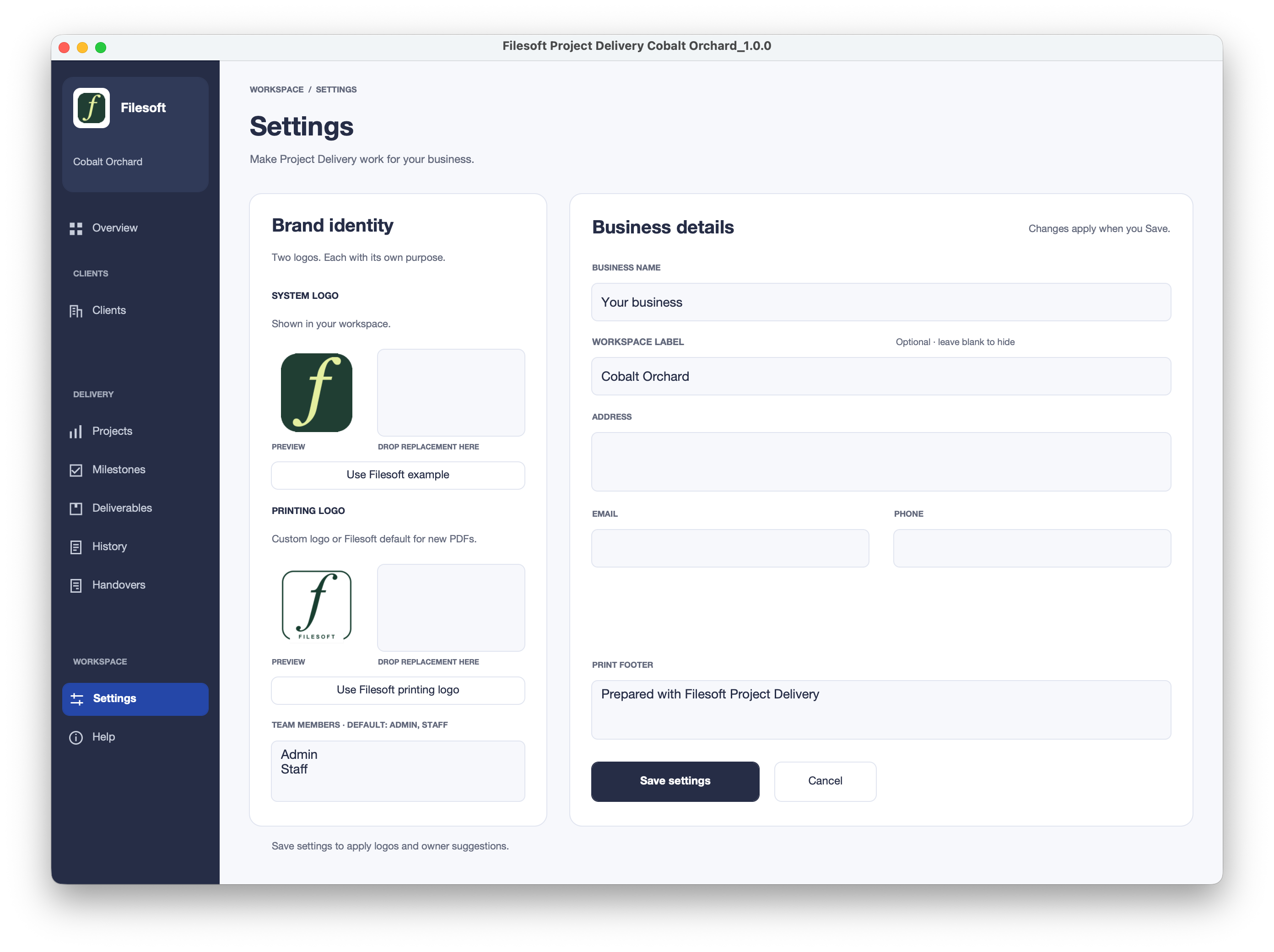
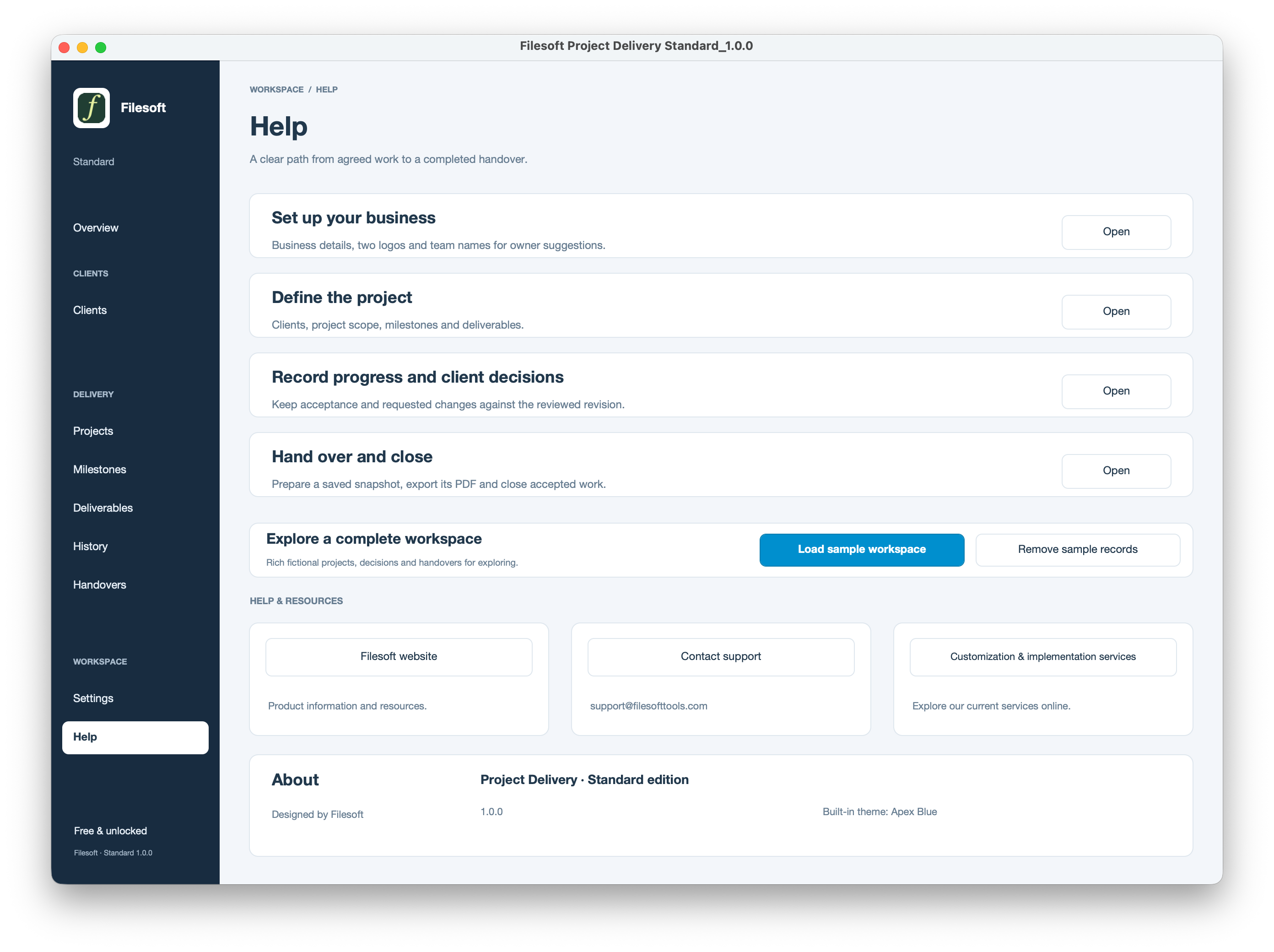
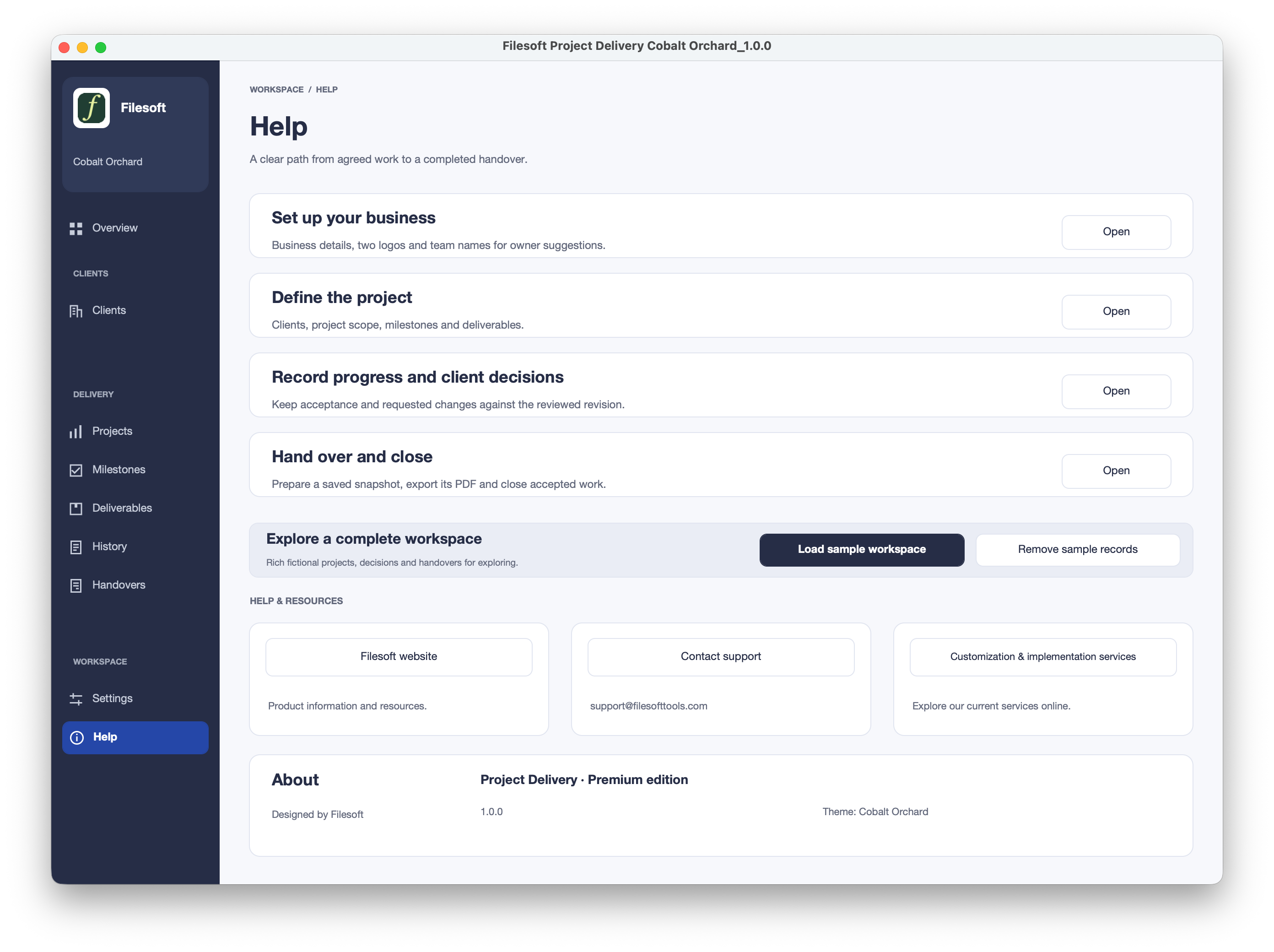
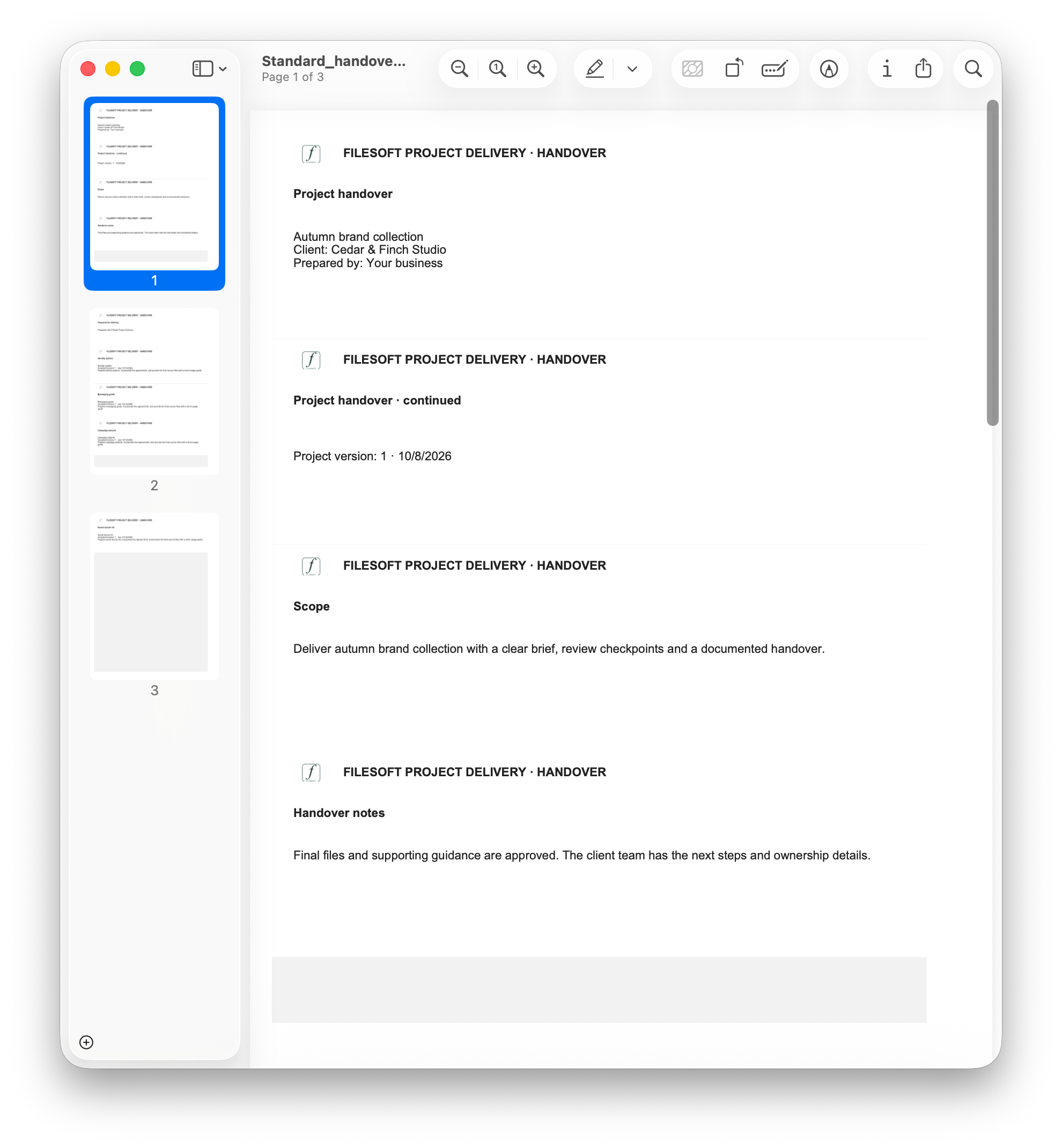
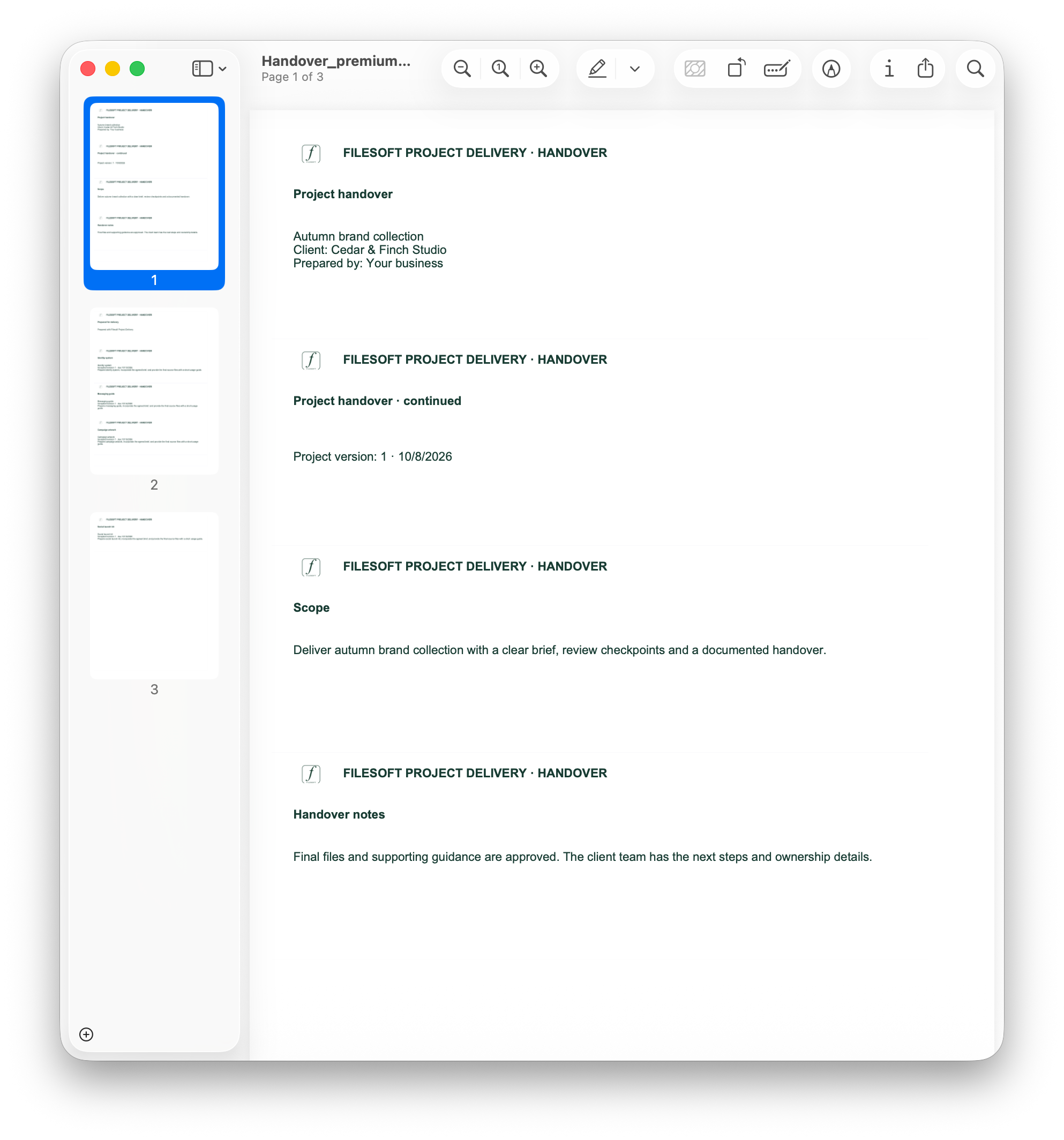
PDF previews are screenshots of the current output, not downloadable sample PDFs. They show the existing page spacing and repeated headers.
YOUR FIRST SESSION
BEFORE YOU DOWNLOAD
Requires FileMaker Pro, sold separately. Both editions were tested in FileMaker Pro 19 and 26 on macOS; exact patches were not specified. Intermediate versions were not individually tested. Windows compatibility is unverified. Desktop release; Go, WebDirect, hosting and multi-user use are not validated.
This is a standalone editable FileMaker workspace, not an installed add-on. Windows and macOS guidance ↗
FOR YOUR WORKFLOW
Ask about tailored layouts, links to an existing client file, handover reports or a migration assessment. These are separate services, not included features or automatic upgrades.
Discuss a customization ↗Keep your existing workspace until a migrated copy has been reviewed and accepted.
USAGE & SUPPORT
Personal and internal-business use and customization are permitted. Resale or redistribution is not permitted. Support is best effort, without guaranteed response times or future updates. FileMaker licensing, hosting, implementation, migration and training are separate.
Premium includes the styled Project Delivery solution, not a separate full Cobalt Orchard theme license. It is a new empty file; purchasing Premium does not transfer existing Standard records or merge customizations.
RELEASE NOTES
Standard and Premium include clients, projects, milestones, deliverables, client decisions, history, saved handovers with PDF export, business settings and optional sample records.
HELP SHAPE THE NEXT IMPROVEMENT
Tell us what you use, what helped, and where you got stuck. A few sentences are enough. Please leave out customer records and confidential information.
Share feedback by email ↗Your feedback stays private unless we separately ask for, and receive, permission to publish an agreed quote and attribution.