Courses & sessions
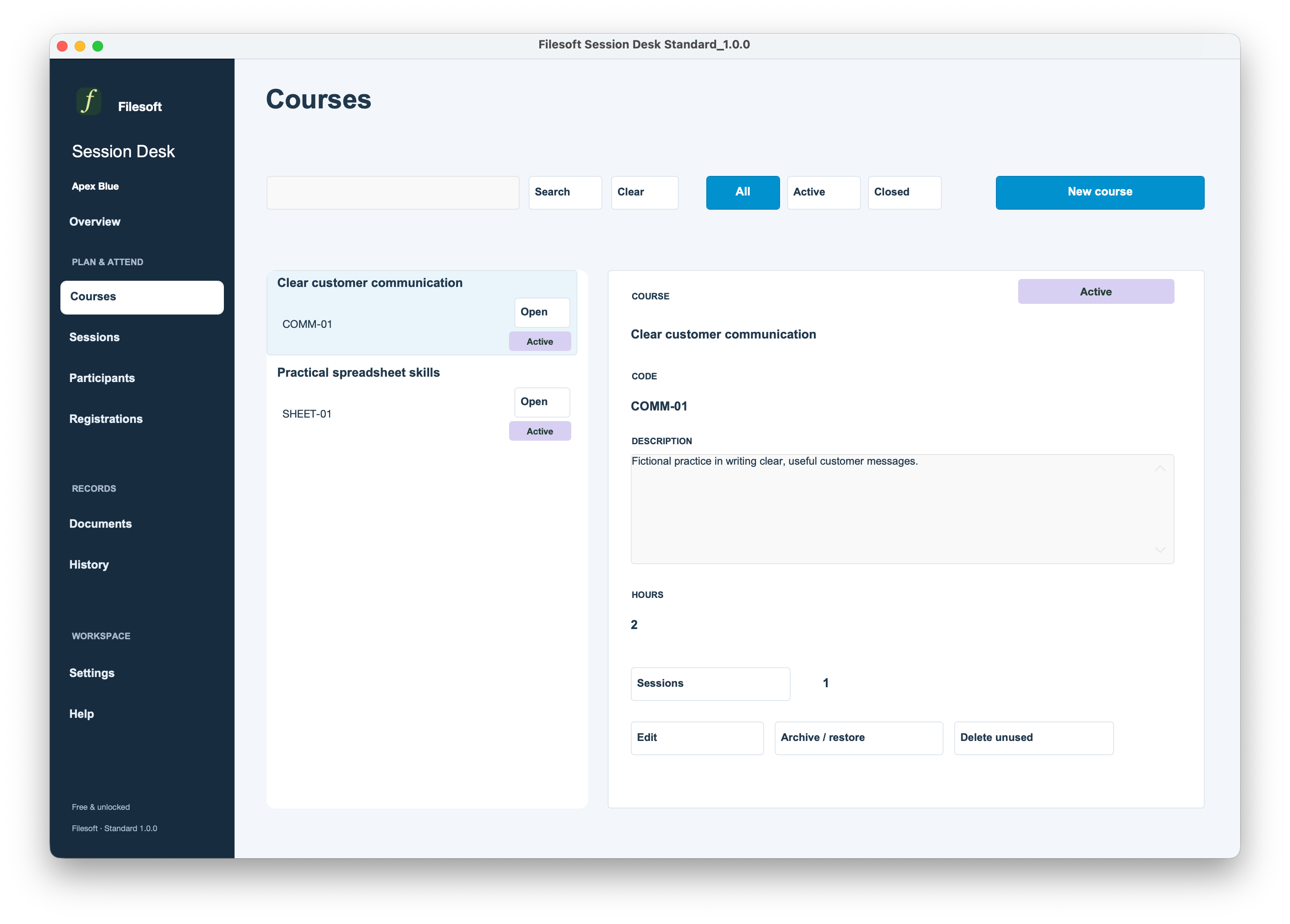
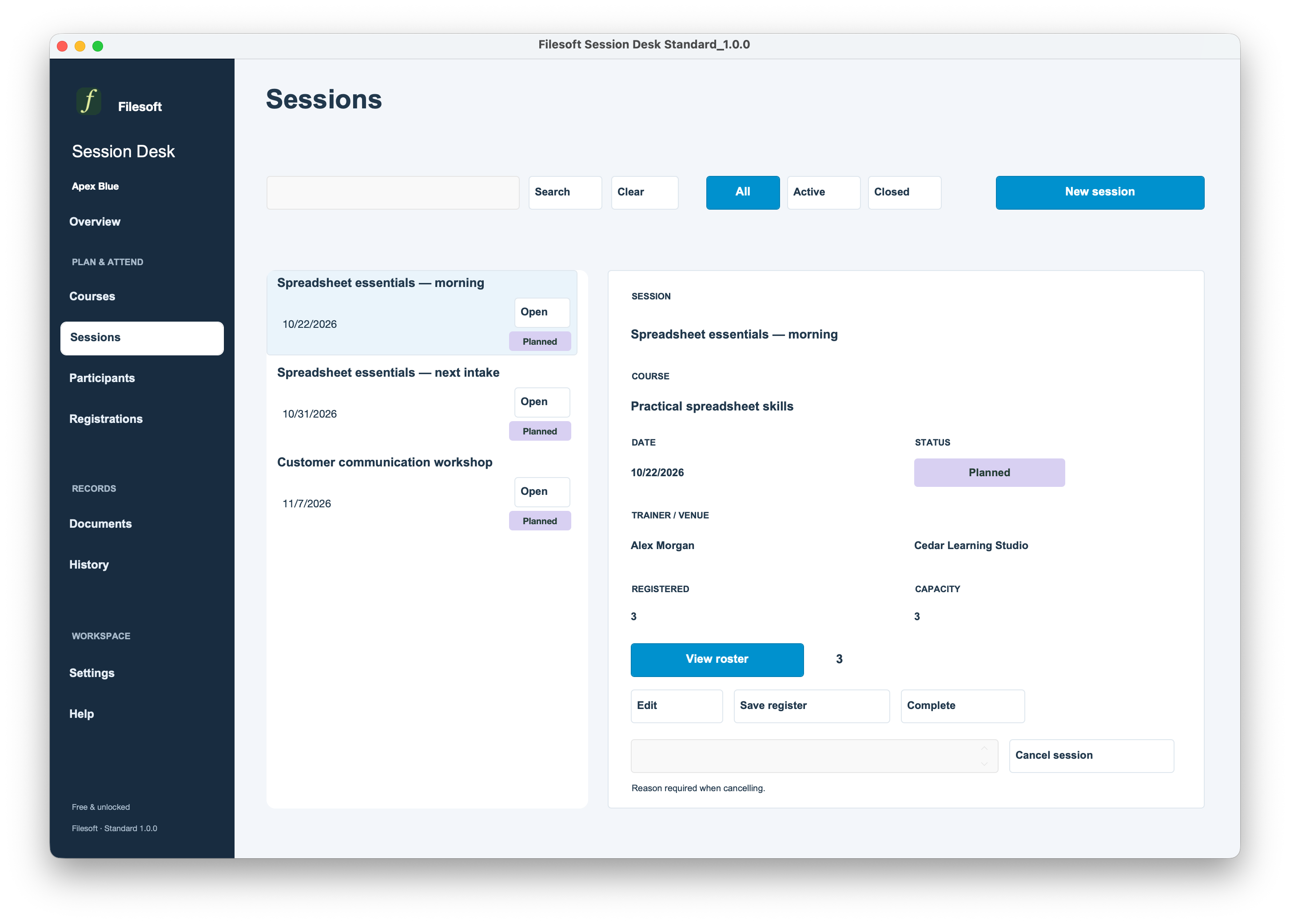
Keep course descriptions, duration and codes. Plan each session with its date, trainer, venue, capacity and status.
STANDARD · 1.0.0
Courses, sessions, participant places and attendance in one FileMaker workspace.
Free and unlocked. Built-in Apex Blue presentation.
FileMaker Pro required, sold separately. Compatibility details.
Standard — Free · Overview
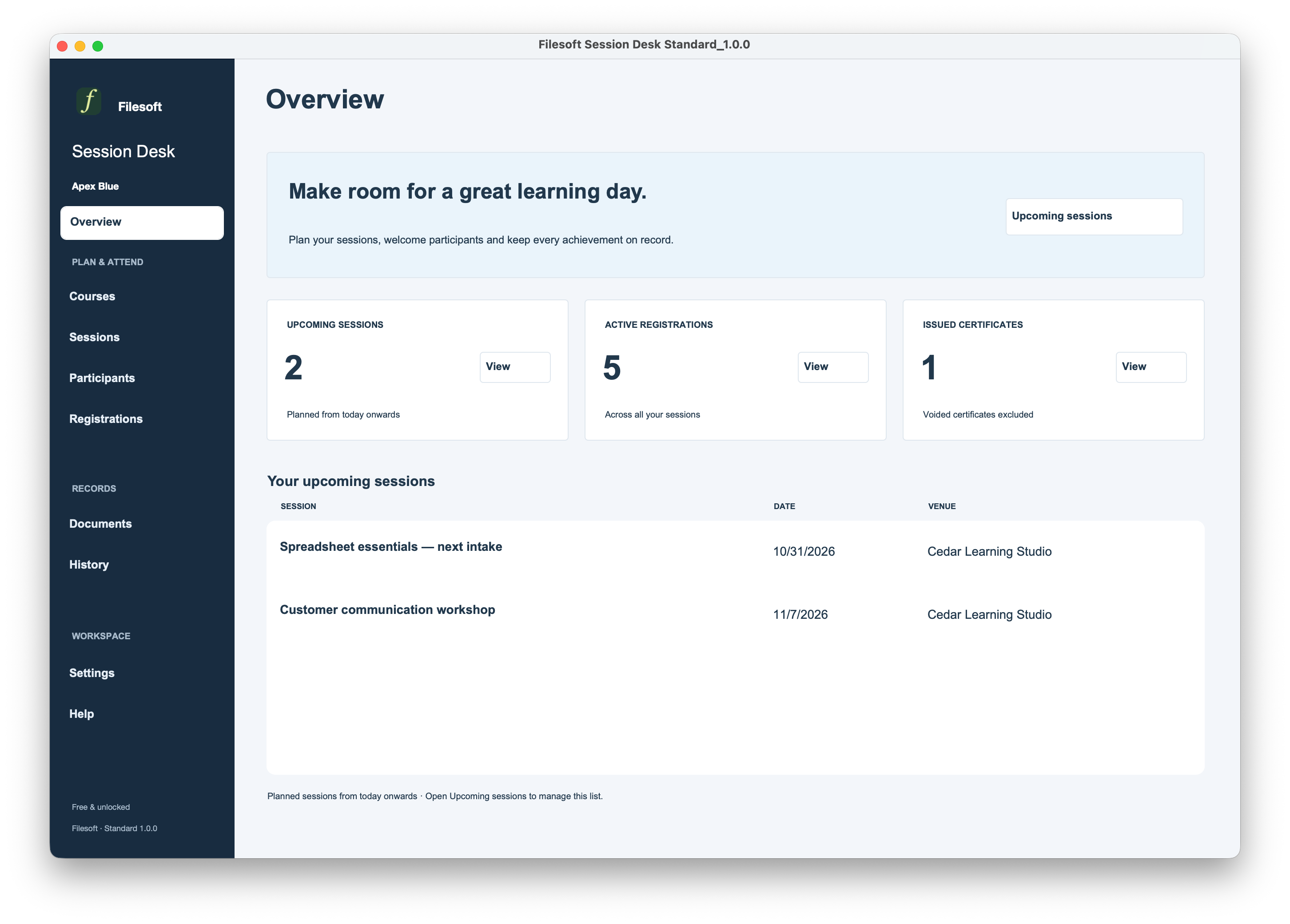
FREE · STANDARD 1.0.0
Enter your name and email. We will email a private download link for the empty Standard file and Read Me. The link expires seven days after your request. No automatic marketing subscription.
Keep course descriptions, duration and codes. Plan each session with its date, trainer, venue, capacity and status.
Link participants to sessions. Check capacity and duplicate registrations, with cancellation and restore when plans change.
Record Present or Absent explicitly for each registration.
Issue certificates for eligible registrations, retain snapshots, export PDFs and void a certificate with a reason.
Save session attendance registers and review document history.
Set provider details and separate system and printing logos. Create optional fictional examples from Help.
Standard — Free · Courses
Standard — Free · Sessions
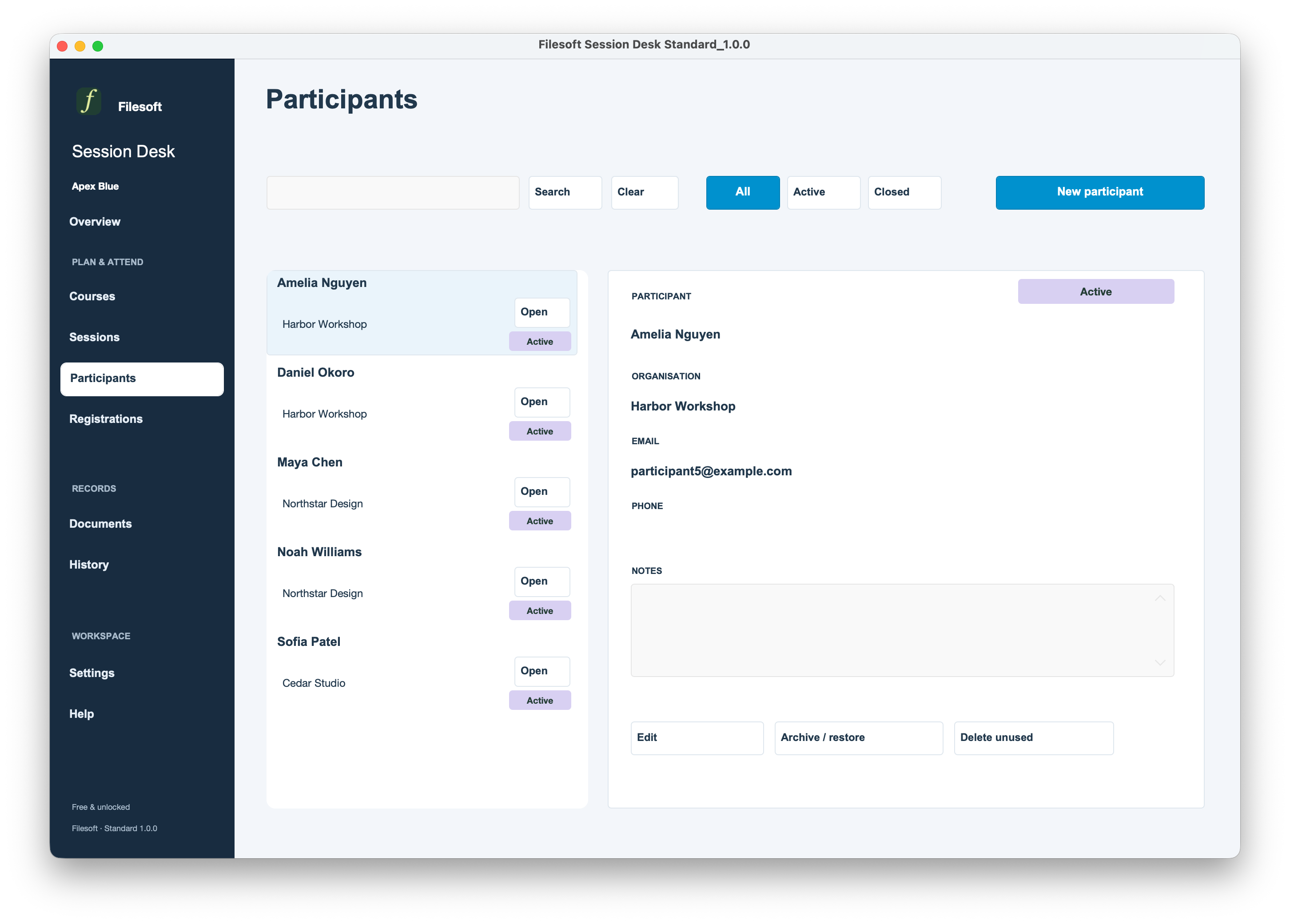
Standard — Free · Participants
Standard — Free · Registrations
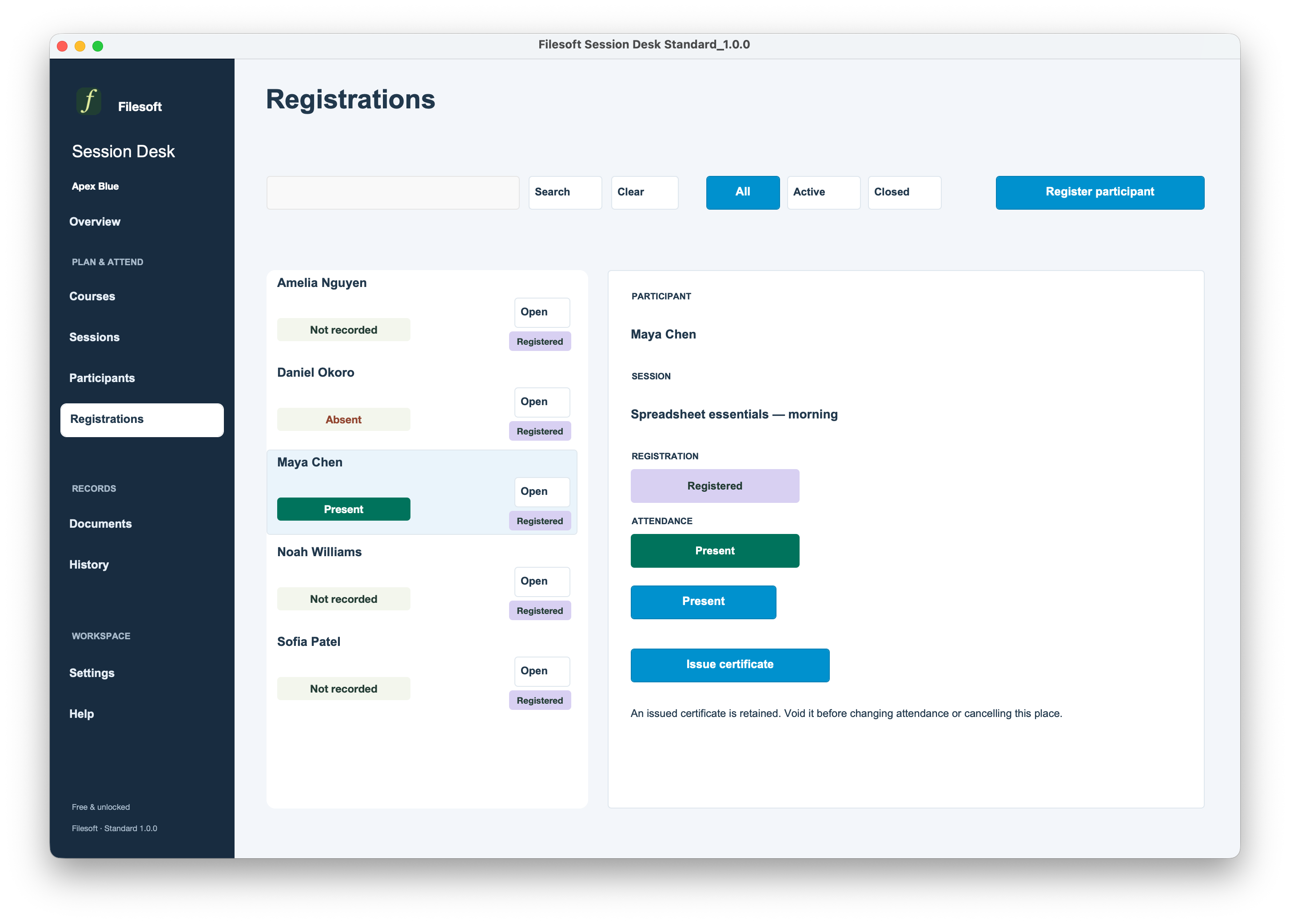
Standard — Free · Documents
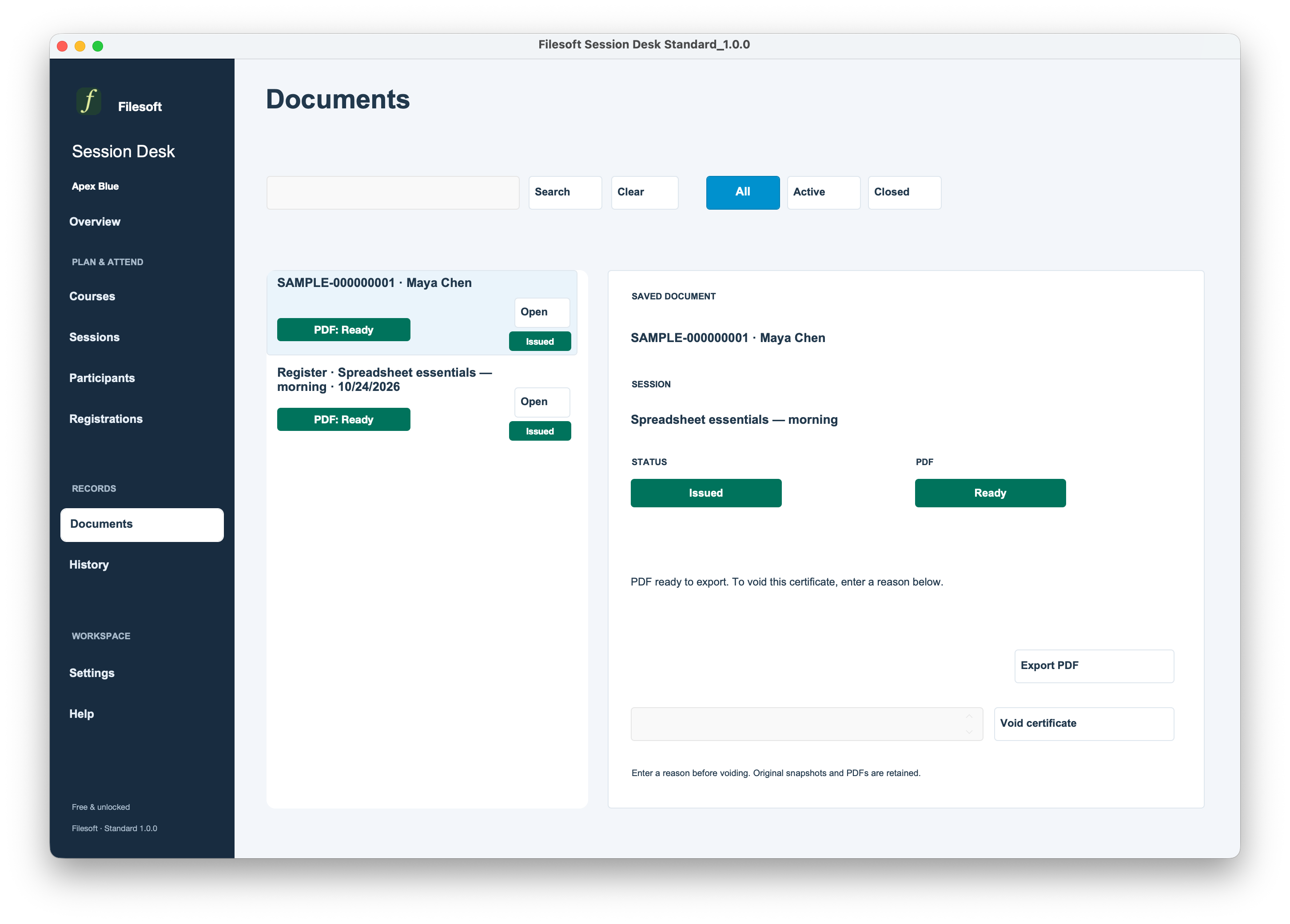
Standard — Free · History
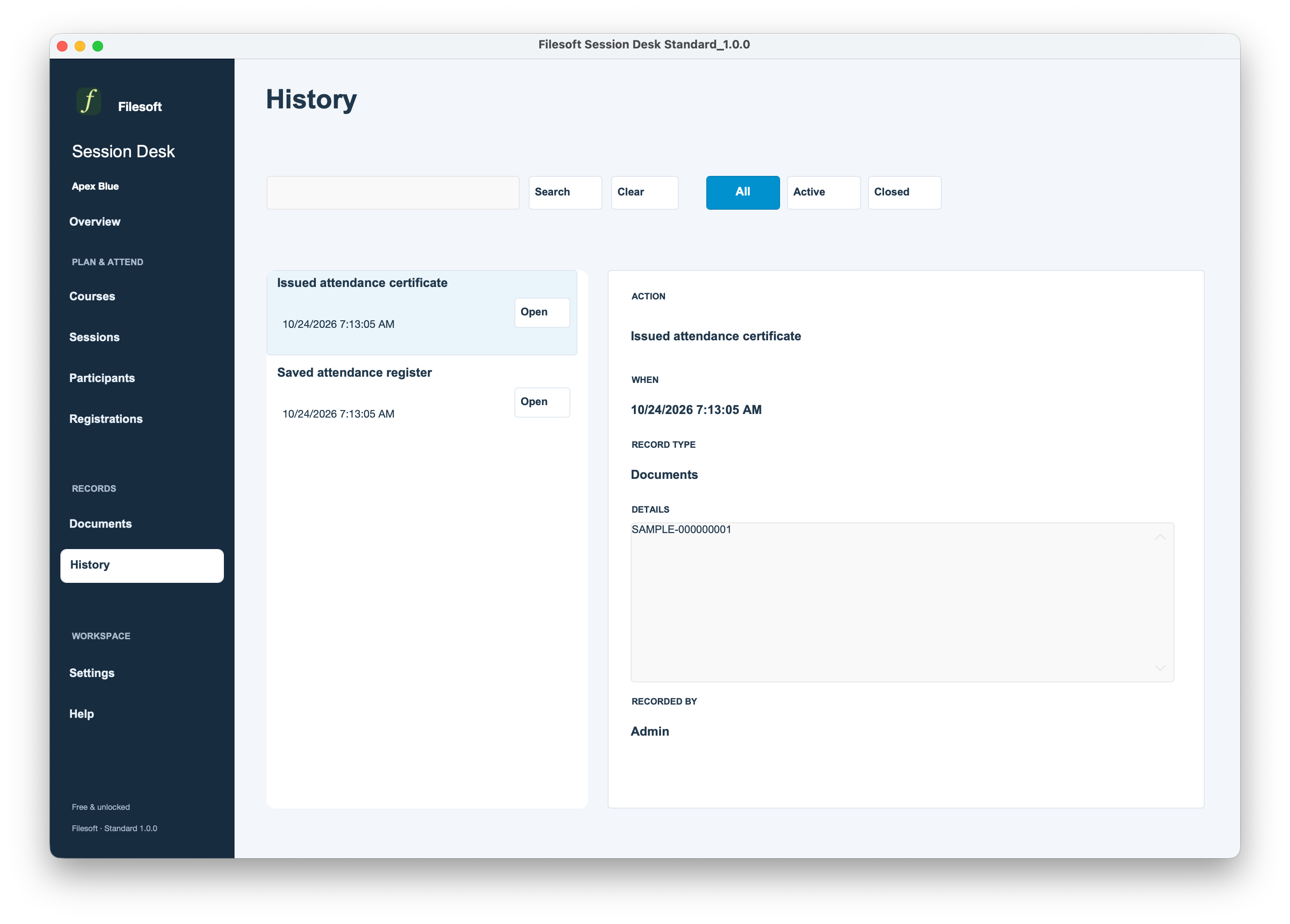
Standard — Free · Settings
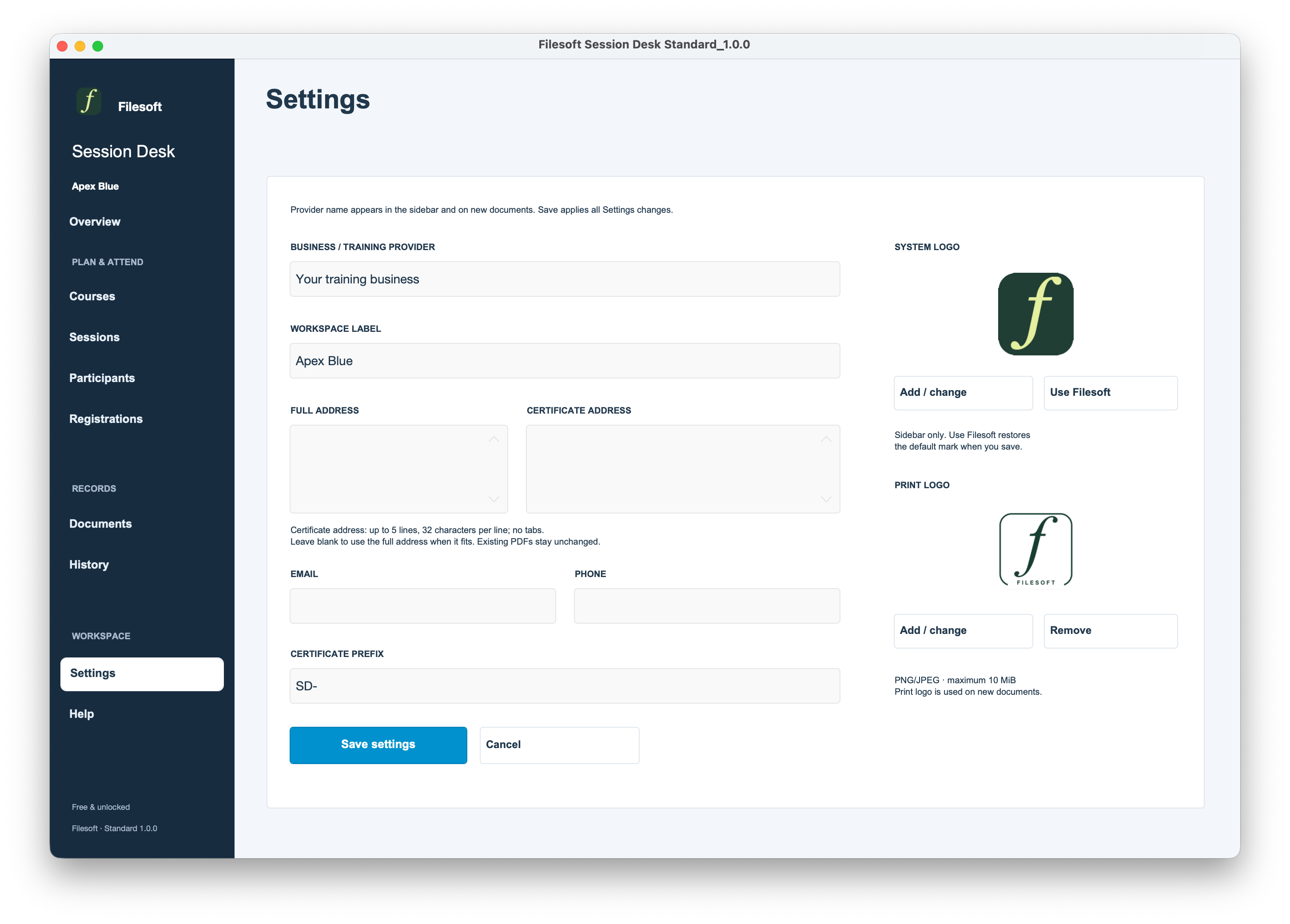
Requires FileMaker Pro, sold separately, for single-user desktop use on macOS. Designed from a FileMaker Pro 19.6.3 baseline. Standard has core-workflow checks in 19.6.3 and scoped testing in 26.0.3; Premium’s recorded tests used 26.0.3. Other versions, Windows, FileMaker Go, WebDirect, hosting and multi-user use are not validated.
For a small workshop or training provider with one administrator. Public booking, payment collection, automatic email, lesson content, grading, recurring-series automation and waiting lists are not included. Attendance certificates do not represent accredited qualifications or professional certification.
Personal and internal-business use and customization are permitted. Resale or redistribution is not permitted. Support is best effort, without guaranteed response times or future updates. FileMaker licensing, hosting, implementation, migration and training are separate.
Premium includes the styled Session Desk solution. No separate theme installation or purchase is needed to use it. A reusable Jade Meridian theme licence is a separate product and is not included.
Already using Standard? Premium is a separate empty file. It does not transfer records or merge customizations automatically. Keep your working file; migration is a separately scoped service.
Tailored session fields, registration workflows, attendance documents and migration can be scoped separately.
Discuss a customization ↗Standard and Premium Jade Meridian: courses, sessions, participants, registrations, attendance, documents, history and provider settings. Both packages start empty.