Find one value before writing a loop
An API response may be valid JSON and still be difficult to use. A customer name could sit inside several objects and an array; a similarly named key may appear elsewhere. Start by locating one known value. Once you can explain its path and type, build the rest of the extraction around that evidence.
Use FileMaker Pro 16 or later for JSONGetElement. The browser exercise needs no FileMaker installation. The sample below is fictional; replace private responses with a reduced, anonymized example before using it in a demonstration.
1. Paste the small response
{
  "requestId":"demo-42",
  "data":{
    "customers":[
      {"id":"C001","name":"Maya","address":{"city":"London"},"balance":0,"active":true},
      {"id":"C002","name":"Noor","address":null,"balance":125.5,"active":false}
    ]
  }
}
In JSON Explorer, paste this into the JSON input, validate it, then choose Explore JSON. Select the value for the first customer’s city. You should see London as a string. If you cannot locate it, filter the tree using “city”, then check which parent object contains it.
2. Read the path from left to right
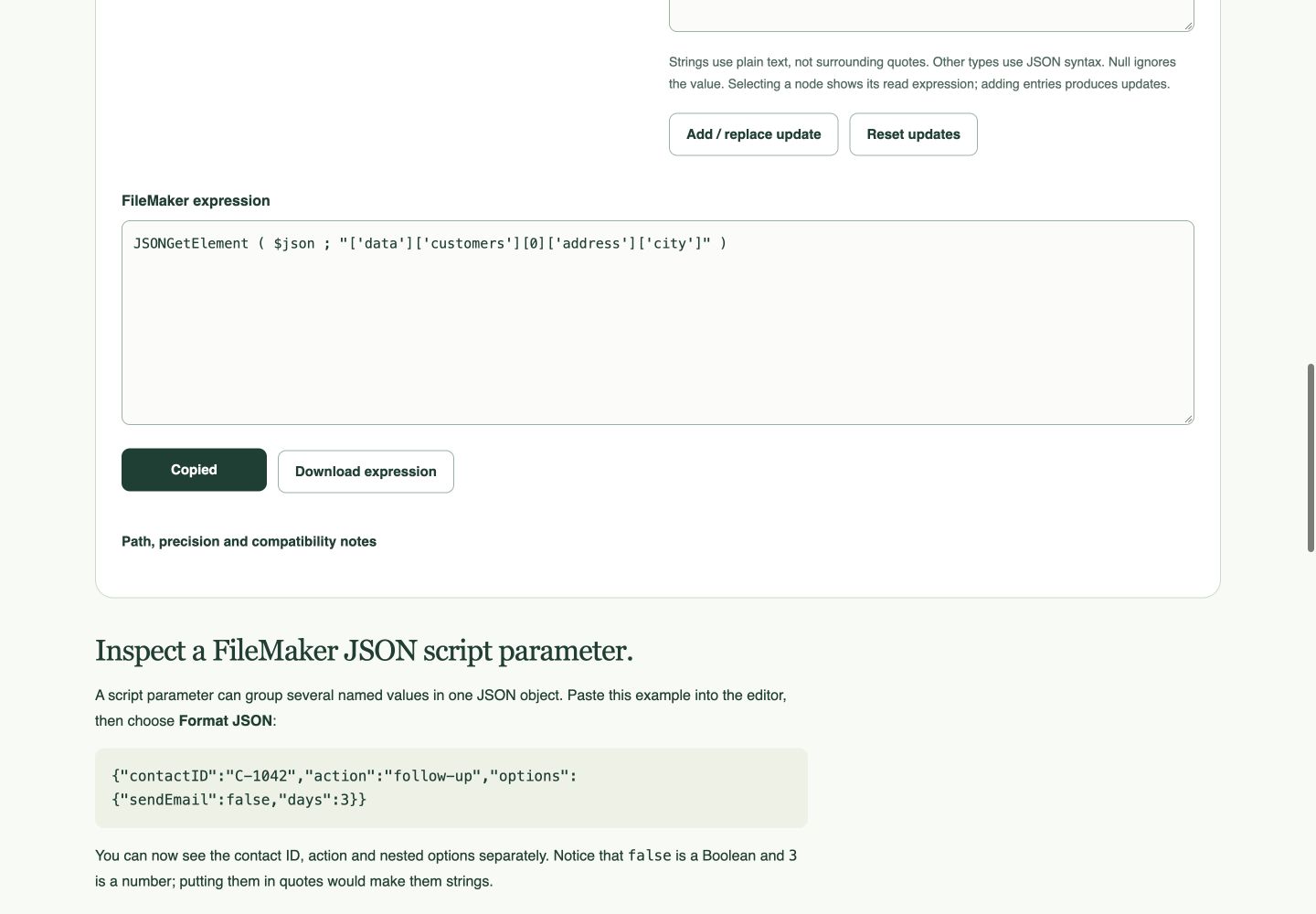
The route is data → customers → first array item → address → city. Arrays count from zero. The first customer is index 0; the second is index 1. Copy the expression shown for the selected value. Equivalent bracket notation may look more verbose than the expression below; it still identifies the same value.
FileMaker calculation
JSONGetElement ( $json ; "data.customers[0].address.city" )Here $json must contain the entire sample response, not just the selected customer. In a practice script, put the sample text in a text field, assign that field to $json, and evaluate the expression within the same script. If using the Data Viewer, point the expression directly at the text field or establish the variable in that context. Expected result: London.
The Claris function reference explains the path syntax and returned types. Keys containing a literal period need bracket notation: ['customer.name'] identifies one key, not a customer object containing a name key.
3. Check the type as well as the value
| Path | Expected value | JSON type |
|---|---|---|
| data.customers[0].id | C001 | string |
| data.customers[0].balance | 0 | number |
| data.customers[0].active | true | boolean |
| data.customers[1].address | null | null |
JSONGetElement returns a number for numeric and Boolean values; true becomes 1 and false becomes 0. Do not use “is the value zero?” to decide whether a key exists: a zero balance is valid data. Keep identifiers such as C001 as text. Avoid converting numeric-looking identifiers to numbers when leading zeros or exact digits matter.
4. Separate absent, null and empty values
The second customer deliberately has no address object. Selecting address shows JSON null; trying to walk through it to city is a different question. A missing key, a null value and an empty string should not automatically trigger the same business behavior.
- Change the second address to
{"city":""}, explore again, and select city. The key now exists with an empty string. - Remove the address key entirely and explore again. There is no address node to select.
- Restore the original sample and confirm the null node is visible.
Decide what each state means before updating a record. For example, an omitted key might mean “leave the existing address unchanged”, while an explicit null might mean “clear it”—but only if the API’s contract says so. The tool displays the payload; it cannot define that contract for you.
5. Avoid turning a sample position into a permanent rule
Index 0 means first in this response, not “customer C001 forever”. Reverse the two customers in the sample and the same index points to Noor. If you need a specific customer, iterate the array and compare each id, or use the API’s documented filtering option. Do not assume sorting or position stays stable between calls.
Try replacing the customers array with []. A production routine must handle this case without reading item zero as though it exists. Also test malformed input separately: fixing a path will not repair invalid JSON.
Your extraction checklist
- The input is the complete object expected by the expression.
- The selected node belongs to the intended parent and array item.
- The type matches your destination field or calculation.
- Empty arrays, missing keys, null, false and zero have deliberate handling.
- Reordering the response does not silently attach the wrong customer’s data.
Use Copy expression for a reader. The builder’s “add” controls prepare JSONSetElement expressions for writing values; those are a separate operation. Save a small successful response and its expected values alongside your integration tests.
References
Use a practice copy and verify the result in your FileMaker version. Browser screenshots demonstrate the tool; they do not establish native FileMaker testing.