Your first session
Open Filesoft Contact Journal_1.0.0.fmp12. Normal startup creates preferences. Start with New contact, enter details and Save. Open journal to log conversations or follow-ups. Use Follow-ups to review Overdue, Due today and Upcoming work; complete, cancel or reopen it. Rescheduling and status changes retain dated history and outcomes in the journal. Save before navigating or changing selection. Cancel or Back discards unsaved editor values. Save title/date/notes before completing or cancelling; enter an outcome, then change status. Resolve open follow-ups before archiving a contact. Archived contacts can be permanently deleted with all conversations, follow-ups and history after confirmation. This cannot be undone. Active contacts with history must be archived first; unused active contacts can be deleted.
Samples and backups
This download contains no saved business records. Use Real · view samples for fictional examples. Samples are separate from real contacts, load once and retain changes. Dates are relative to first loading and age normally. New contacts are real records. There are no record limits or expiry. There are no scheduled notifications or automatic email messages. Back up the saved, closed file regularly. Keep your populated working file when downloading updates; a new empty customer download does not migrate or replace your saved records.
Common questions
Save title, date and notes before changing follow-up status. Resolve open follow-ups before archiving a contact. Deleting an archived contact permanently removes its conversations, follow-ups and history after confirmation.
Requirements and scope
Requires Claris FileMaker Pro, sold separately. Designed for FileMaker Pro 19.6.3–26 (reviewed on macOS; Windows unverified), single-user desktop use with one working window. Filesoft tested the accepted alpha.6 build in FileMaker 19 and 26; exact patch versions were not specified. Intermediate versions were not individually tested. Windows, FileMaker Go, WebDirect, hosting and multi-user use are not validated.
Backups and updates
Save and close the database before making a filesystem backup. Keep earlier versions and a separate practice copy.
A fresh download does not transfer your saved records. Keep your populated working file and contact Filesoft before moving to another version.
Reference screenshot
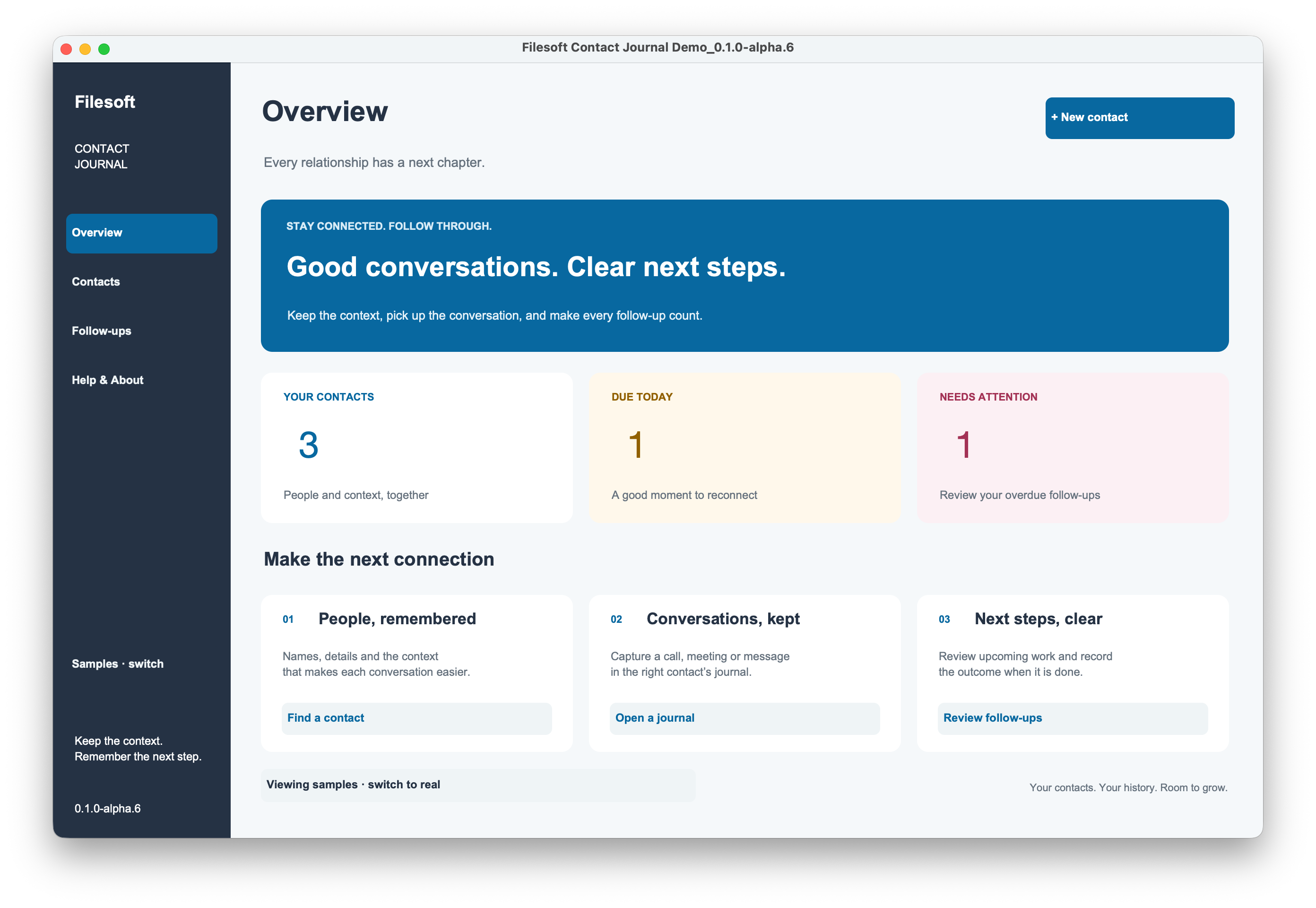
Workflow preview: alpha.6 · Download: 1.0.0
Help and support
For download issues, visit Help & downloads. For product questions, email support@filesofttools.com with the product version, FileMaker version and a description of the issue. Use fictional examples if you include screenshots.
Using the other format? Contact Journal Add-on guide.
Return to the product page · Release notes · All product guides